EXP G40 Game 3 Trout vs JCat
-
hmm ... can you start a game in local and let me know your engine version ? I edited above with an example
-
@johnnycat said in EXP G40 Game 3 Trout vs JCat:
at another location
I wouls suspect that is the problem then
-
@beelee sorry but I don't understand how to do that. Open the game and press what?
I got rid of the other copy. I am still showing this:
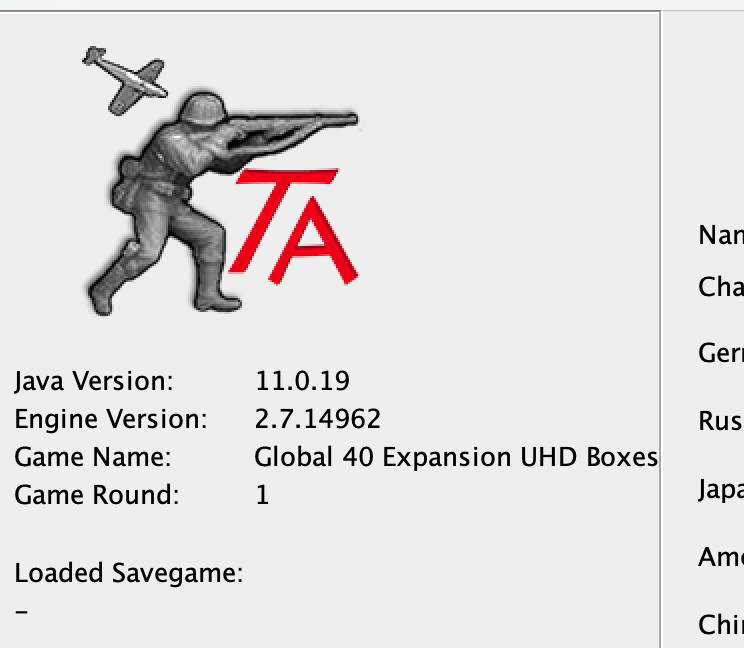
-
are you trying to be deliberately obtuse ?
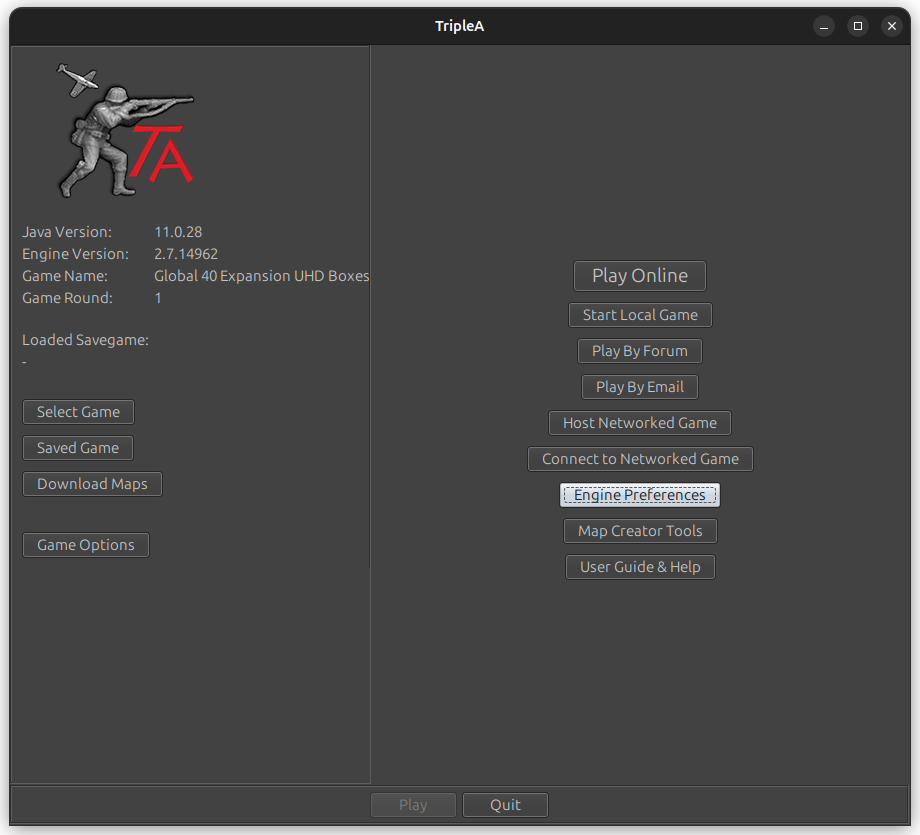
click on triplea. The little army dude this is what comes up
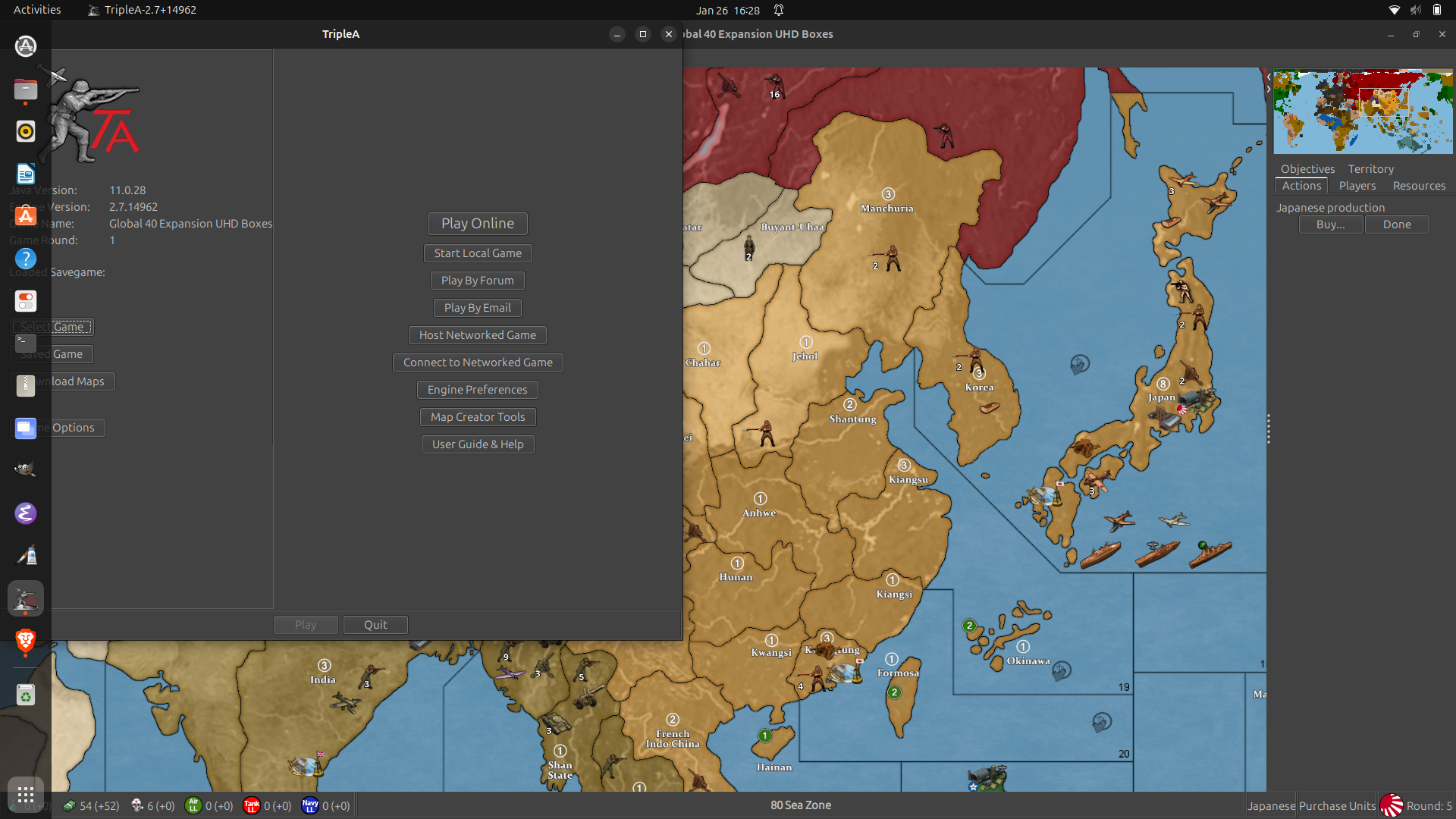
Edit OK you are on 14962
-
@beelee NO I am NOT being obtuse mate. I just don't know all this jargon.
And why is the game version so close to the engine version, hahahaha. First thing I would change...
But on the Mac I cannot get that window to show up unless I save, close, then open the save
AND I STILL DONT SEE game version and numbers like 2.5 anywhere
-
so you are on 14962. That is not the problem then. My guess would be the different location/path Idk what it's called that you changed is the problem then. i dk how to fix that.
Just reverse what you did is my suggestion. i can help no further other tahn to say uninstall it completely and then reinstall
-
@beelee Heavy Sigh
That is what I did
Please tell me where I can see game version numbers of 2.5 or 2.6 ???
Also I did not "change" anything. I just got some new computers and put triplea on it. this stuff cannot possibly be this difficult so I'm guessing there is something easy like synching the game version numbers - but I cannot find how to even show the game version numbers
-
when you first start a game you will see this
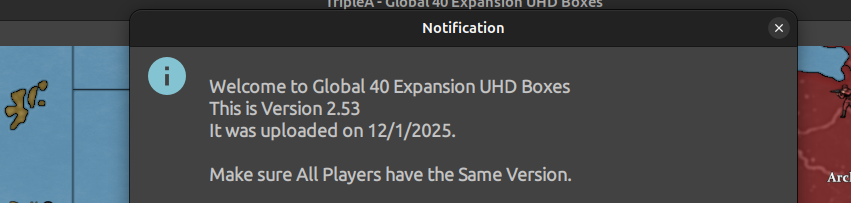
That is the "Game" version.
This is the "Engine version"
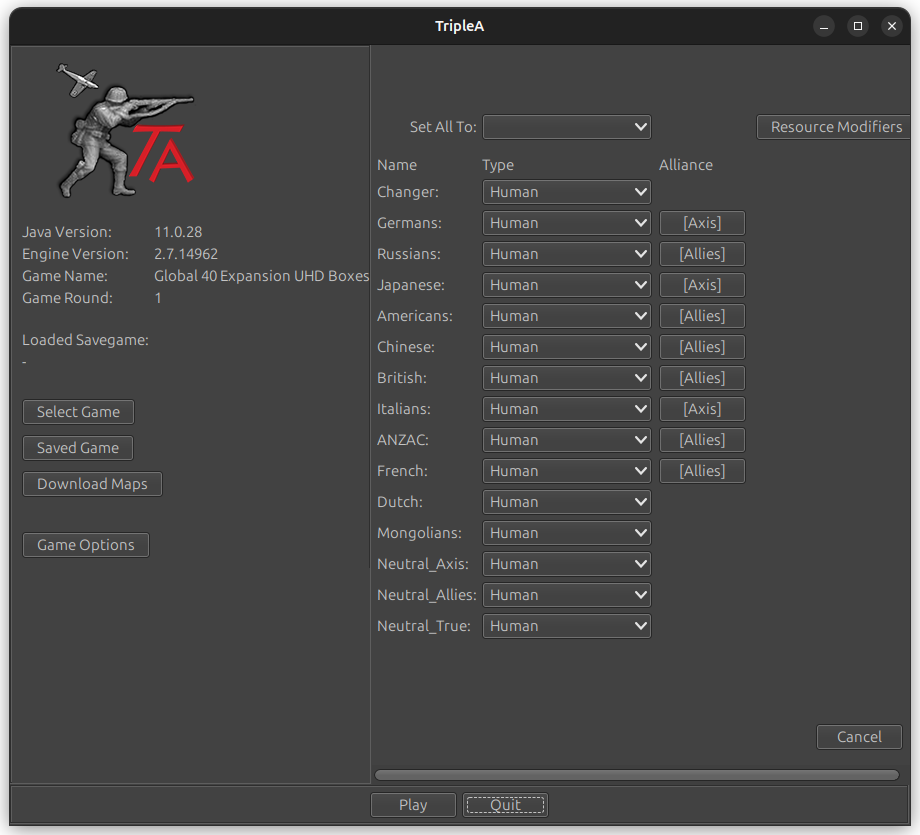
-
@beelee NO SIR that is NOT DISPLAYED on my Macs
I am shown the House Rules and then a bunch of in game scenario stuff. NOTHING about game or engine version.
Is that the only way for y'all PC users to see the game version number is at the start?
-
@johnnycat said in EXP G40 Game 3 Trout vs JCat:
this stuff cannot possibly be this difficult
sadly it can be. People struggle all the time with the new computer thing. I know I do

-
yea I'm on linux so that's how it works for me. It used to show the "Game version" to but dan removed that. That's why i had to make a notification at Game Start saying which one it is now lol
Did you read the above link about macs ? I guess you can ask him if you can't get it to work. I can't help with that
-
@beelee I wonder if that "notification" is some popup that gets blocked? No that makes no sense... I just don't get it.
Anyway I have the same triplea engine so I think the issue is in the game number because all my new stuff does not see @trout 's files and complains that this stuff is from a newer game.
So where can I download older versions of the game/map not the engine?
-
@beelee ok thanks. I cannot make any sense of that tho
-
-
one other thing to try. Notifications could be disabled. You have to go to "Engine Preferences"
"Game"
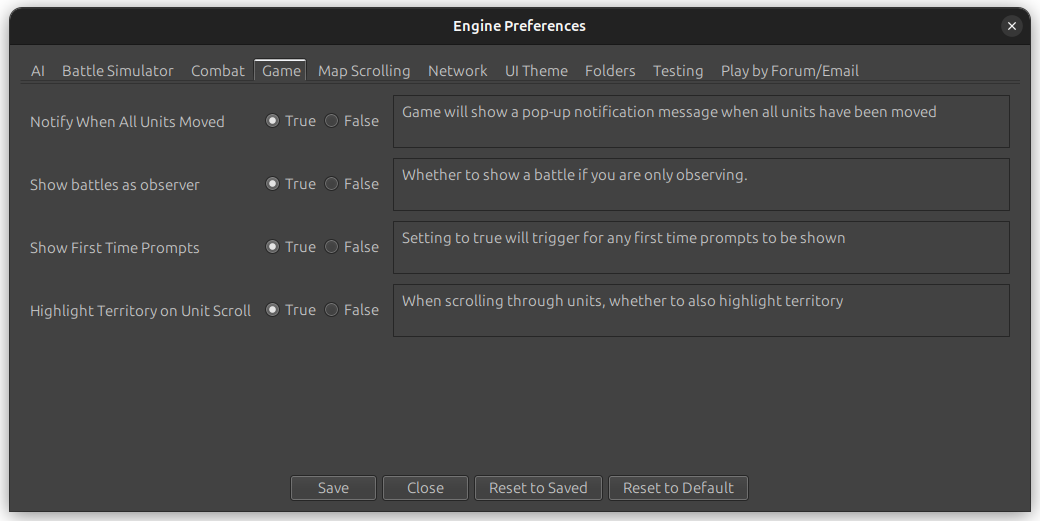
See if Show First Time Prompts is True
-
-
@beelee ok well I will redo on that map tho I made no changes.
Also note that I cannot find any way to show a window like you did that shows "engine Preferences". could you tell me how you showed that window?
-
@beelee. OK I found how to do that on the Mac. very different but works and popups were allowed
-
this is how to get old versions of the "Game" https://forums.triplea-game.org/topic/4025/how-to-dl-old-map-versions-in-git
Start triplea and show me what you get when it first starts
-
yes mac and triplea don't play well together. Actually it's basically a windows world we all have to live in whether we like it or not
Perhaps you could do a self help for mac users post and put it unde rPlayer Help
Edit
as others will surely have the same problem and Idk what you did to make it work

Hello! It looks like you're interested in this conversation, but you don't have an account yet.
Getting fed up of having to scroll through the same posts each visit? When you register for an account, you'll always come back to exactly where you were before, and choose to be notified of new replies (either via email, or push notification). You'll also be able to save bookmarks and upvote posts to show your appreciation to other community members.
With your input, this post could be even better 💗
Register Login