Trouble with Polygon Grabber
-
I am trying to run this map through the map creator tools, but for a bunch of territories I keep getting errors with the polygon grabber, even though I checked everything and the maps looks fine to me at all places.
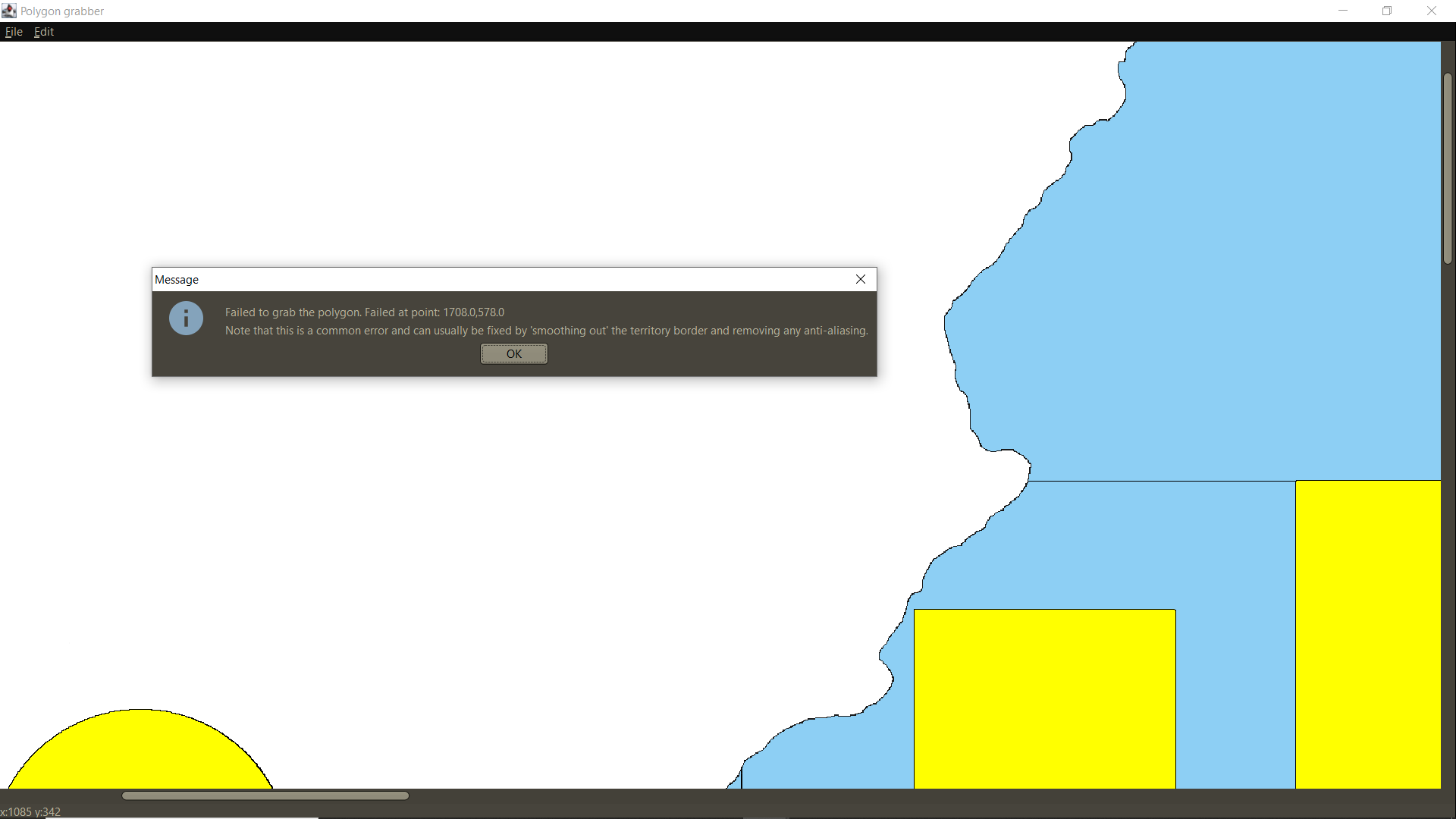
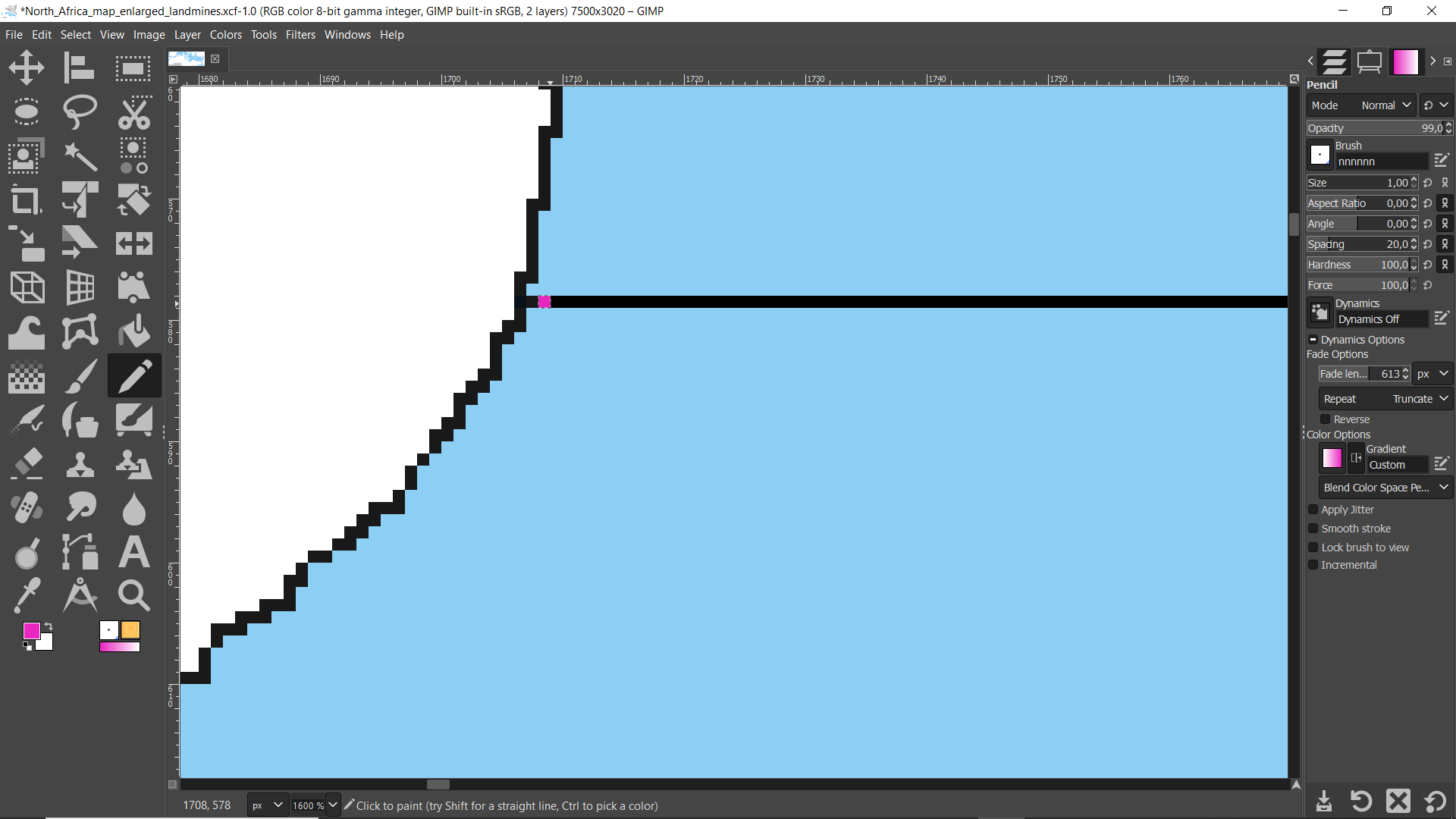
When I try to change the border a bit, the location of the error just changes.
Half of the territories had no problems, but the tool refuses to grab the polygons of the other half for no obvious reason.
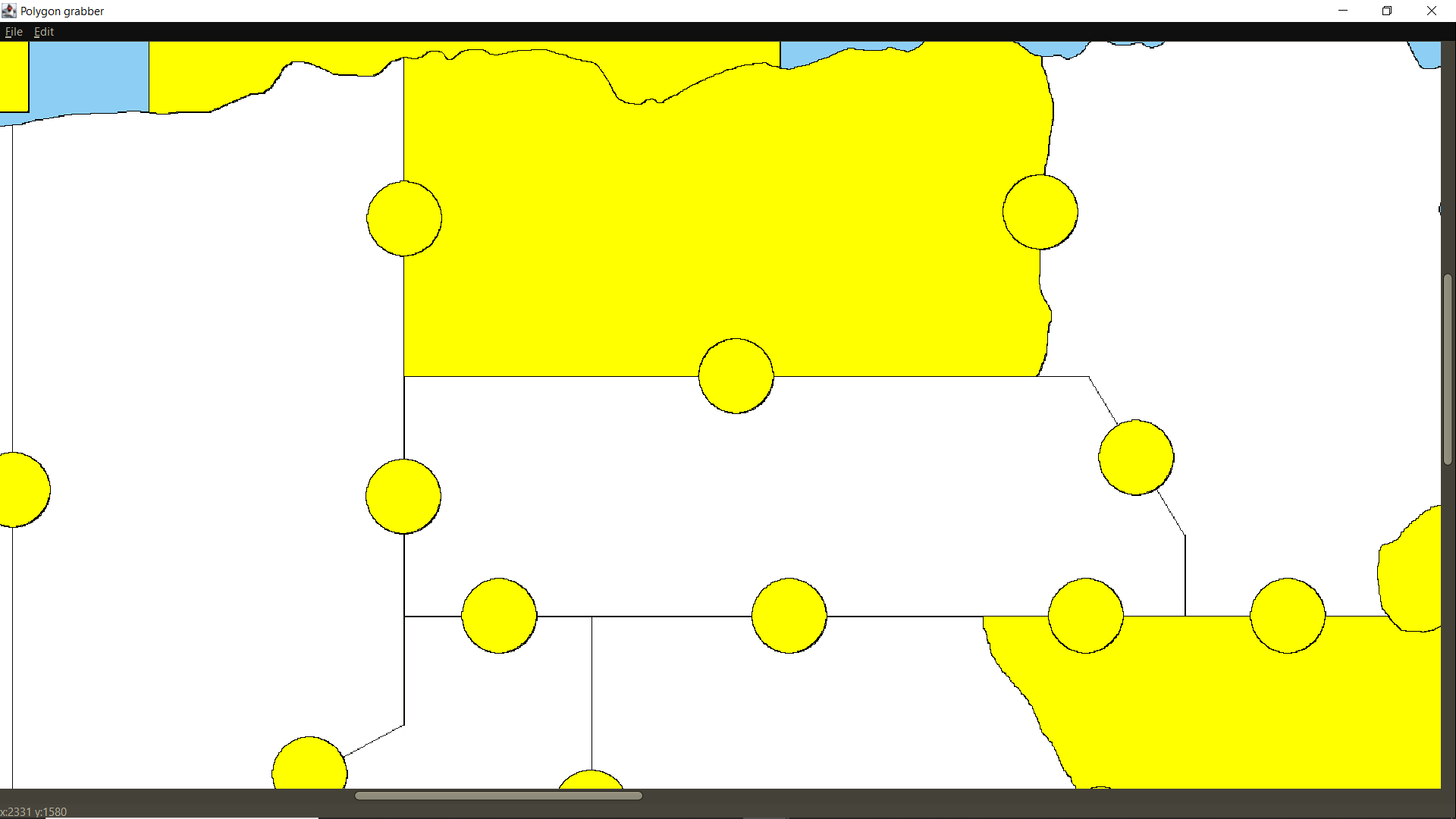
Does anyone know why this happens?
-
If anyone wants to try it themselves, here are links to the PNG and XCF (the GIMP file) of the map.
-
Having the centers.txt would be helpful, as this is required prior to running the poly-grabber.
Cheers...
-
You're right. I forgot. I also attached the polygons.txt file so you know which territories did work.
-
No problem. Will look at this, but football and Thanksgiving may cause some delay.
Go Lions!!
Cheers...
-
Hi wc, were you able to take a look at this? I am completely clueless and you are our only help

-
Sorry, 'tis the season.

I've given it a spin with the same results. So, at the moment no answers.
Cheers...
-
Using the Polygon Grabber, under Edit, there is Clean up Image... It takes a long, long time, but it does work. After doing this it going to want to reload an image, don't, just give the new image a name. Now under File there is Save Image... Save the new image as a png and the Polygon Grabber worked like a charm!
So Clean and Save. I would upload the new image but it's telling me it's too large. North_Africa_map_enlarged_landmines.png is 165KB while the new image is 257KB. So, you should see a difference in size between the 2 images.
Hope this helps.
Cheers...
-
What I have done.
First loaded your base map into paint.net, and changed all the blue water to white, and the gray unused area to white. So, the base map was only white with black borders.
Next loaded the map into centers and named the gray areas to "Unbound Area 1" and "Unbound Area 2". Also, a small area near the middle was named "What's This?" and a sliver near the bottom left corner named "Missed This". Plus, a sea zone at the top right corner name "Unknown Sea Zone 1". Thats five zones total named.
Loaded new map into Ploy Grabber, but I did not load the old poly file, I deleted it. Did the Clean under Edit. Put the grabber into Island Mode and selected all areas. (hopefully the map will load)
centers.txt
polygons.txt
Cheers...
-
Thank you so much for this! Could you perhaps try to send the map file to me via WeTransfer? Email is victorlucasbeck@gmail.com.
I didn't know Clean Map Image would work. I have never tried it before because it takes so long so I am always too impatient and stop the process before it's finished.
I see you've managed to grab all polygons I failed to grab, awesome!
-
@victoryfirst said in Trouble with Polygon Grabber:
I have never tried it before because it takes so long so I am always too impatient and stop the process before it's finished.
Because of the colors (blue for water and gray). When those were removed, the cleaning was a snap!
Cheers...
-
Hi, I have two more questions
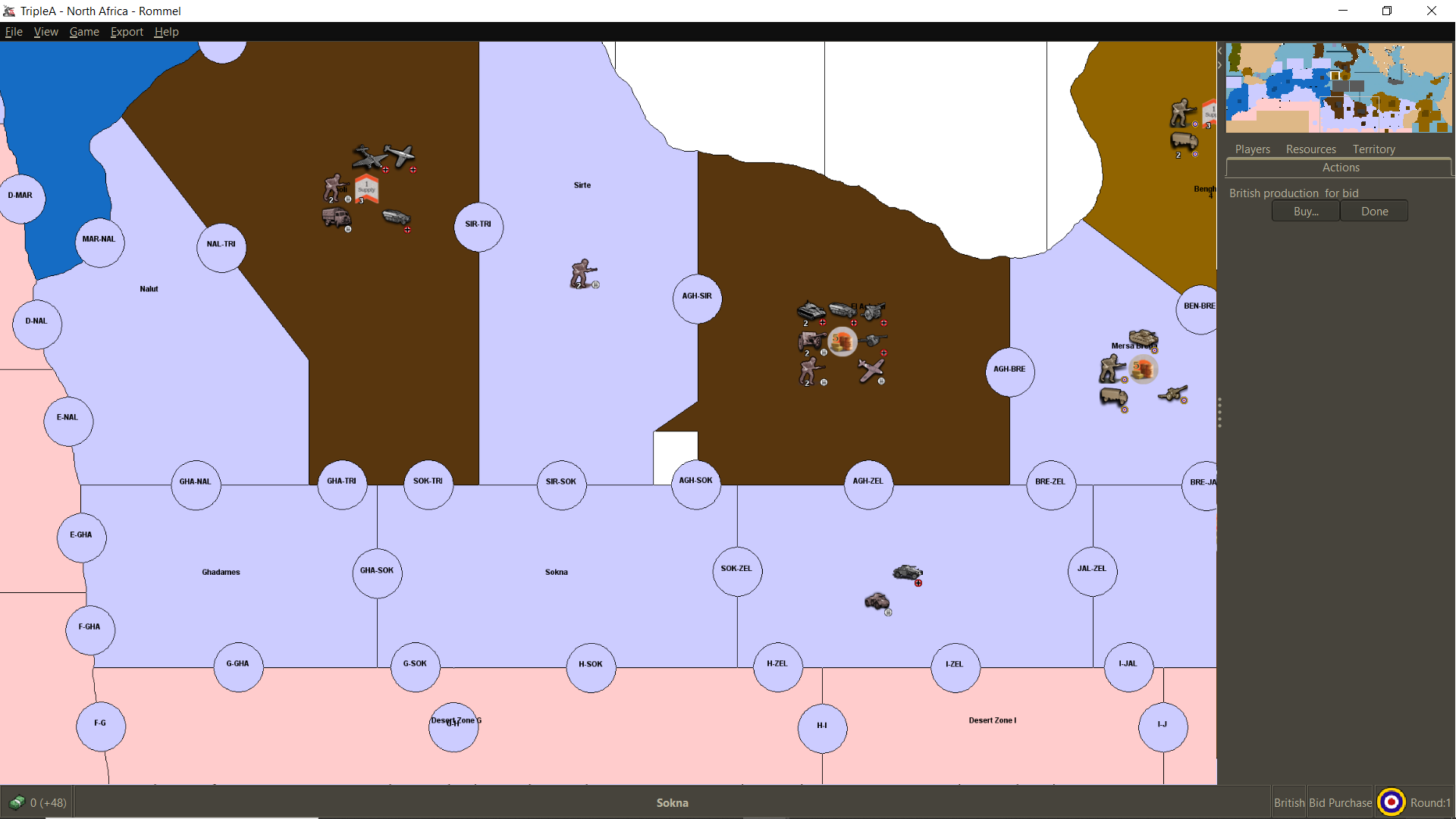
I noticed this extra white territory bordering Sokna that shouldn't be there. I tried to remove it but then it fails to grab the polygon again. Is there a way to get rid of that?
Also, "Desert Zone G" (the big yellow territory at the bottom) needs to be split into two, with a "Desert Zone H" to the right of it and the border running through "G-H". However also here it won't grab the polygon if I try to make any changes.
For the rest the map looks great! But for a final release these two problems need to be solved and I don't know why the polygon grabber fails to grab certain stuff sometimes.
-
@victoryfirst said in Trouble with Polygon Grabber:
Also, "Desert Zone G" (the big yellow territory at the bottom) needs to be split into two, with a "Desert Zone H" to the right of it and the border running through "G-H".
Did you add the new border bisecting G and then adjust the centers for H and G ? You can adjust them manually. Might be easier actually.
Anyway, worth a shot if you haven't tried it already.
-
@victoryfirst said in Trouble with Polygon Grabber:
I noticed this extra white territory bordering Sokna that shouldn't be there. I tried to remove it but then it fails to grab the polygon again. Is there a way to get rid of that?
That little area is what I called "What's This?", and I'm assuming that it is suppose to be part of El Agheila. There seems to be a problem with the border there, and it got created when I tried to clean the map. Go figure. It not that hard to take care of, "What's This?" will need to be edited out of the poly file, then El Agheila can be reselected to include that area.
As to the desert zones, the border did not completely touch the bottom of the map, thus cleaning removed that border. The border would need to be redrawn, insuring that it touches the bottom. Then the two area can be reselected.
These files have split the desert and have "What's This?" removed, but they still contain the other names for the missing areas.
Cheers...


Hello! It looks like you're interested in this conversation, but you don't have an account yet.
Getting fed up of having to scroll through the same posts each visit? When you register for an account, you'll always come back to exactly where you were before, and choose to be notified of new replies (either via email, or push notification). You'll also be able to save bookmarks and upvote posts to show your appreciation to other community members.
With your input, this post could be even better 💗
Register Login