Ancient Empires: 222 BC
-
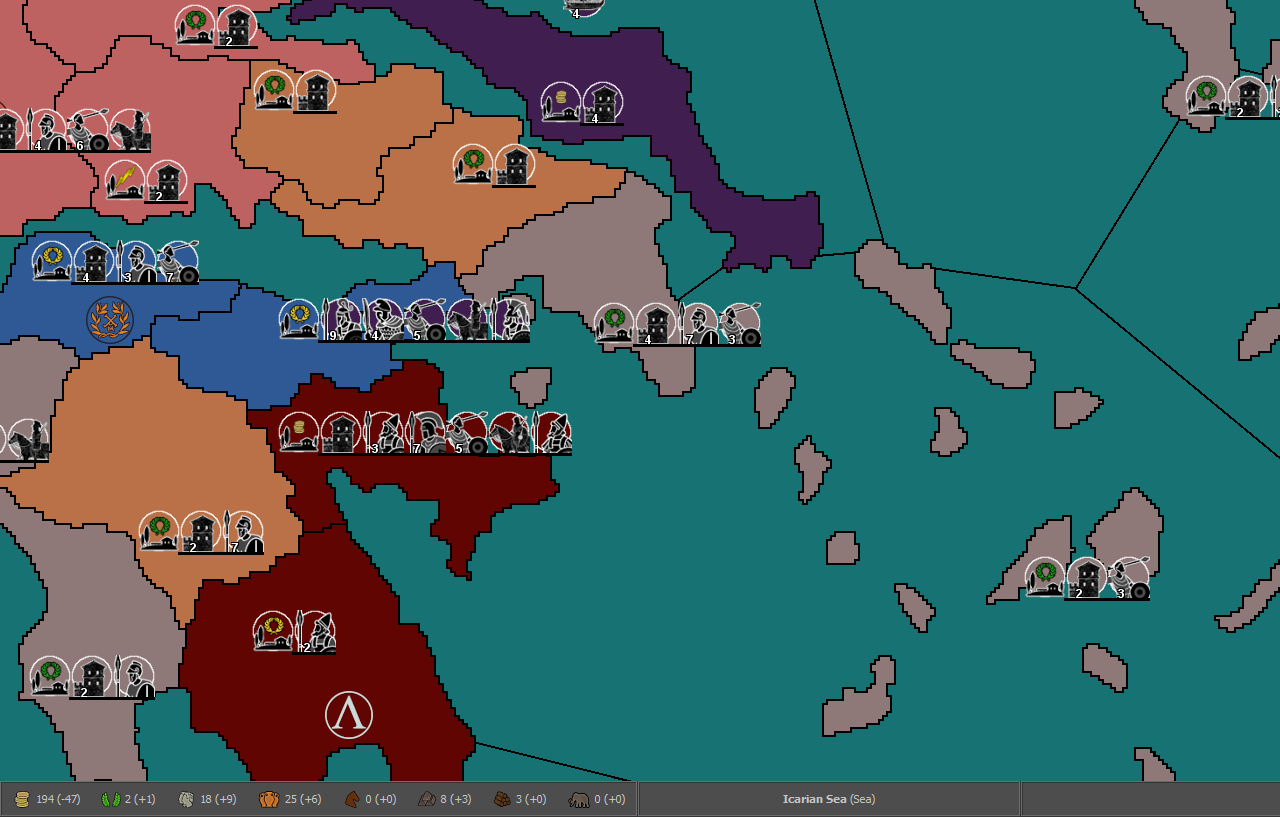
@Hepps Yeah. The problem with many maps (a particularly extreme case may be World At War, but there are many) is that the part of the map that it is the most important is usually more detailed, that means tendentially split into smaller territories than the rest of the map, and, playing, it is usually also the busiest part of the map. The consequence of this is that, in actually most maps, you have less space where you need it the most and more space where you need it the least.
Since the time is close, 270BC comes to mind, where you have a busy, important, but very small, "Athens" territory, while the most spacious territory on the map is the near-to-pointless "Sarai", on the far north-east.
I can understand the desire of keeping close to real geography, for flavour, but playability is generally more important.
-
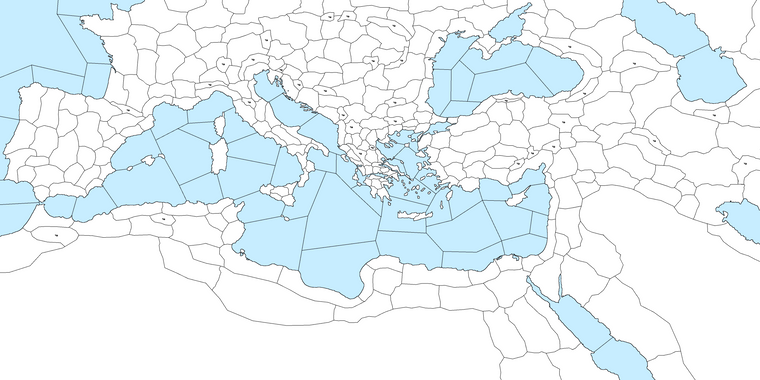
The first version of the complete map is ready. I'll continue with improving details and enlarging some territories before re-implementing to reach the previously playable set up.
-
@Name As I expected, I see there is an enormous territory size difference between some areas (especially Greece) with very small territories and some other zones with way bigger territories. Just a warning this is going badly to impact on playability, because, then, you will have too few placement spots where the small territories are or you will have a very hard time looking around, for possible movements, where the big territories are (very few zones on the screen), or a combination of these two issues, unless you keep zooming in and out, that is not really something you want to keep doing, I tend to think, and anyways it is limited by the need of distinguishing the units.
Anyways, this is a board game, where you can zoom, so I'm not saying you cannot go with such enormous territory size differences (and I still prefer them over cut-outs, like the Eastern Front of Civil War).
Also, I believe the mountainous territories in Italy are strangely located and north Africa is lacking the two major choke points (El Alamein and Gabes, using current names).
-
@Name Looks cool. You might want to consider doing what Hepps showed and enlarge Greece a bit. You'll also want to be careful with some of the really large N.Africa territories as it could mean units can move very long distances across what is mostly desert.
-
So I tried to load the new map. Found out several good, mixed and bad things, including some mentioned by @Cernel @redrum
- 27x13.5k is too much for the utilities even with 10 GB ram allowed. Had to revert to 24x12k to work without terrible lag.
- My borders look ugly in game, will need a lot of work.
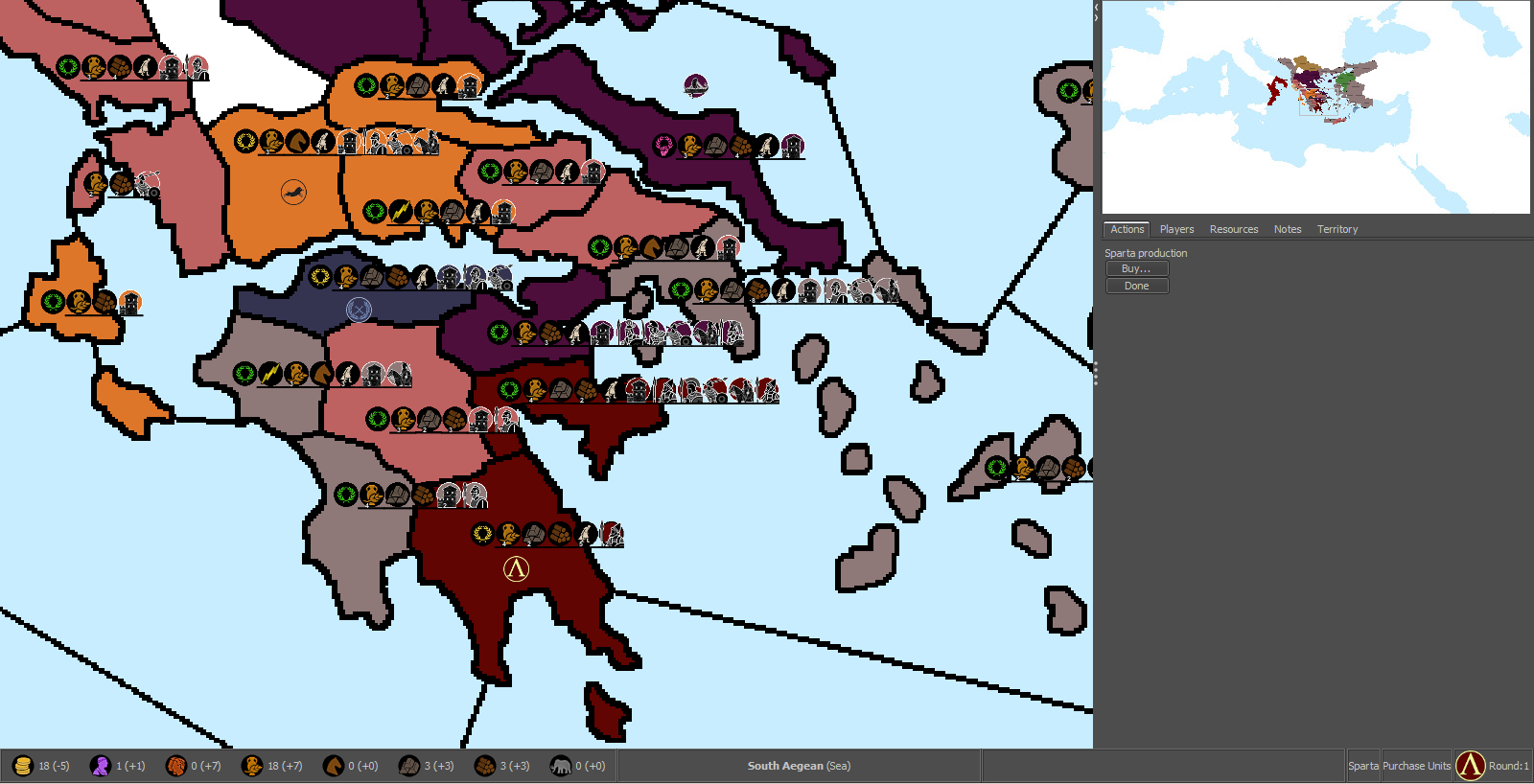
- Large regions are an issue. Needs at least 75% zoom to be playable. I found 56% and 66% the best compromise between map view and unit readability. Reducing the large regions in size to help with that would result in too many regions. Still, it's anoying to move the screen around a region to check what's in each neighbouring one.
- This size still won't allow for enough placements everywhere. Might need to enlarge Greece and further enlarge some islands. However a mix of placements (each region can hold almost 10 at least) and lines seems doable. The added map size leaves space for not overlapping lines even at the most crowded locations. Not sure what I'll do yet.
- The minimap looks awesome being in an exactly scaled down ratio.
- Light teal sea helps with minimap, but not map aesthetics.
I'm not worried so much about balance and realism at this point. However, North Africa was more fertile back then, so not sure desert chokepoints are that needed. Huge regions like the biggest one in Africa (Garamantia) will be poor and full of large tribal armies, so rarely worth invading. Still, I'll consider both suggestions.
75% zoom, 100% unit size (default)
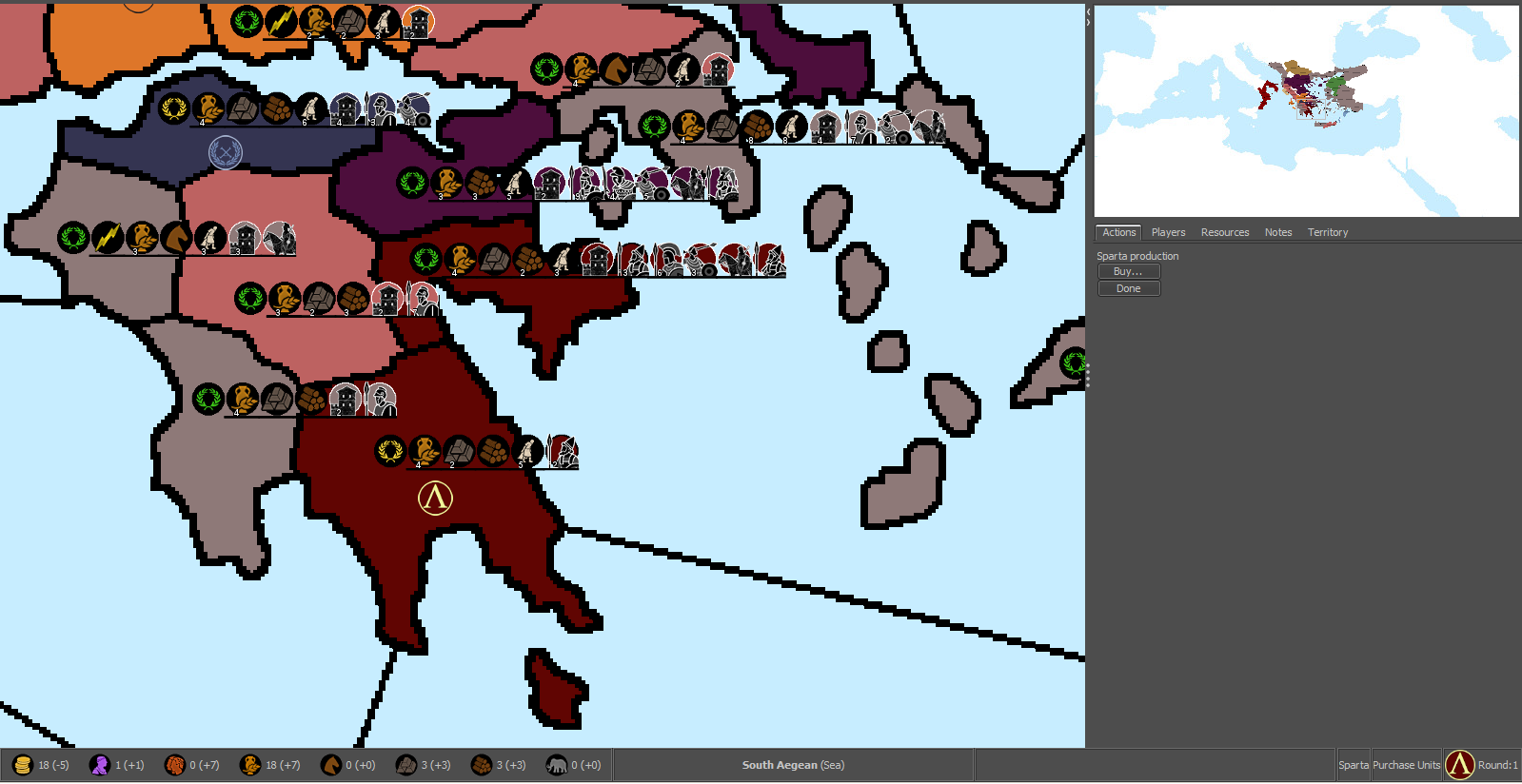
56%
-
@Name Seems like a pretty good size and I think at least in greece placements would be decent at that size. The borders are definitely pretty rough looking. One thing that I noticed is that it doesn't look like the bottom 10-20% of the map has very many territories. Could consider cutting some of that off to reduce overall size a bit.
-
@Name said in Ancient Empires: 222 BC:
- The minimap looks awesome being in an exactly scaled down ratio.
Correct, but that minimap is making the right side bar taking an absurdly large amount of board view. If the map is 24,000 wide, is suggest going with a 240 or 200 pixels wide minimap.
-
@Name said in Ancient Empires: 222 BC:
- My borders look ugly in game, will need a lot of work.
If you want to post just a small portion of the actual base map... say just the area you keep using for your example pictures. I could probably show you how to clean it up.
Because in looking at your examples it looks like your border lines are 6 pixels wide.
-
@redrum I cut some of the bottom. No big deal losing some neutrals bellow Egypt.
@Cernel Since it's ment to be played using zoom anyway, not sure it's a big deal. Will see about it though.
@Hepps Yeah I started with a smaller image and did borders 2x2. Then surprise, in the enlarged it was 10x10! I'm trying to fix this with a combination of shrink, grow border etc to avoid extreme finetuning, but can't get desired results so far. Here's the part:
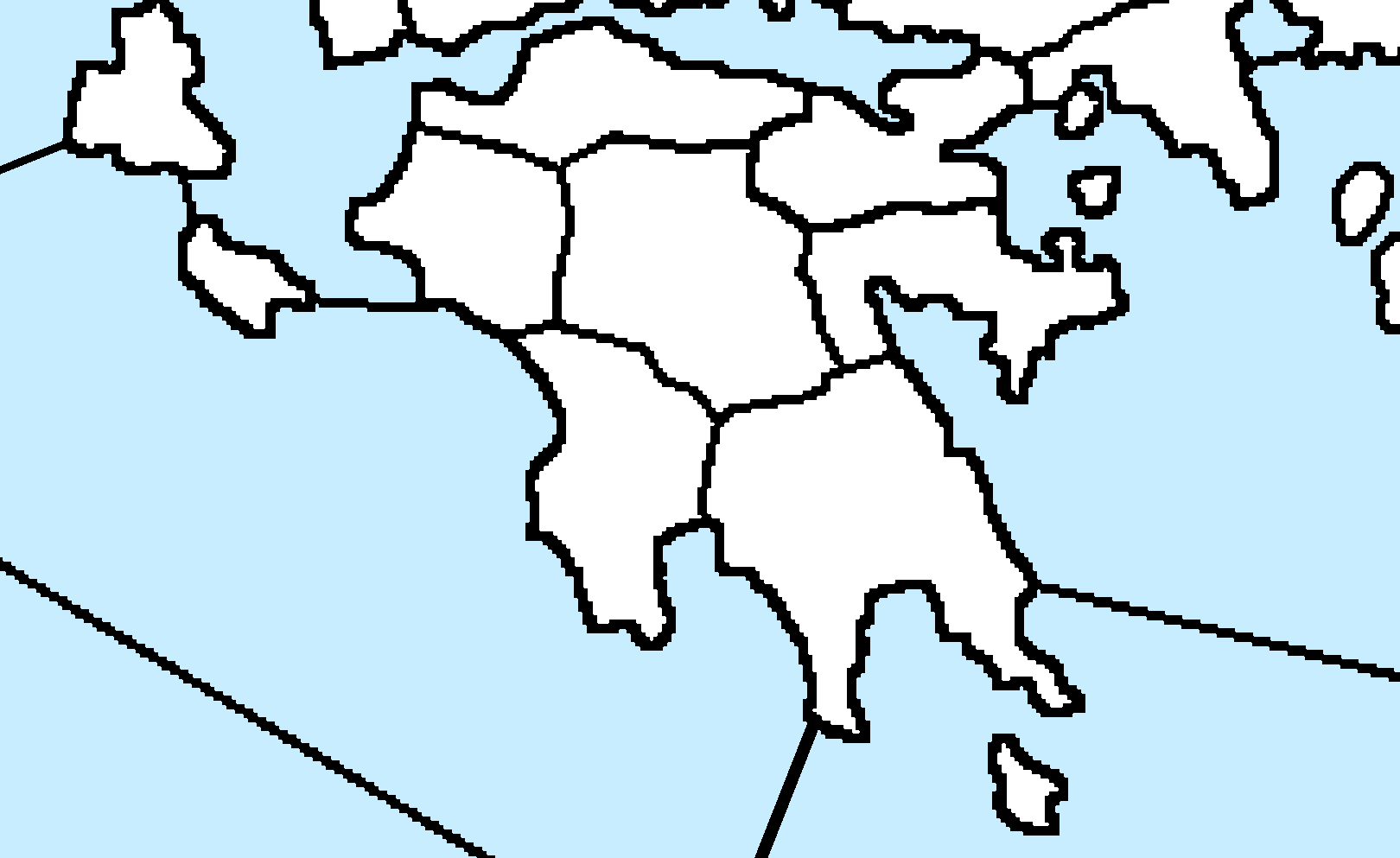
-
@Name Yeah this is not going to be an easy fix. At least for any method I am aware of.
-
@Hepps Maybe I should just redo the borders (keeping those in another layer as guidance), in some advisable size and style?
-
@Name So here is the best result I could manage with the least amount of work...
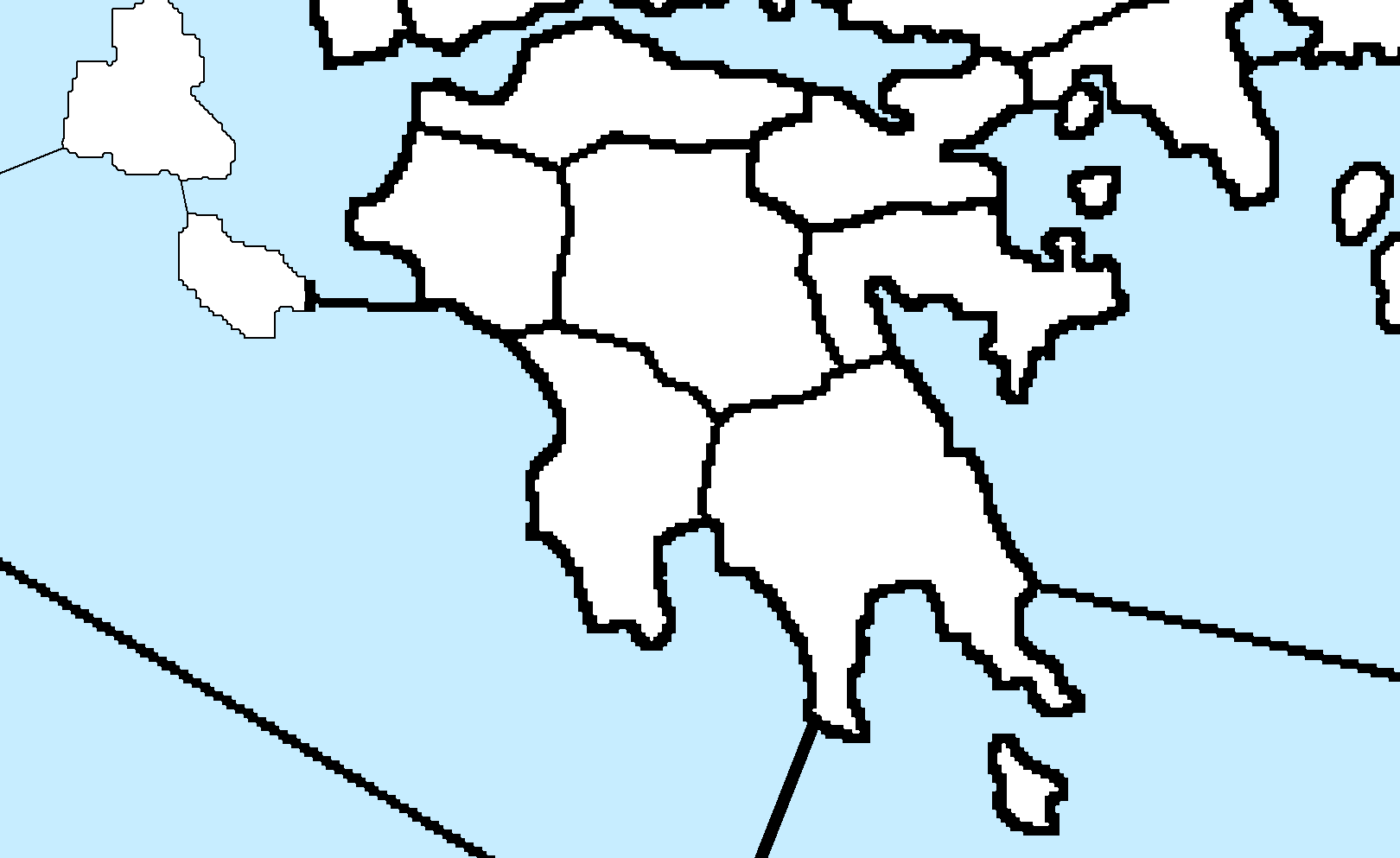
The issue is that regardless of being able to reduce the line thickness... because of how blocky the border lines look, they appear really unnatural to me. But look at what I did quickly. At the end of the day the quality is what you want it to be. I can show you how to do this (relatively) quickly over the entire map.
-
@Hepps Since he still has the original (this is a no-interpolation 500% scaled version of), wouldn't it be better starting from those?
-
@Cernel I have never found a good way to create a detailed map from a small original. The problem really comes down to as you attempt to enlarge the scale... what looked good small always becomes blocky. Unfortunately the only way I have ever been able to get any reasonable kind of definition is to find the largest original I can find and then draw the map with as much detail as I want at the scale I intend to use.
So in this case because the original is so much smaller than the finished size... every line ends up just being huge 90 degree angles.
-
@Hepps I'm interested, but before/instead of doing that, I'm also interested in:
- How long did it take you for that? Is there a way to apply it at once to the whole map, I guess not?
If I restart with a 20% sized version could stroke with 1x1 produce any good results (also considering the x5 scaling later).Answered to @Cernel- If I restart from the full version, what should I consider for a relatively easy decent look? I could finetune later.
-
@Name said in Ancient Empires: 222 BC:
@Hepps I'm interested, but before/instead of doing that, I'm also interested in:
- How long did it take you for that? Is there a way to apply it at once to the whole map, I guess not?
The area I did took about 5 minutes... but that result could be applied to the entire map. To yeild those same results over the entire map would likely take 5-6 hours depending on your pace and proficiency.
If I restart with a 20% sized version could stroke with 1x1 produce any good results (also considering the x5 scaling later).Answered to @Cernel- If I restart from the full version, what should I consider for a relatively easy decent look? I could finetune later.
Most everything is a process you need to consider right from the start. I will show you my process.
-
@Name If you want to upload here the integral original baseMap image anyways (the one just drawn at 2 pixels borders manually), no harm if someone might want to take a look at that right?
-
@Hepps Makes more sense to redo it then I think. By what to consider I mean pixel size, stroke settings or alternatives etc. I don't want to go into extreme detail though, cause playtesting will have me re-edit a lot of regions for sure anyway.
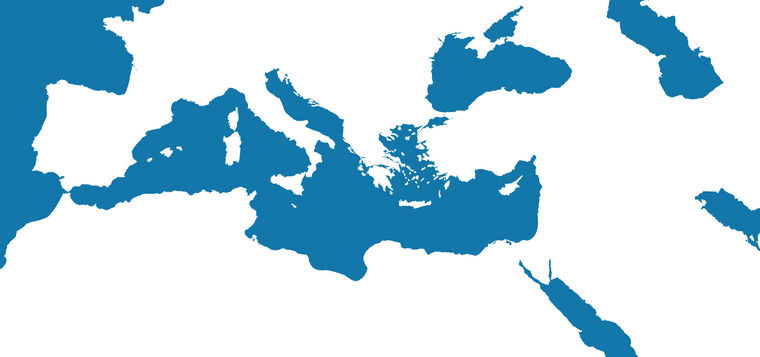
@Cernel unfortunately I don't have that version anymore, I did the mistake to overwrite it with the scaled up. I could reproduce something similar from it relatively quickly (or even better from the last pic I posted in page 5).
But I'm thinking on fiting the following (same base map) to the dimensions and redrawing the borders with the previous one as guidance.
-
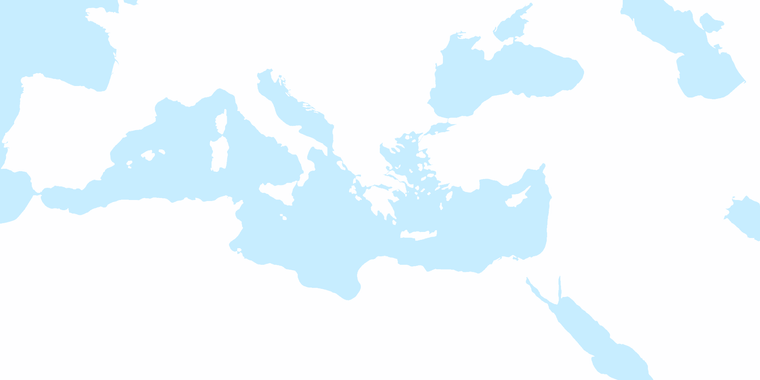
- Find the map you want and the largest version you can find that is as close to the scale you intend to use. In your case the entire Mediterranean. Then scale it to the exact dimensions you intend to use.
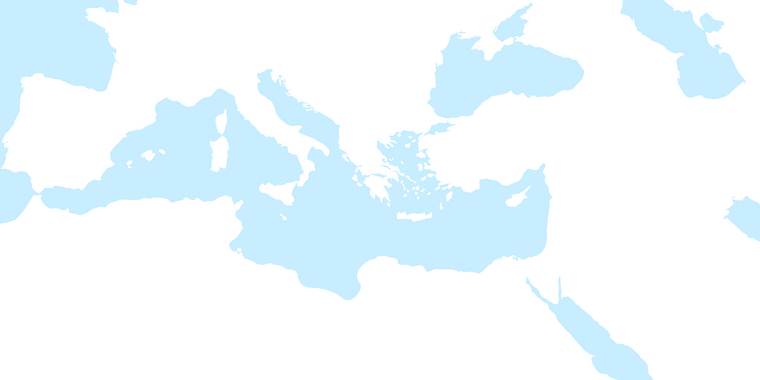
- Make all the general alterations you want to suit game play. In your case enlarging Greece.
-
Find a site like Google Earth where you can zoom in to roughly the same size and take screen shots of all the areas that your map encompasses, crop them to eliminate all the other stuff (menus search tabs etc.) and paste them together in a new canvas until you have all the important things you need in great detail.
-
Copy that entire image and put it into a new layer of your first map and then adjust the opacity of the new layer so that you can see the original layer underneath.
-
Manipulate the new layer to match all the adjustments you made for game play purposes.
-
Increase the opacity of the detailed layer. Add one more layer and now trace the outline of your now very detailed map.
-
@Hepps The google earth part is meant to provide realistic shapes? And then fit them with edits onto the final map?


Hello! It looks like you're interested in this conversation, but you don't have an account yet.
Getting fed up of having to scroll through the same posts each visit? When you register for an account, you'll always come back to exactly where you were before, and choose to be notified of new replies (either via email, or push notification). You'll also be able to save bookmarks and upvote posts to show your appreciation to other community members.
With your input, this post could be even better 💗
Register Login