Error: could not connect to lobby
-
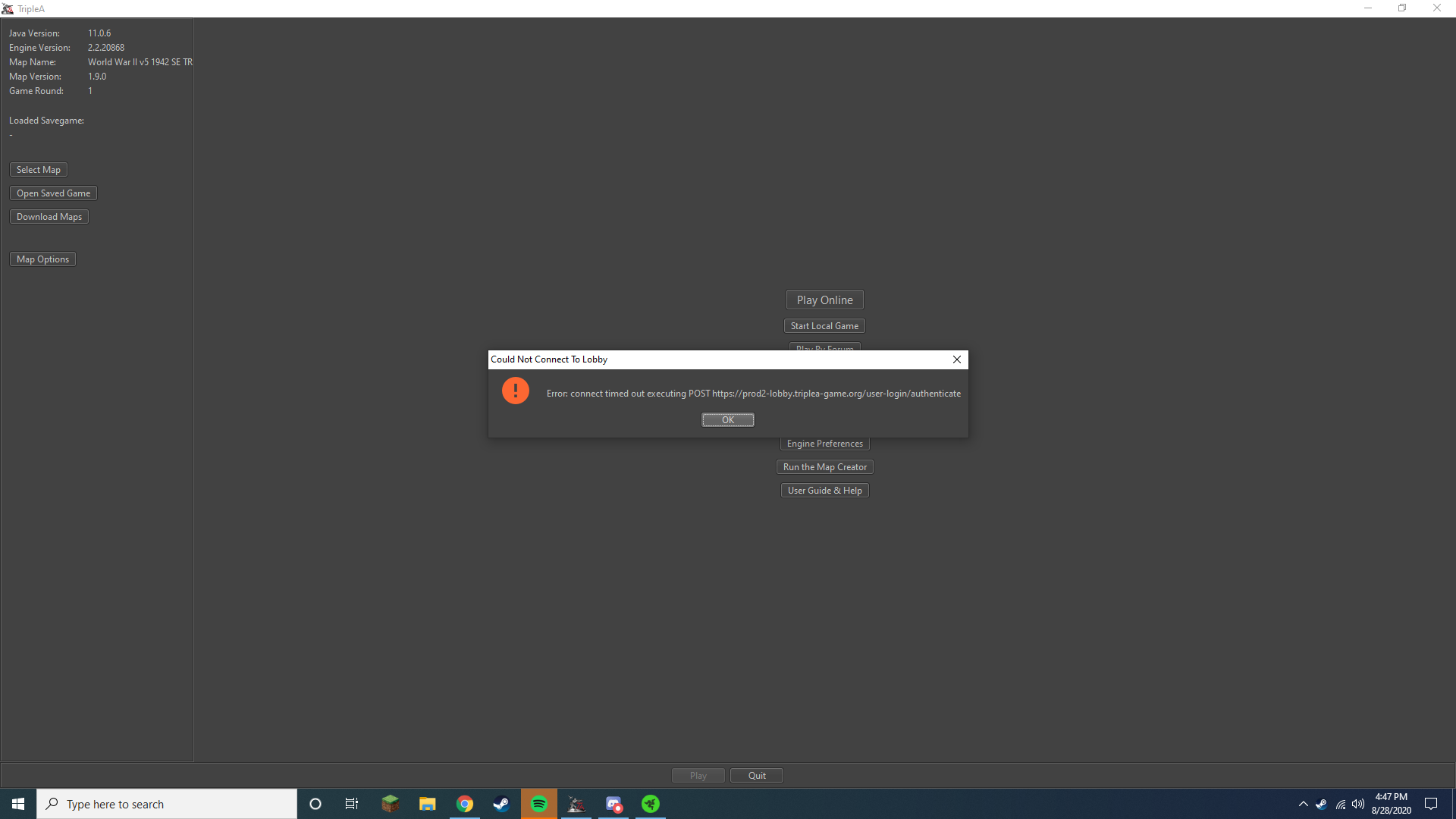
When I try to login to play online it gives me this Error. What should I do?
-
Are you still seeing the problem?
-
Uhhh... no actually haha, did you have something to do with it or it just worked?
-
Nvm, it just started again. I was able to log in once and then when I exited and tried re logging in it did the error
-
Nothing done to tweak things on the lobby side. Hard to say what would be going on. When/if seeing the issue, need to rule out some of the basics:
- are you having an issue with general internet connectivity at that time?
- is there a firewall kicking in? If you turn it off can you connect
If you open a command prompt
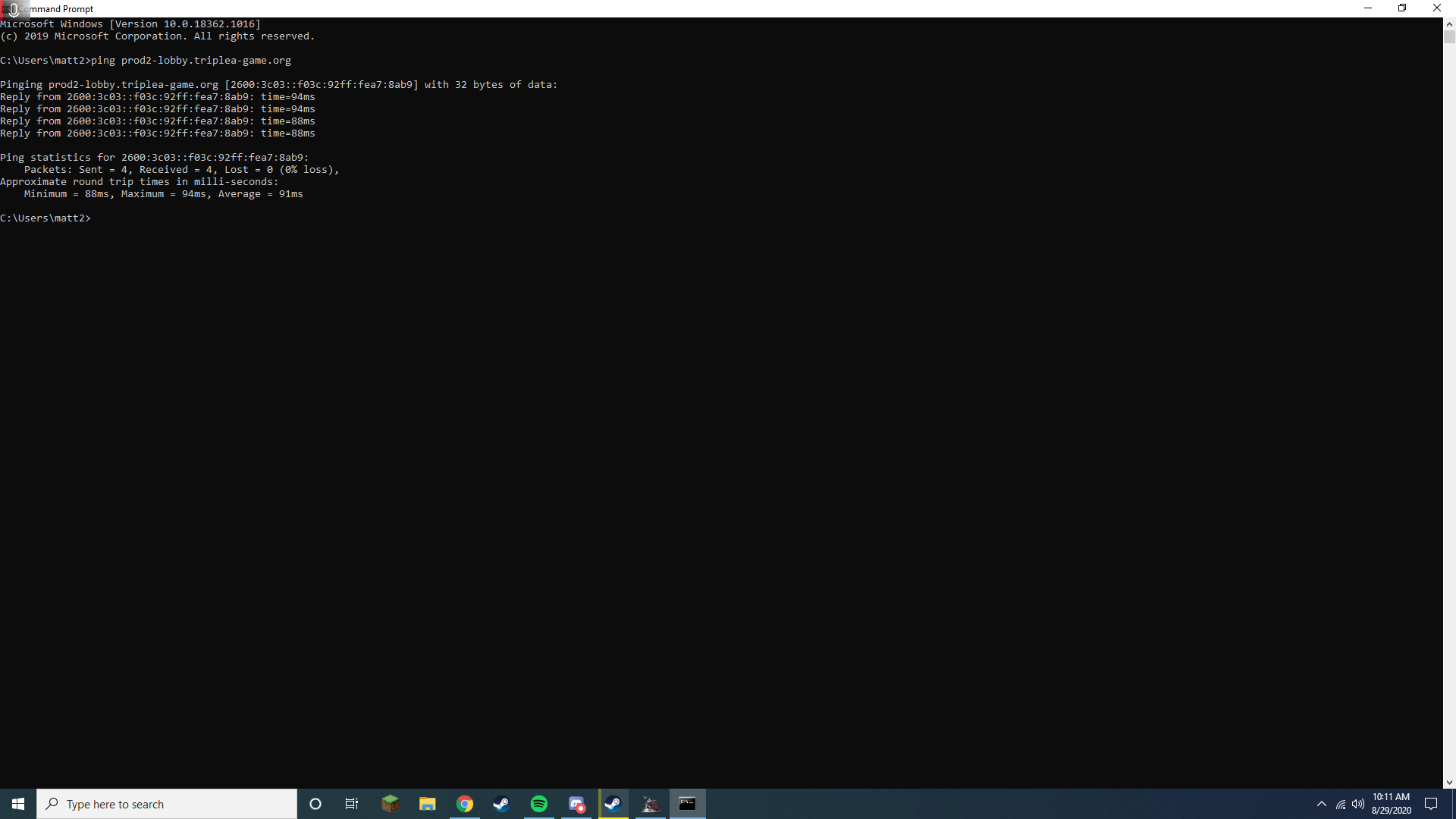
windows > run > "cmd", and then type "ping prod2-lobby.triplea-game.org", does it return a response back to you?The fact that the problem is inconsistent and somewhat local to you makes this a headscratcher.
-
@LaFayette said in Error: could not connect to lobby:
I was having some internet connection issues at the time, restarted the router and everything seems fine. I also made sure the firewall was off for the app and allowed everything. This was the response i got from the cmd prompt.
-
That looks good @Ironfalcon
My best guess is "negative-caching". IE: the network lookup of the lobby's address failed and your computer remembered it was an invalid or bad address. This would make the error a bit sticky. Then resetting everything perhaps that cleared it up.. I'm really kinda searching for straws here for an explanation.
Let us know though if you continue to see the problem and if you need to frequently reset your router.
You should be able to turn firewall back and would need to be sure you have made the proper exceptions in the firewall for TripleA. Turning it off was partially to debug if that was the thing that was blocking the connection.
-
Alright, I will. Thanks for helping out though, I really appreciate it. I should mention I also tried other things like uninstall, reinstall, updating java, and updating windows with no effect.
-
I keep getting the same error, I tried reinstalling the game to day but no luck again. I had a question though about why it still has my previous game auto saves and the maps I've downloaded? Shouldn't those get deleted when I uninstall?
-
Saved games and downloads go to your my documents folder, not the regular installation folder. That is a common occurrence for a lot of games. It lets you keep any special settings you might have if you uninstall and reinstall.
-
@ff03k64 Okay
-
@Ironfalcon try running from command prompt:
Telnet prod2-lobby.triplea-game.org 443If that connects, then the network path from you to the lobby is open. If that connects and the game is having issues at the same time, that would be interesting. If it does not connect, it would be completely expected for the game to have the same problem.
To see what a 'failing telnet' looks like, just mangle the port number, ie:
telnet prod2-lobby.triplea-game.org 4430You can also see what a success looks like by connecting to a well known domain too, like:
Telnet google.com 443We're kinda bringing out the big guns for debugging here..
-
@LaFayette it says that "'Telnet' is not recognized as an internal or external command,
operable program or batch file." -
@Ironfalcon I figured out why it said that, it was because I had to enable Telnet in windows cause i discovered it is off by default. I typed in the command and it connected just fine.
-
Please double check that if telnet connects and the game is not able to. Trying to rule something very glitchy perhaps going on with network. Resetting router and computer are the best bets.
If you continue to see Telnet working but the game not, I don't know if there are any really easy solutions. We should still try to rule out variables like turning off firewall and anything else that could be blocking the network connection.
We might have to look at the error handling around the lobby connection and push out a prerelease version with updated error messaging to better diagnose this. We're running out of straws and Telnet working but the application not indicates it's a problem in the game somewhere.
-
@LaFayette I tried again several times for both and the Telnet connected each time and the game did not. Just to make sure that I know its actually connecting is this what its supposed to look like when connected?
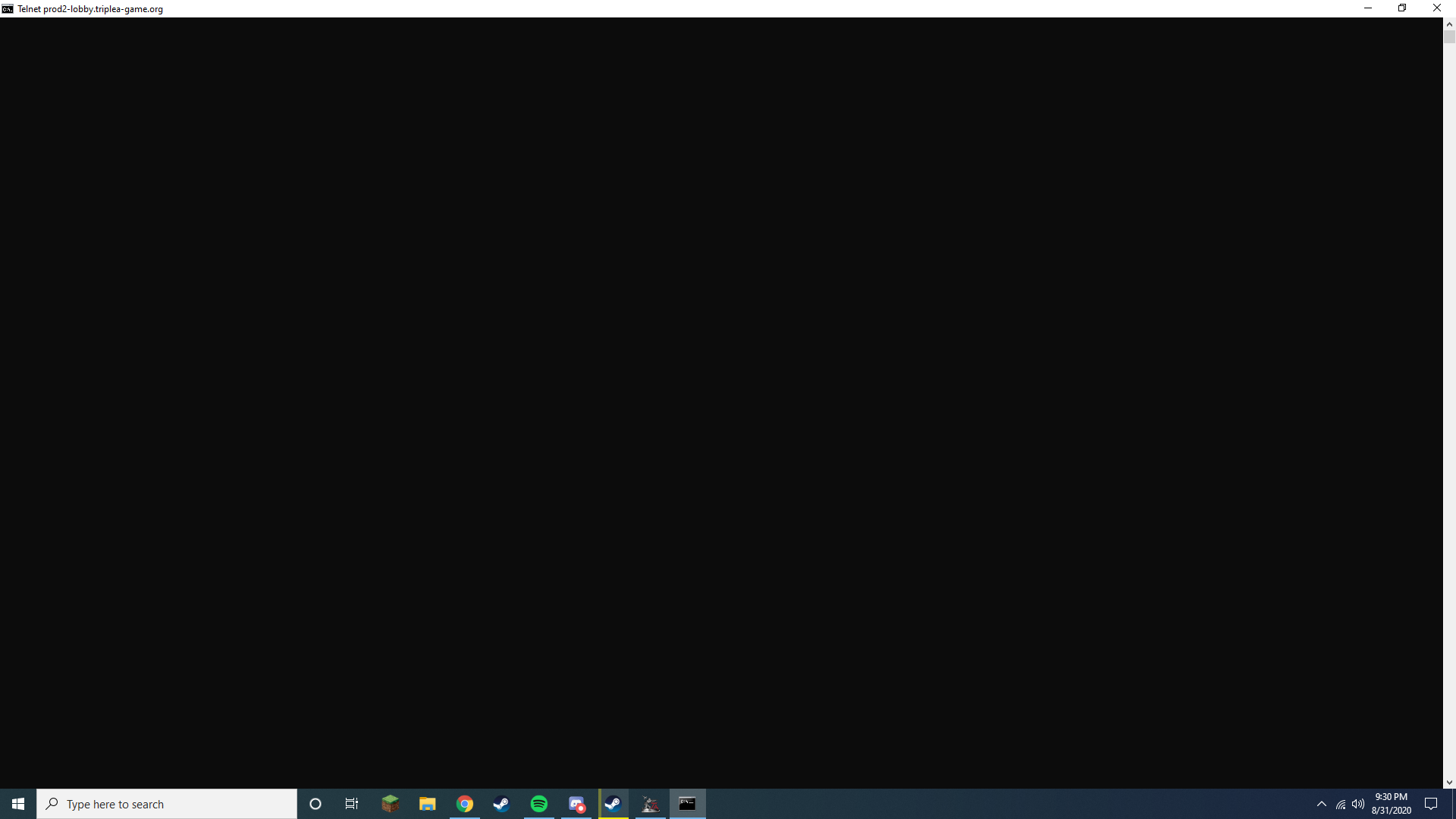
-
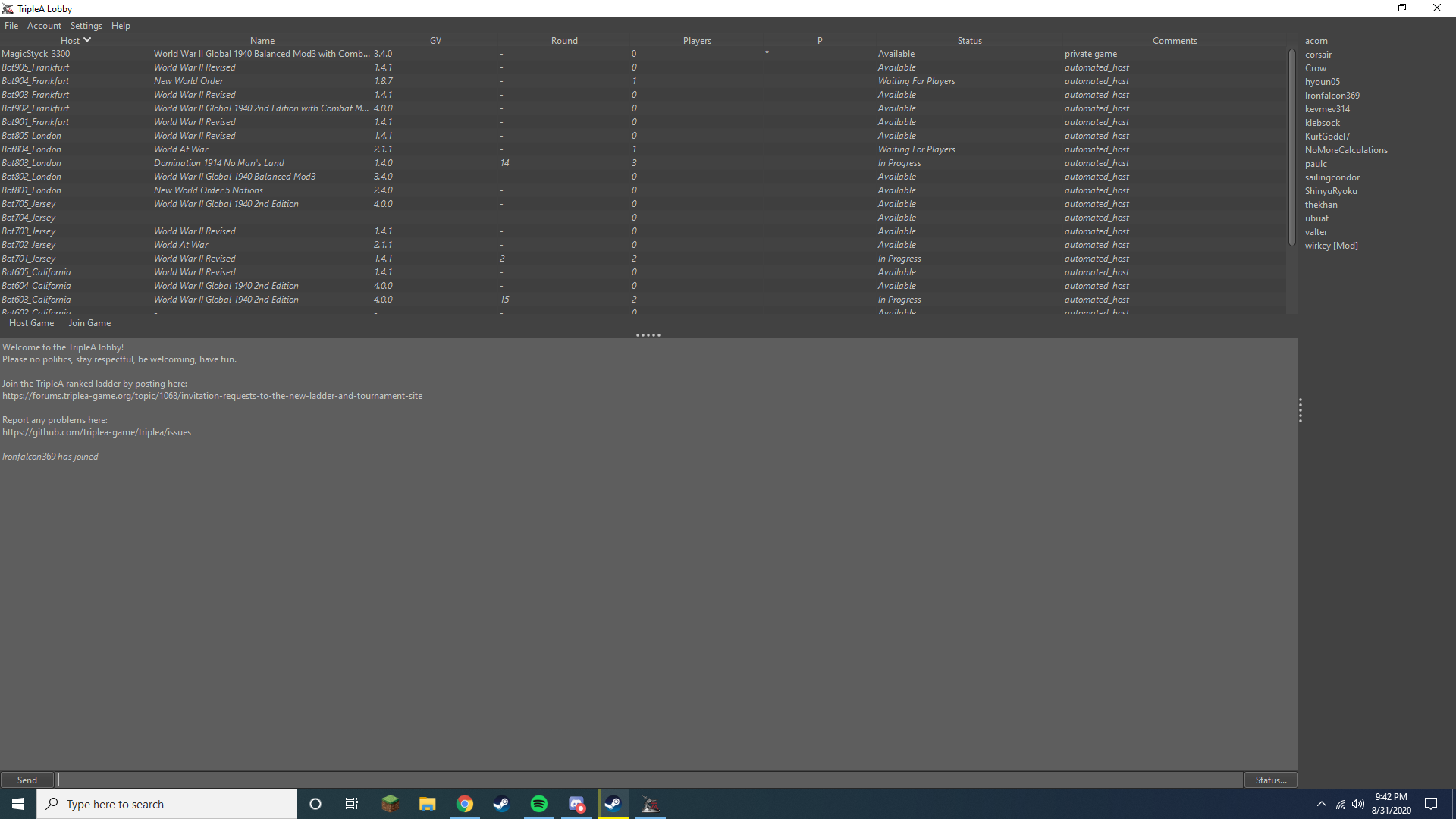
I restarted the router again and it is consistently working now lol.
-
nvm, it was working for a while and then it disconnected and keeps giving me the error.
-
Yeah, for some reason your router is seemingly freaking out..
Instead of 'telnet', also try the 'tracert' command, ie:
tracert prod2-lobby.triplea-game.orgIf you do that when you're able to connect and save the route listing, you'll see what it is supposed to look like. Then when you're not able to connect it could be interesting as you'll see where the packets are going (or rather not going, where they are dropping off).
It does seem like the work around is to reset your router.. I'm not sure if we can get much better. The game ideally would give you some more diagnostic information, but again it's odd that you can still connect via telnet and the app not...
-
@LaFayette said in Error: could not connect to lobby:
tracert prod2-lobby.triplea-game.org
Here is the one I tried after restarting the router.
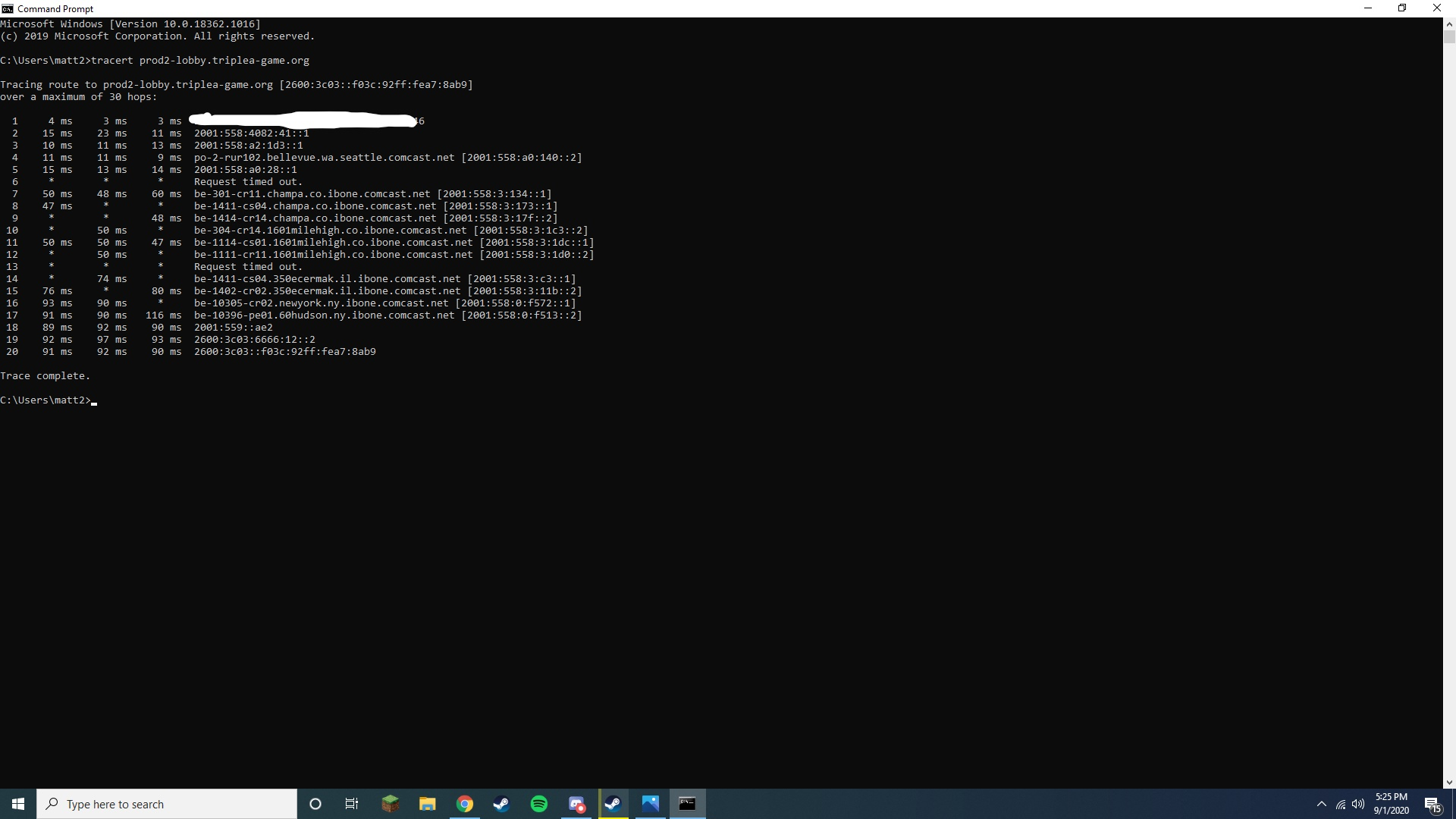
and the one of it not working
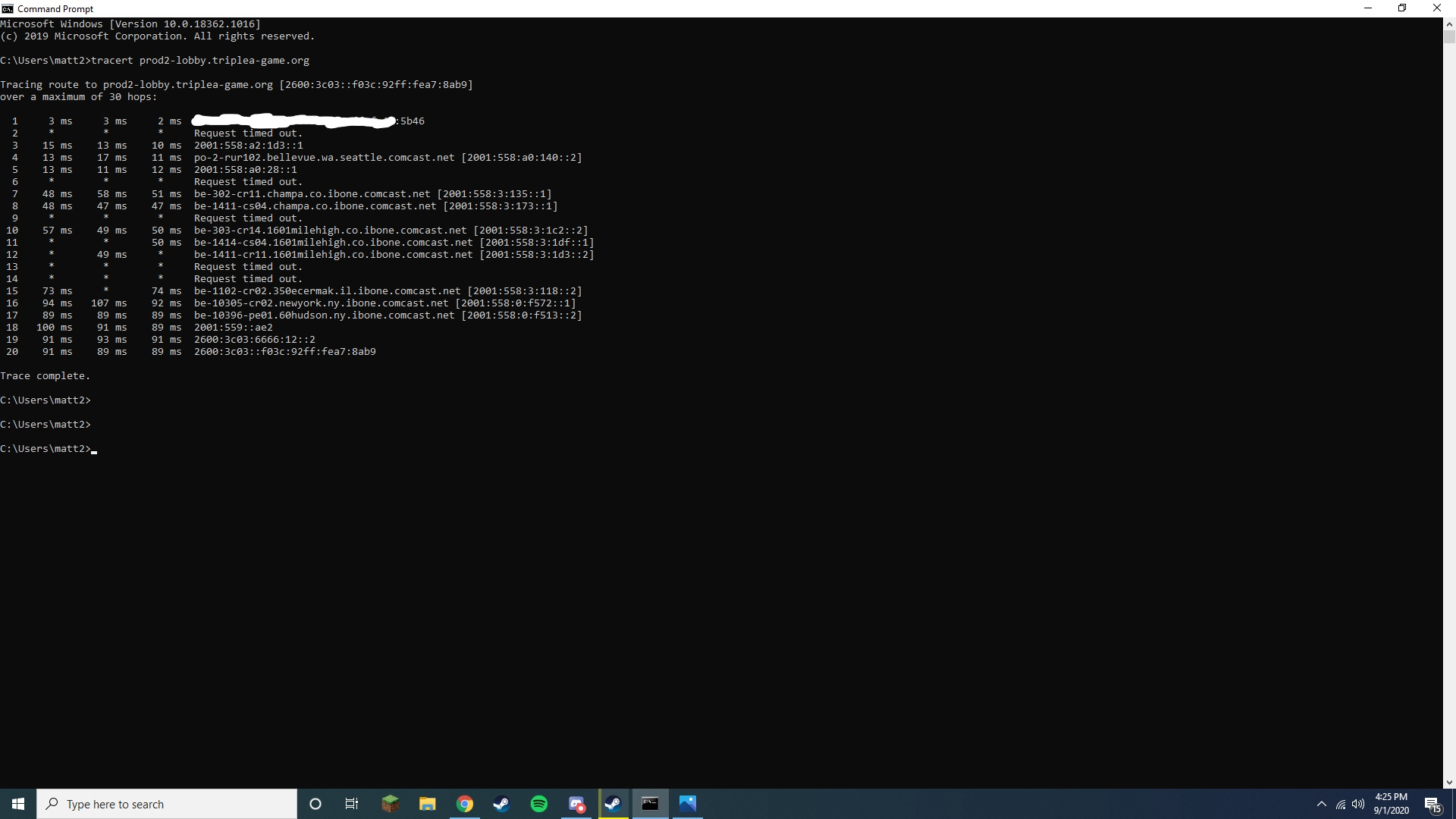

Hello! It looks like you're interested in this conversation, but you don't have an account yet.
Getting fed up of having to scroll through the same posts each visit? When you register for an account, you'll always come back to exactly where you were before, and choose to be notified of new replies (either via email, or push notification). You'll also be able to save bookmarks and upvote posts to show your appreciation to other community members.
With your input, this post could be even better 💗
Register Login