VM Options Prerelease
-
Is it correct that the pre has vmoptions maxed out ?
-
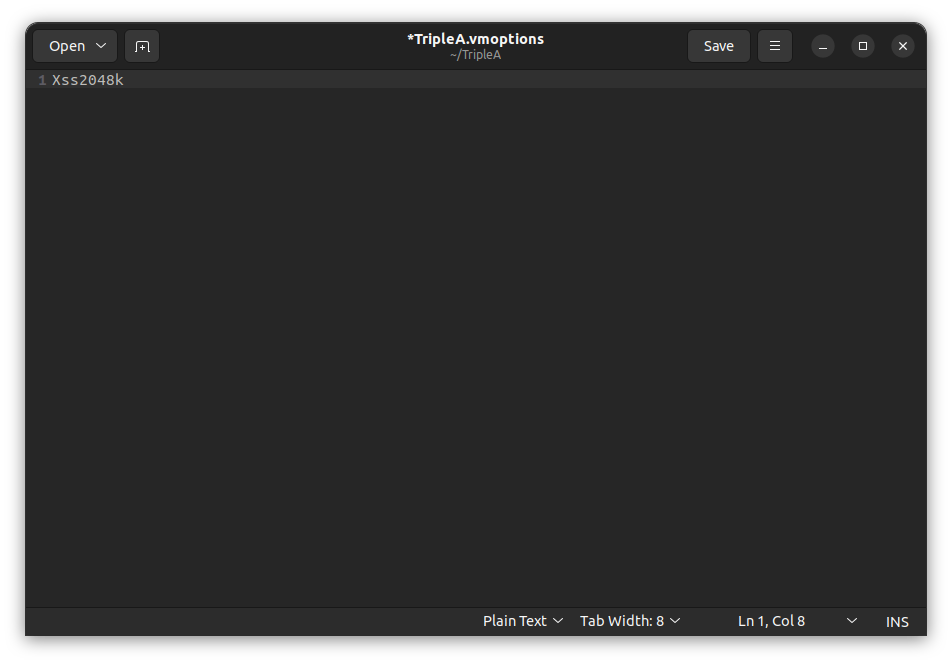
I think that Xss is set to 1250K by default and Xmx, Xms are no longer used thus are not set. The old settings were:
-Xmx4096M
-Xms4096M
-Xss2048K
Which is what I set mine to.Cheers...
-
yea mine is 1250
I'll try swapping out that with what you have
Edit
Sadly no improvement. Is this what yours looks like ?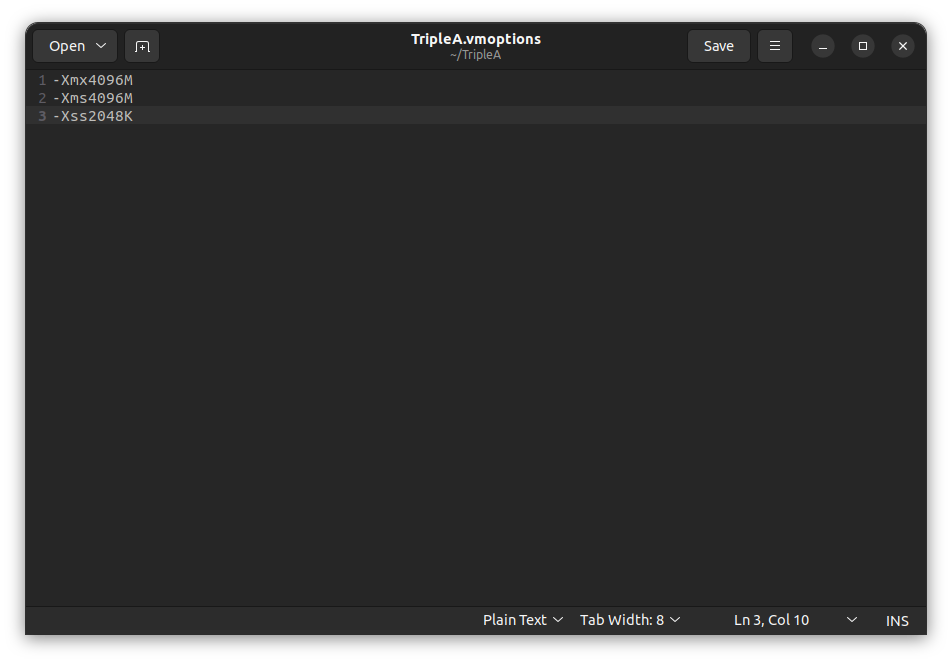
I guess I'll try removing all the other maps and see if it works any better
-
Yes. What type of computer do you have? How long has this problem been happening? Are there other programs showing similar problems?
Just thinking out loud.
Cheers...
-
@wc_sumpton Lenovo T-560
Very rarely have i got the out of memory error. It' happening every 3rd time I restart the game after changes
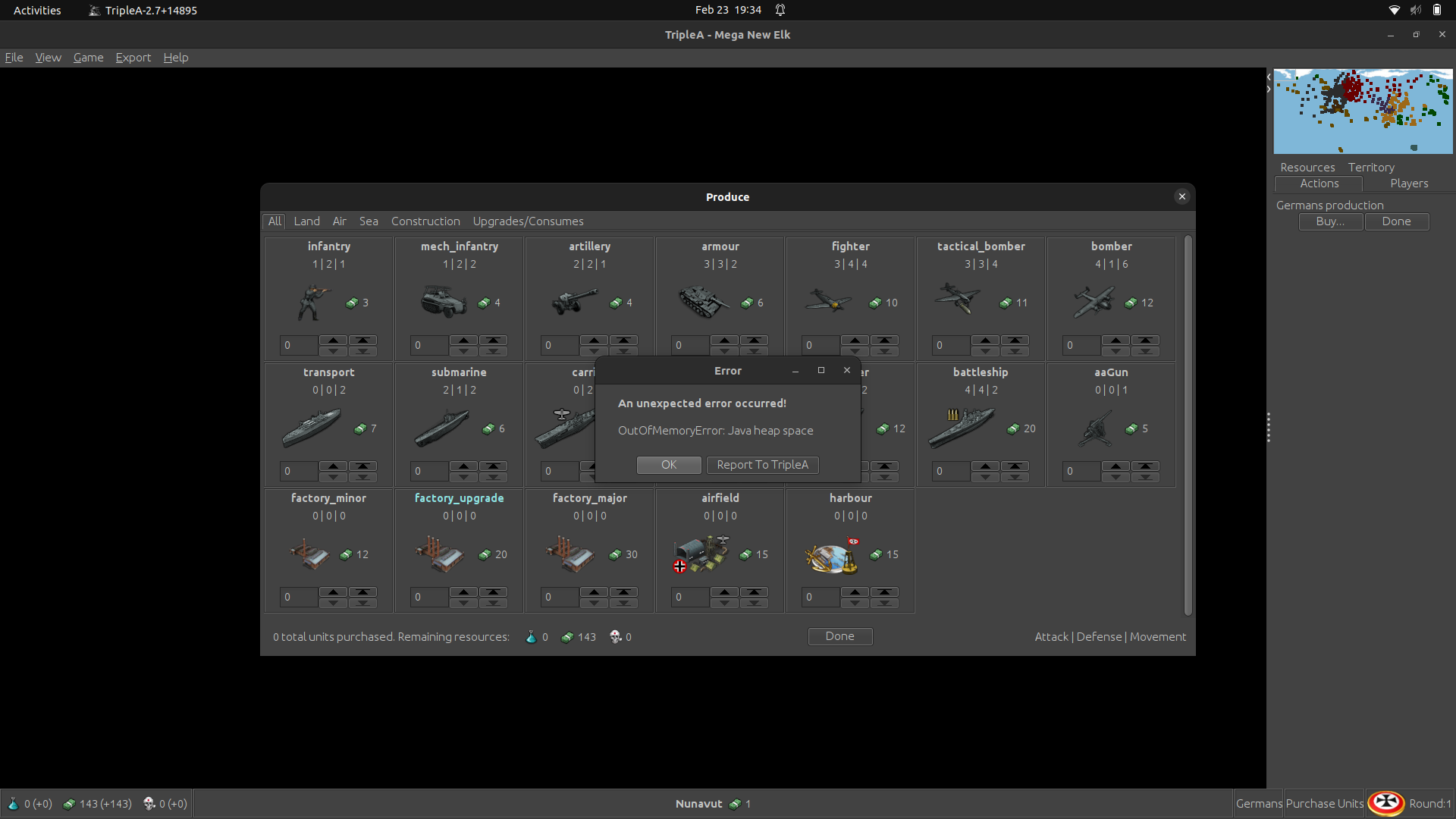
Edit
Don't buy Lenovo. No matter the price. I think those commies have bugged my machine -
I know that you use Linux, I'm on Win10. Delete triples.log, TripleA will create a new file. The next time this happens send/post me the content.
Will try to help.
Cheers...
-
Thank You
Somehow shooting it with a shotgun seems more appealing

Edit
Actually I have windows installed as well. I guess i could switch to it -
I'll delete it now but this is what I have currently
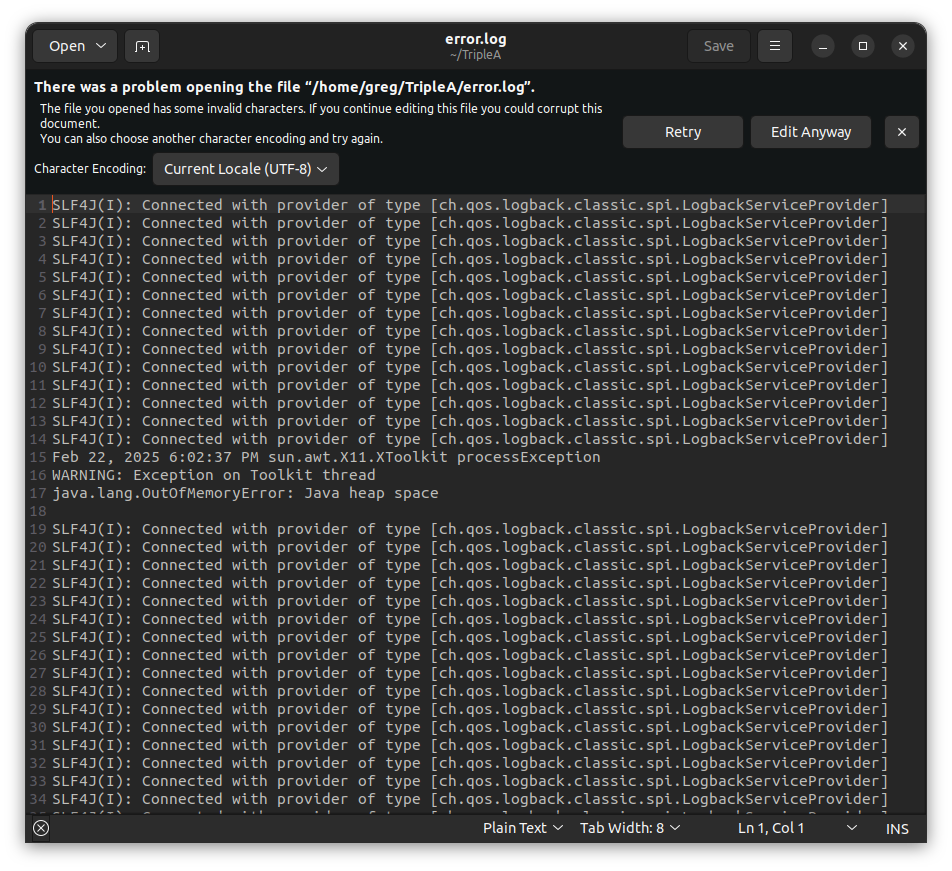
says provider so maybe that's my internet ? Idk what the invalid charachters are about
-
@beelee said in VM Options Prerelease:
Somehow shooting it with a shotgun seems more appealing
Edit
Actually I have windows installed as well. I guess i could switch to itLenovo T-560 has 16gb memory, that's good, but 512gb ssd and two os maybe taking too much space. I would leave Xss at 2048K to use more memory, prior to shoveling stuff to the drive.
Linux, Windows does not matter, the problem seem to be tied to JAVA.
Cheers...
-
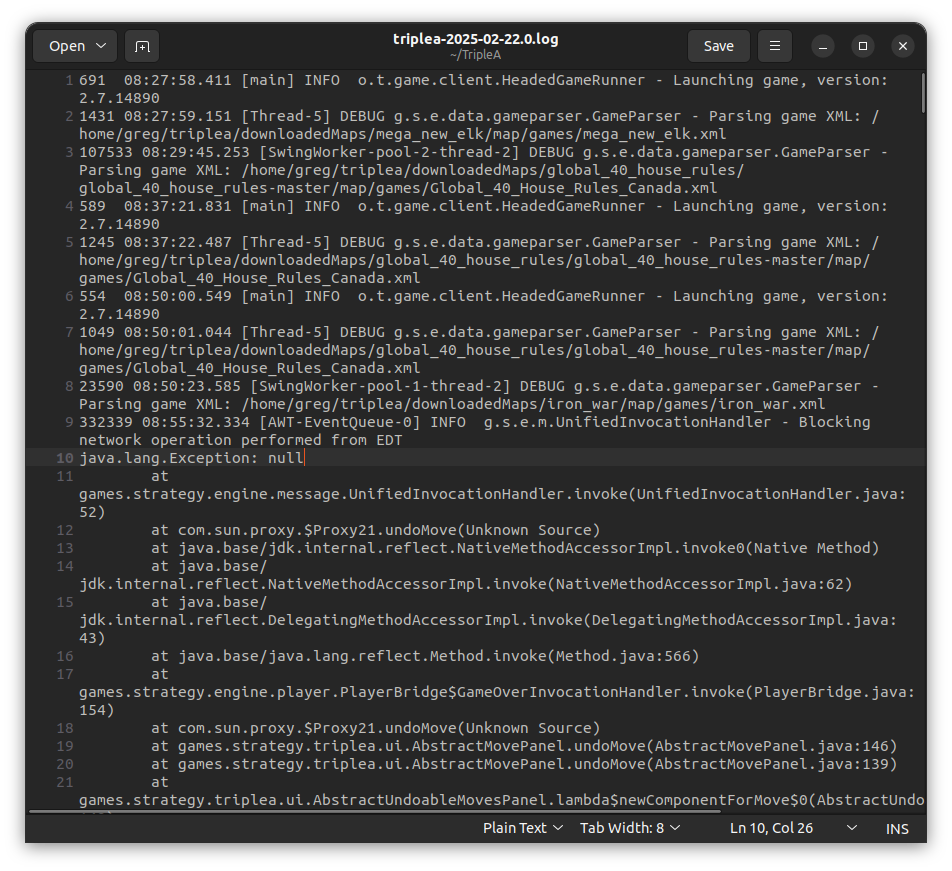
I think this is the wrong file. This seems to be connected to the engine. Look one directory above your downloaded maps, by savegame directory. The file is called 'triplea.log' not error.log.
Cheers...
-
Rightarm I'll try that again. I deleted the error log but it's not showing up anymore. Got a triplea log
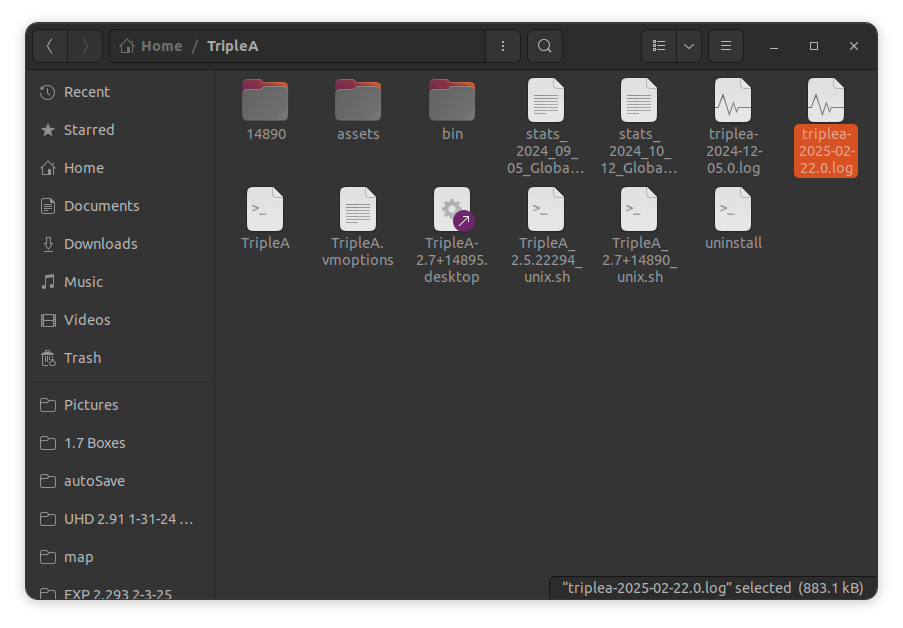
so vmoptions should look like this ?
-
-
allright we will struggle on. I thought I had upped the memory on this years ago to 32. I can't remeber and when I checked in the terminal it seemed as if that was the case.

At any rate, I have switched to PU Place only and made a note of when I quit doing place
Edit
Hmm ... maybe not as much as I thought
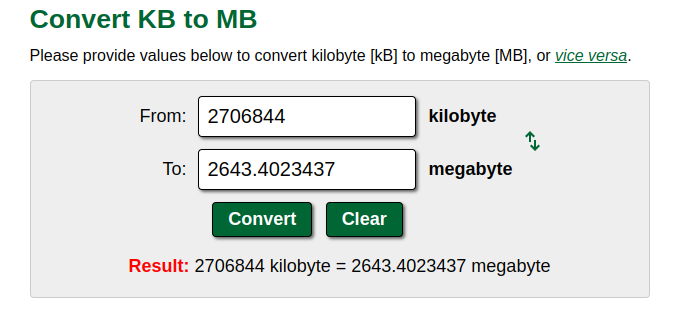
something seems off. Well w/e. It is what it is
-
8, 16, 32 does not matter for TripleA, it should not need that much. I think this problem stems from JAVA trying to push to the ssd. TripleA is not a clean program. It leaks. I sometimes see its shadow in Task Manager.
I would delete all those triples.log files. Check for background programs. And go from there.
Cheers...
-
-
I think I may have found the problem. I wasn't closing triplea entirely. Just leaving game. Xml won't work if you do that but the other changes were showing up so i thought I'd found a shortcut.
I've been killing triplea after every change and restarting. Over half a dozen restarts with no errors.
We'll see how it goes.
Confidence isn't super high but it it is climbing.Edit
Yea that seems to have been the issue. Over a dozen retarts and no errors.Sorry for wasting your time on this. I appreciate your help

-
That's encouraging!
I have had similar issues sometimes with a heap space error, though for me the thing that would kick it off, was using Edit Mode. Then while in Edit Mode if I started making map zoomes with the mouse wheel I think I could get that to trigger. Other times I've had it happen where audio may still be playing in the background unless, I back out of tripleA entirely or like task manage it closed. Especially if I run the map tools where both windows will stay open I will often forget to close the instance of the map I was viewing, and the map tools instance, and then suddenly I got 3 or 4 instances up and it crawls.
-
hee hee we all dialed again
Crete just got Done Dude Ftr and AA and a Arty.Well it actually doesn't have those but if it did they'd be dialed in



Hello! It looks like you're interested in this conversation, but you don't have an account yet.
Getting fed up of having to scroll through the same posts each visit? When you register for an account, you'll always come back to exactly where you were before, and choose to be notified of new replies (either via email, or push notification). You'll also be able to save bookmarks and upvote posts to show your appreciation to other community members.
With your input, this post could be even better 💗
Register Login