TripleA Mobile!
-
@xxXEddieXxx
Looking good, well ok, its looking very good.Personally as its the mobile version and you are overriding the maps custom dice, I would just put numbers 1-12 and not use dots/pip dice.
For reference one map Terra Firma has d20, I dont think it is playable, but if you are going to cater for it then you need d20.
Here is my variant of another world, its a big map vs AI and will push your app. I mention it cause you have, above.
[https://forums.triplea-game.org/topic/4229/another-world-v-ai-official-thread]Will the mobile version work on an Android tablet yet ?
Keep up the good work.
-
Thank you for the feedback.
The dice can now deal with every number of sides.
I just tried your map I wasn't aware you improved it why is it not in the map browser? It looks really good.
Here is the Mobile game speed. First game Hard ai (30 seconds per turn max) split happens at 1:50 and fast ai (almost instantly).
https://drive.google.com/file/d/1luoI4Whj0rAoViBbQFPDfrCHIv8Gv20i/view?usp=drivesdk
I have a pixel 9pro so results may vary depending on device.
But I have testers who regularly play a lot with it and until now no one complained that it was to slow.In terms of tablet performance it should work. But for the future there is a tablet UI planned that may be closer to the desktop experience (more space available).
-
@xxXEddieXxx said:
why is it not in the map browser?I feel like I would have to maintain it. Its not originally my map. So I dont want to.
-
I feel like I would have to maintain it. Its not originally my map. So I dont want to.
heh heh just throw it out there and give Roger Ownership
 also @beornthebold might still be around on git. I forget his name there.
-
Update:
release:
unchangeddevelop:
Hey Guys, i added a new experimental Play by Forum option to the Mobile app.
Features include:- Your games at a glance: My games / Browse, a "Your turn" / "Waiting" filter, search and "Show inactive"
- Start or join games: create a new game thread, or set up a game in an existing thread without a save. Pick the map and enter both dice emails, all rolls go through dice.triplea-game.org
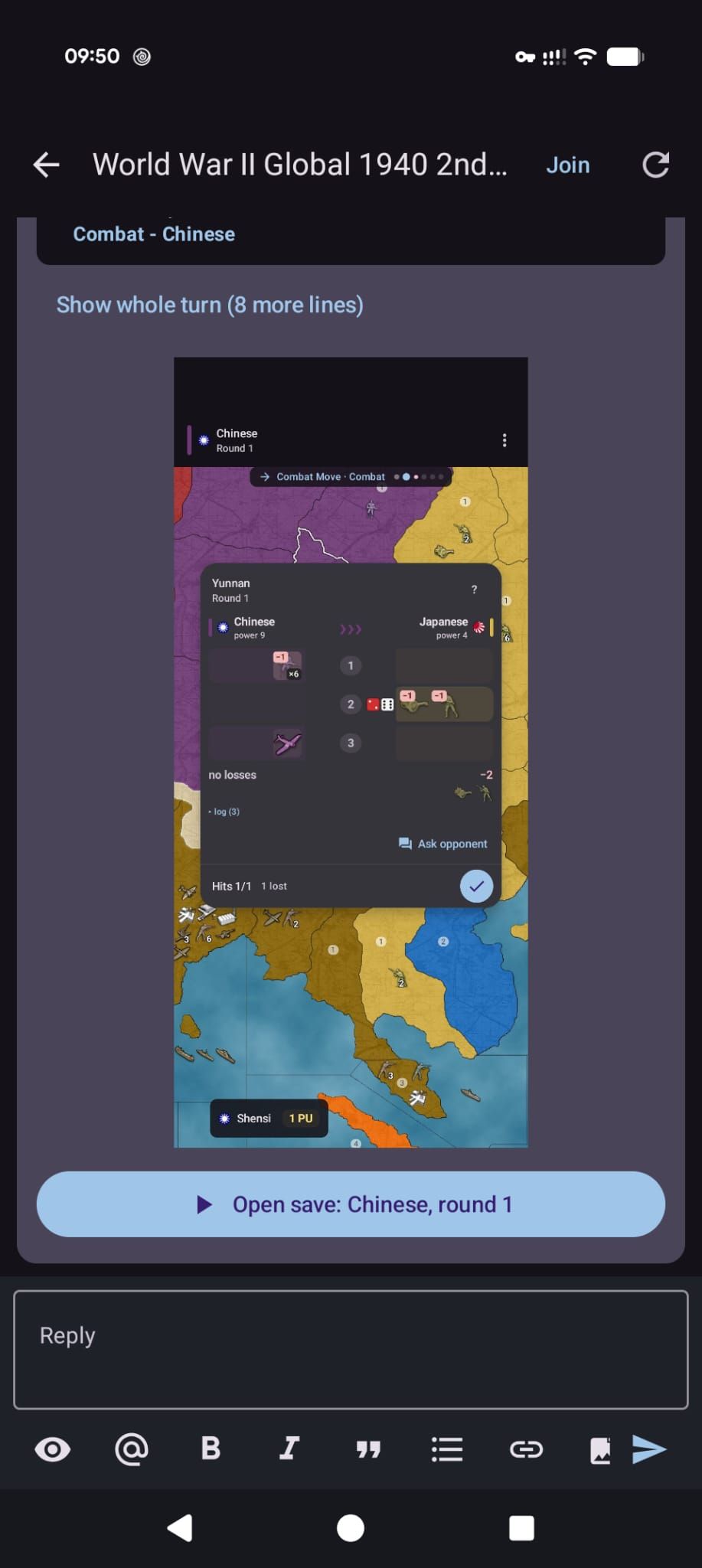
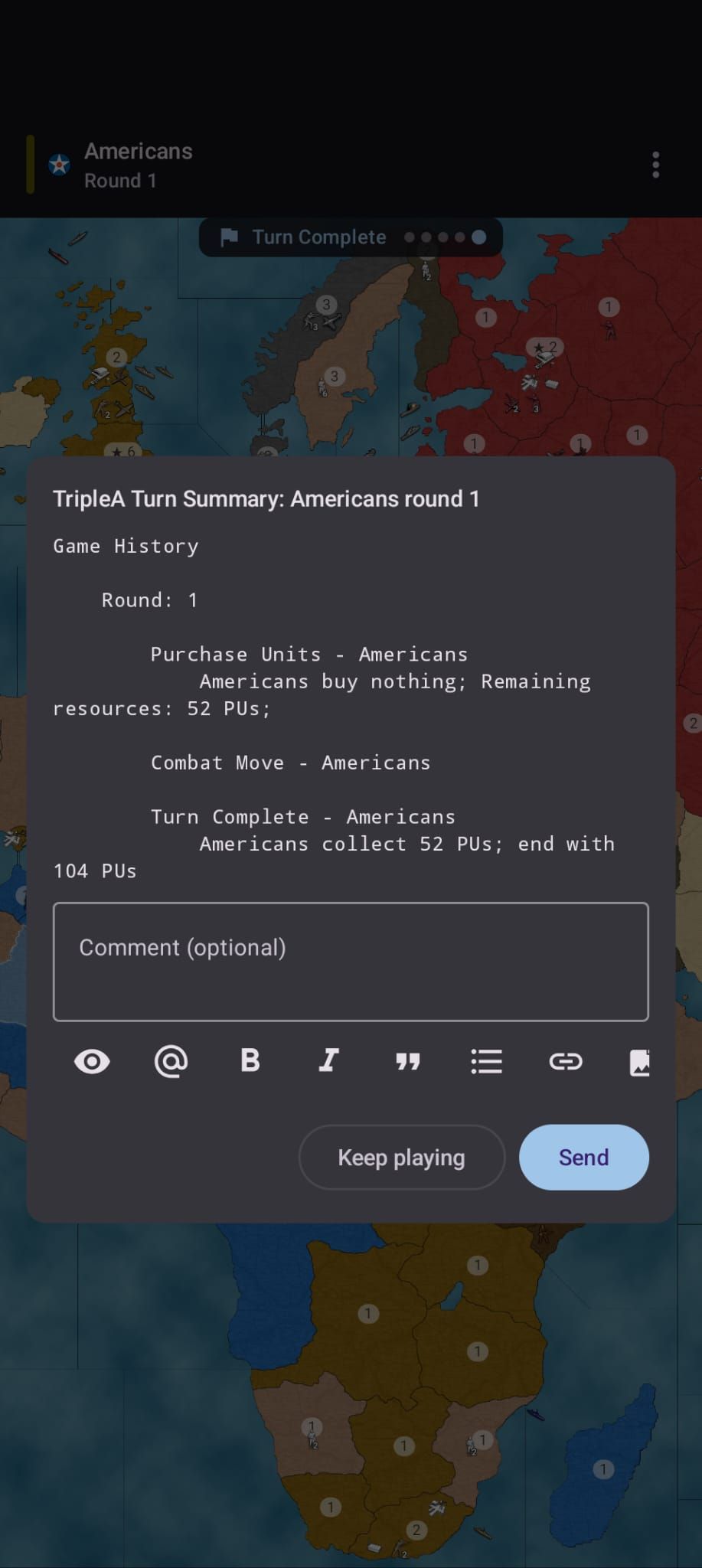
- Play your turn: open the save from the thread, play, then send the turn summary + save with a comment and pictures. You land back in the thread with your post already there
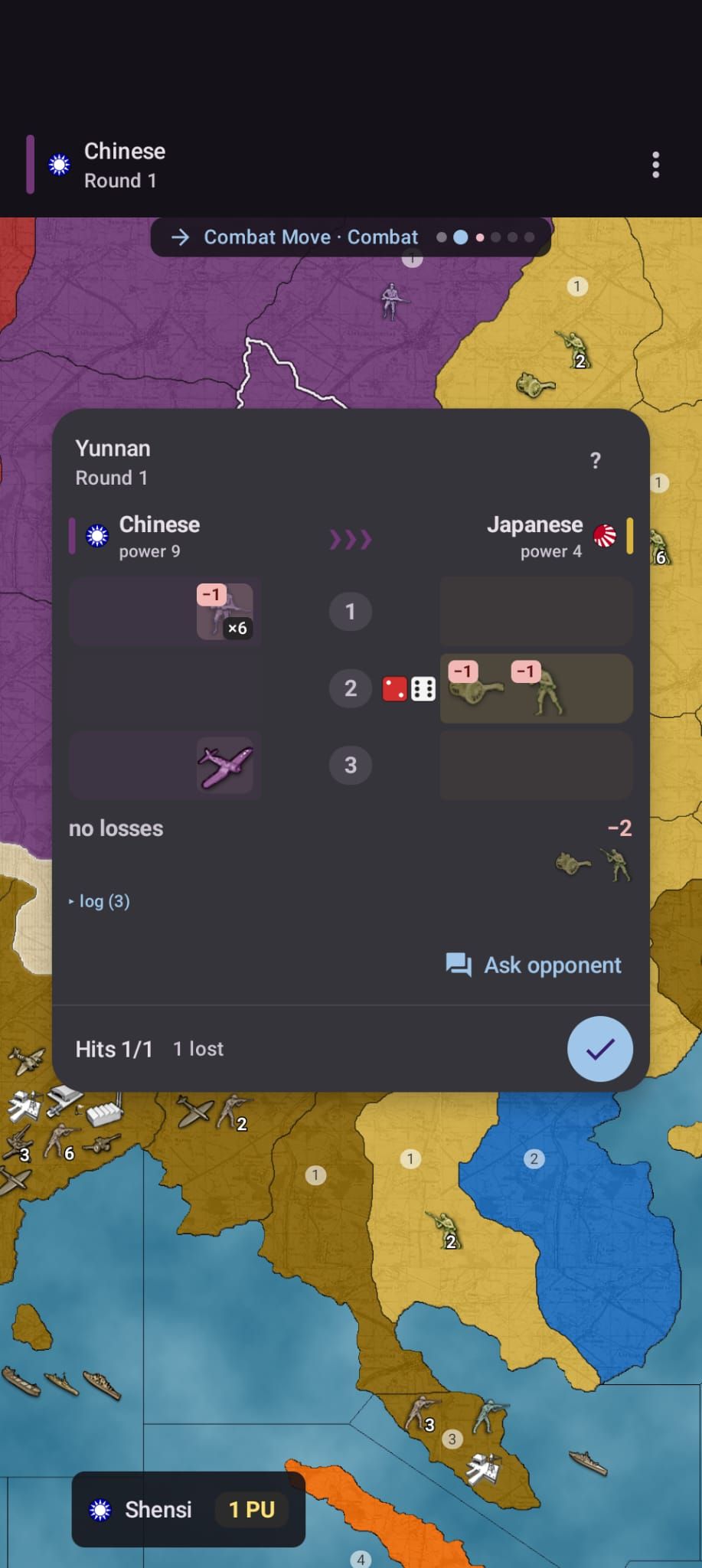
- Ask your opponent: when the game asks something your opponent should decide (losses, scramble, retreat, submerge…), tap "Ask opponent". It posts the question, a screenshot and the save, and you continue from that save once they answer
- Post the game any time from the game menu, without ending your turn
- Better thread view: posts on cards with pictures, quote / edit / delete your own posts, a formatting toolbar with preview, @mentions, attach save games, drafts are kept, pull to refresh, new posts are marked
- "Your turn" notifications every 30 minutes while signed in
- Help button on the Play by Forum screen explaining how it all works
- Compatible with desktop TripleA: desktop and mobile players can play the same games
NOTE: The app has no EDITOR mode. Multiplayer games that depend on that are sadly not compatible but im working on it.
It is still experimental, so please report anything that breaks or feels odd, ideally with a screenshot. Thanks!
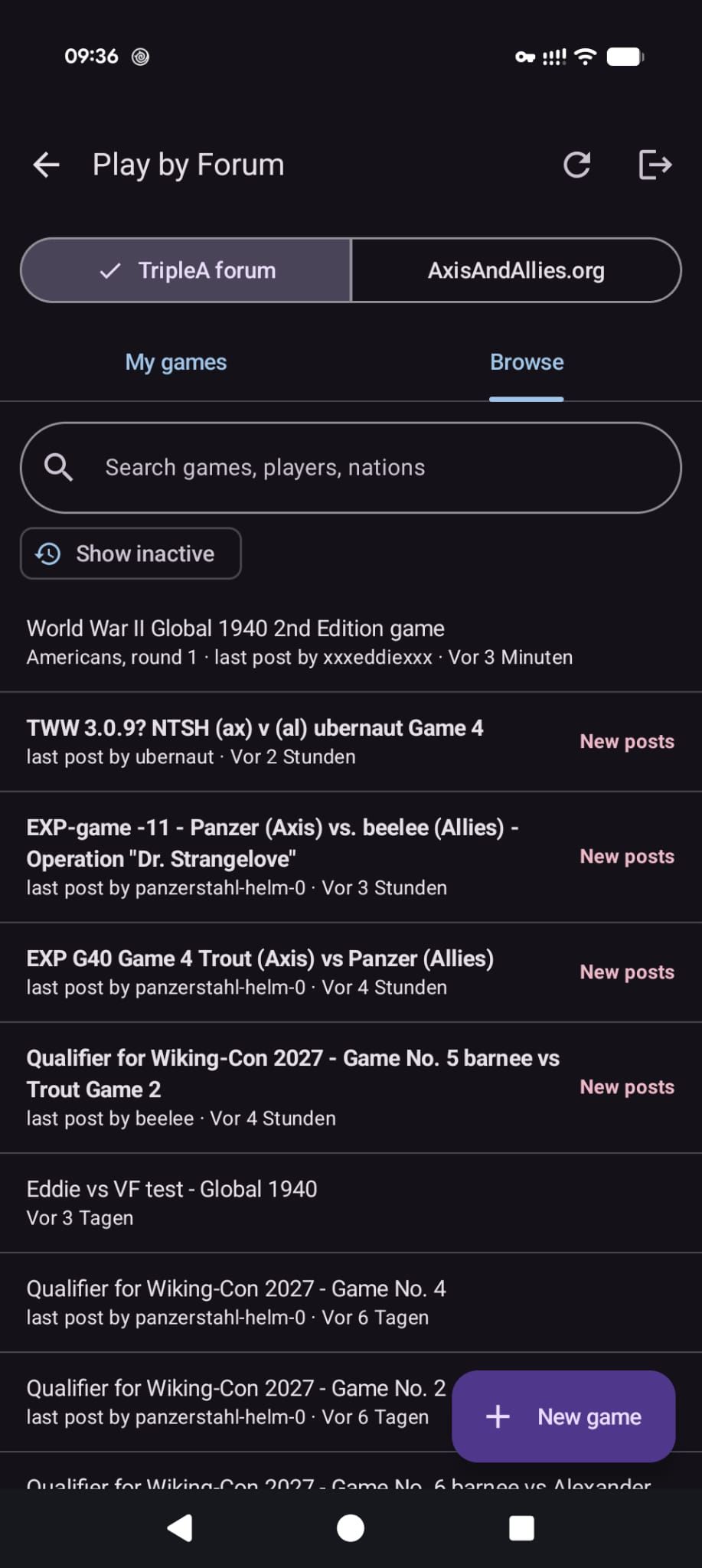
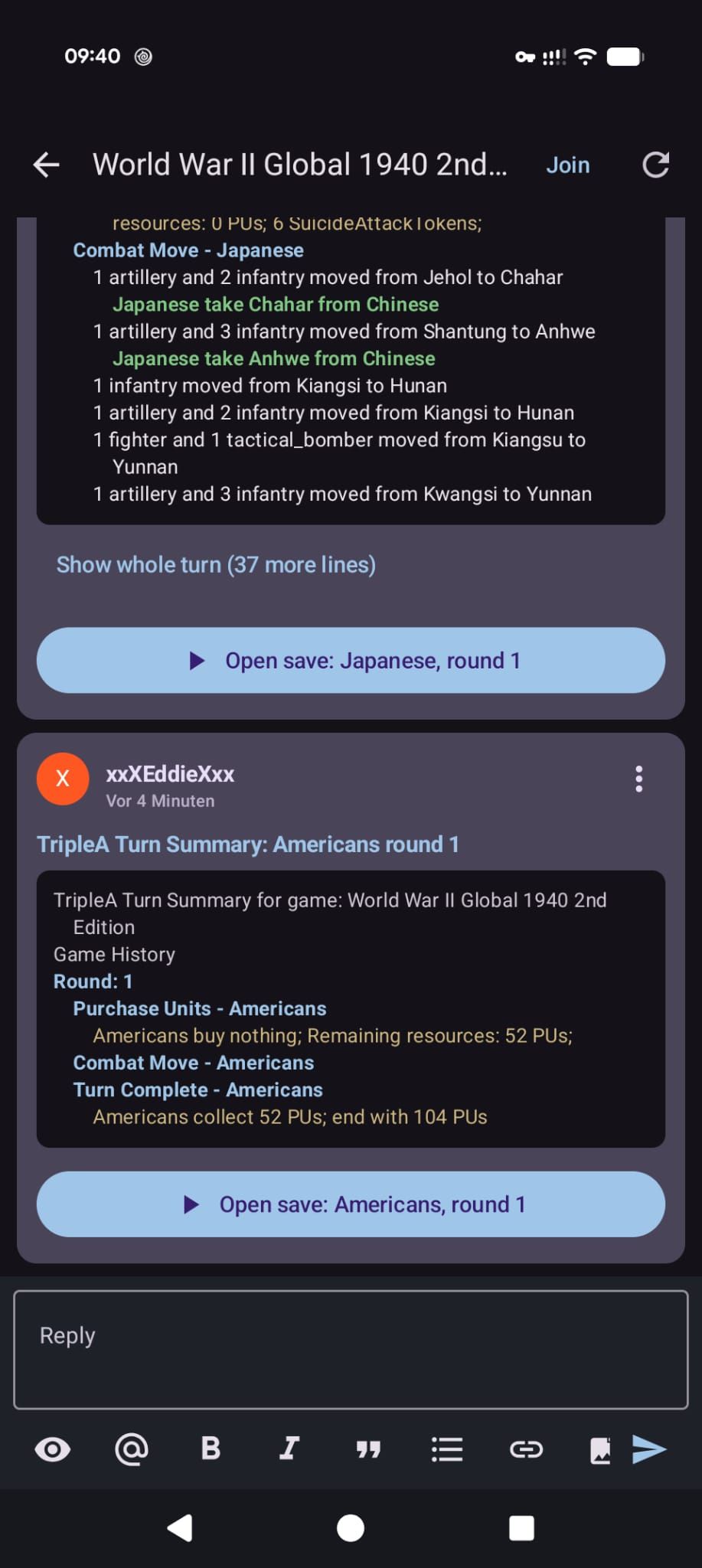
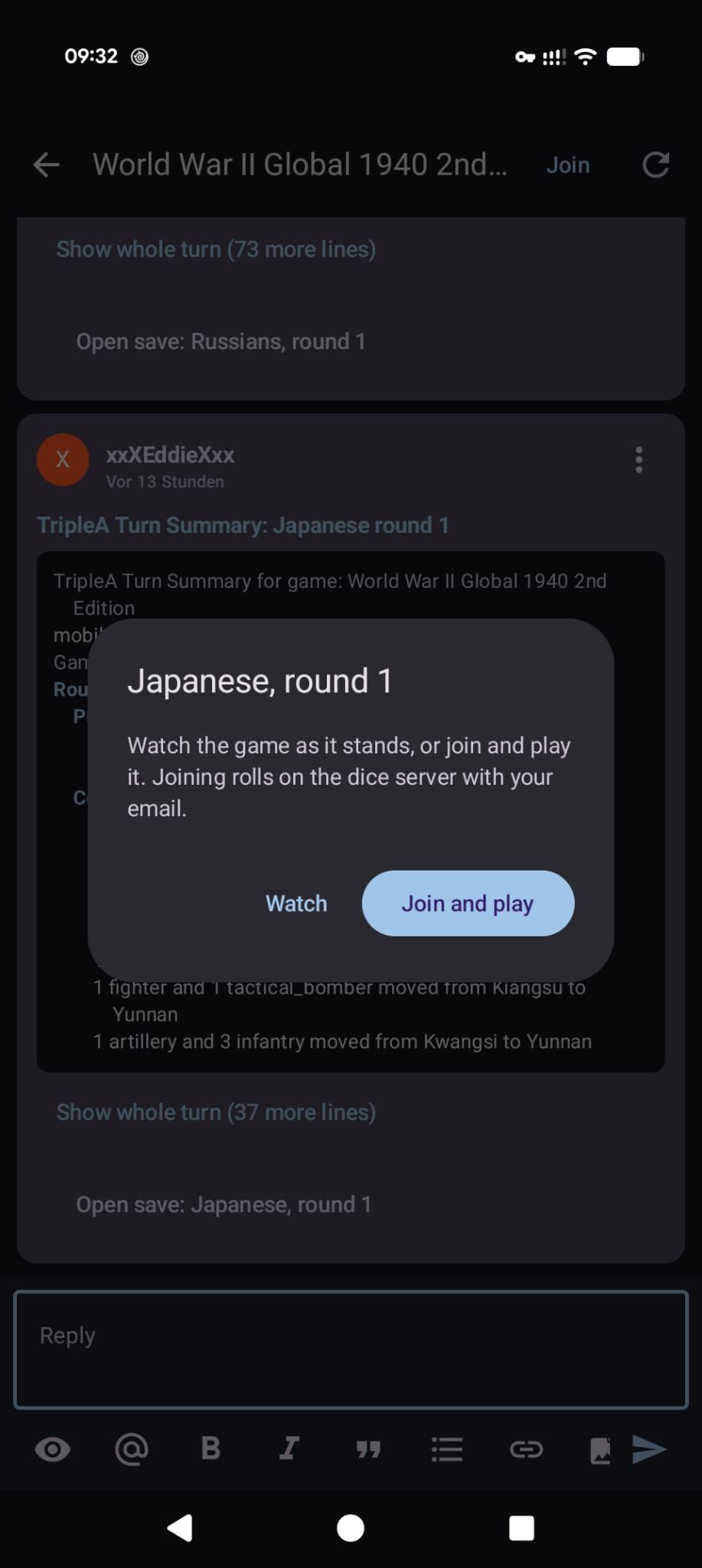
-
i would really love some feedback on some simple maps.
-
@xxxeddiexxx
On the tablet version I will give feedback, hint, hint, twists arm -
@thedog
i would love some screenshots from a tablet.
my UI design is made for phone.
But i will work on this soon. -
Update:
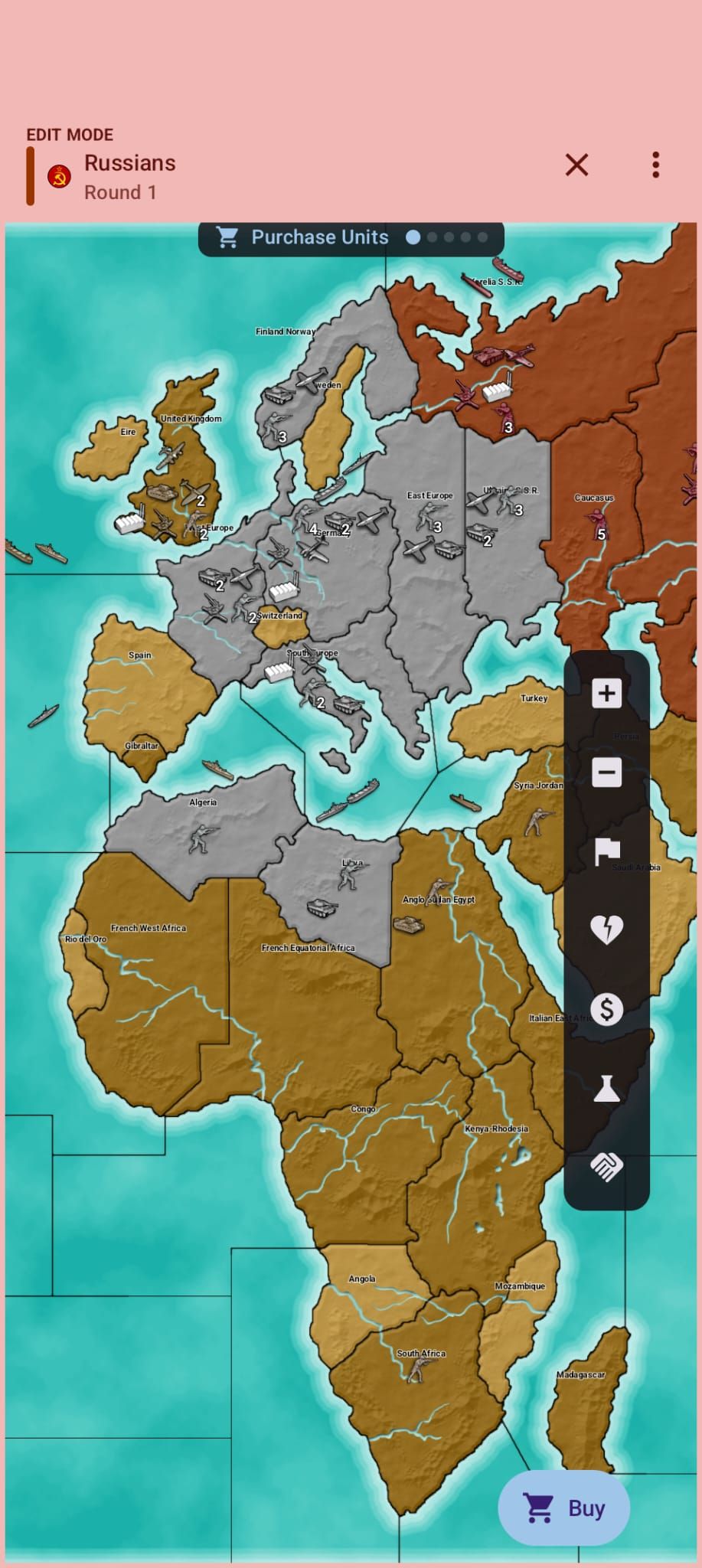
release:- Edit mode: switch it on from the game menu during your own turn. A red EDIT MODE bar and a tool strip will appear.
- savegame management: long-press a save to select several and delete them together, with "Select all"
develop:
Hey Guys, a bigger Play by Forum update for the Mobile app:
- Edit mode works in forum games too
- No more save game flood: each forum game keeps only its newest save
- "Join" in a thread now opens the newest save so you can play right away
- Dice server: "Add player" for games with more than two people
- Stop following a game: tap the bell in its thread when a game is over or you're out. It leaves My games and sends no more notifications (the "Stopped" filter brings it back)
- Several nations in a row: the turn review lists all nations the post covers and tells you when the next nation is an ally, so you can keep playing and send one post
- Your message comes first: in posts your comment now stands right under the title, set apart from the game info, and the app highlights it in the thread view (for desktop posts too)
- New game in an existing thread: search for it, the threads you opened last come first
- Faster "Your turn" notifications: every 15 minutes (the shortest Android allows) and as soon as you open the app.
It is still experimental, so please report anything that breaks or feels odd, ideally with a screenshot. Thanks!
-
Update
Long time no see
 i was busy with some other project, but i managed to squeze in some improvements:
New
- In-app updates. When a newer version is out, the start screen offers it.
- Update downloads it, checks the file's checksum and opens the Android installer.
- Later hides the offer until the next start.
- What's new shows the changes since your version, inside the app.
- Skip this version stops offering that version.
- The app looks for updates once a day. Turn this off under Settings → App → Check for updates. About → Updates shows the status and has a Check now button.
- Stockpiled resources are visible. Maps with extra resources (oil, fuel, iron, …), such as Iron Order Europe, now show them:
- in the top bar
- in full in the Turn tab
- for every nation in a new "Resources" section of the Stats tab
- Pictures in map messages. Notifications with images now show the image, for example the event cards on maps that have them.
Fixed
- argomidweight showed every territory white. Its relief layer is an exact copy of the base map, and it covered the owner colours. The app now ignores a relief layer like this, so territories show their owners' colours again.
- Hidden nations no longer stop the game. On maps with a hidden nation (for example 11_rings), setup made that nation a human player and the game stopped waiting for it. The player list now hides it and gives it the map's default player type.
- Player types follow the map. When a map sets a nation to AI or "does nothing", setup now uses that as the default.
Changed
- Hidden nations play their turns right away. The pauses that make AI moves easy to follow no longer apply to nations you never see, which saved up to two minutes per round on some maps.
- In-app updates. When a newer version is out, the start screen offers it.


Hello! It looks like you're interested in this conversation, but you don't have an account yet.
Getting fed up of having to scroll through the same posts each visit? When you register for an account, you'll always come back to exactly where you were before, and choose to be notified of new replies (either via email, or push notification). You'll also be able to save bookmarks and upvote posts to show your appreciation to other community members.
With your input, this post could be even better 💗
Register Login