TripleA Logo TripleA Forum
    • TripleA Website
    • Categories
    • Recent
    • Popular
    • Users
    • Groups
    • Tags
    • Register
    • Login

    Git Token Question

    Scheduled Pinned Locked Moved Player Help
    24 Posts 3 Posters 5.1k Views 3 Watching
    Loading More Posts
    • Oldest to Newest
    • Newest to Oldest
    • Most Votes
    Reply
    • Reply as topic
    Log in to reply
    This topic has been deleted. Only users with topic management privileges can see it.
    • B Online
      beelee @beelee
      last edited by beelee

      @beelee

      Screenshot from 2021-08-30 17-31-06.png

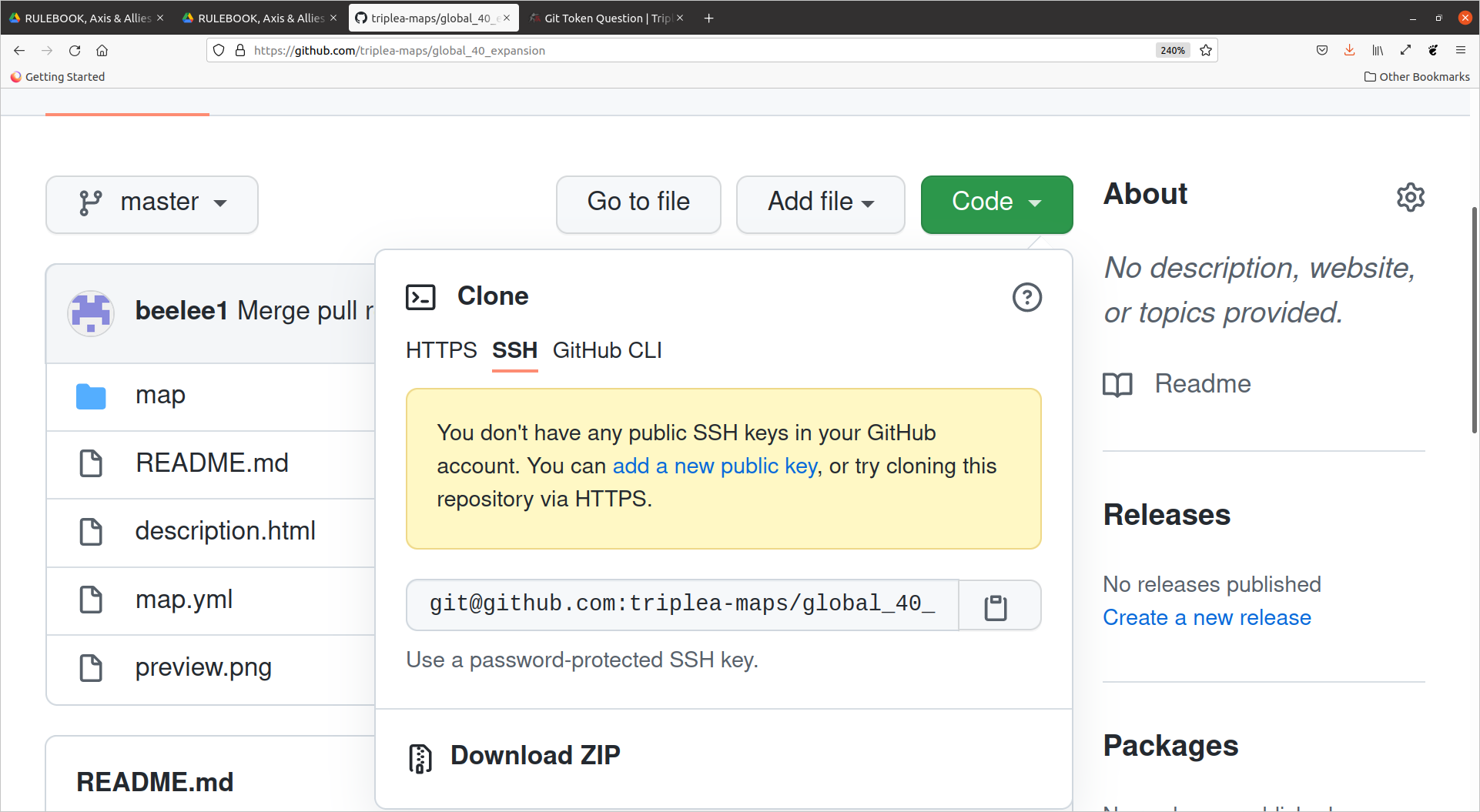
      so HTTPS brings up PW. SSH I have but is not public I think is the problem.

      ?

      TheDogT 1 Reply Last reply Reply Quote 0
      • TheDogT Offline
        TheDog @beelee
        last edited by

        It's just a jump to the left
        And then a step to the right

        Its a time warp, your going nowhere....

        yet...

        https://forums.triplea-game.org/tags/thedog
        https://forums.triplea-game.org/topic/3741/curated-best-top-maps-triplea-guides

        B 1 Reply Last reply Reply Quote 1
        • B Online
          beelee @TheDog
          last edited by beelee

          @thedog

          sounds like dancing with my cousins when i was kid 🙂

          Mom up now. Gotta tend to her. Probably be a while till I can try again

          We'll make it work. Any help is appreciated though 🙂

          1 Reply Last reply Reply Quote 0
          • LaFayetteL Offline
            LaFayette Admin
            last edited by

            SSH keys are an example of public/private key cryptography. On your computer you generate a private key and a public key. You then give the public key to anyone that wants to authenticate messages from you. You can then encrypt messages using your private key and when someone else uses your public key to decode it, it works. In essence, the only way to read messages encrypted with a given private key is by using the public key, and by reading the encrypted message the private key also cannot be derived.

            So, you should have a public and private key generated on your machine somewhere. You then need to upload the public key, here is the link: https://github.com/settings/ssh/new

            Find your public key on your computer, copy/paste the whole thing (be sure it is your public key and not private), go to the link above, and paste it in.

            B 1 Reply Last reply Reply Quote 1
            • LaFayetteL Offline
              LaFayette Admin
              last edited by LaFayette

              @TheDog , there are several ways to upload files into github. The easiest is simply using the web-ui and doing drag-and-drop. AFAIK google drive requires you to log in, and drag and drop files to upload. Same thing in github.com, you log in, then drag and drop files.
              (the only difference is the map file should not be compressed (should not be zipped) so that it can be distributed automatically)

              edit, you need to create a repository to host your map first, so you need to:

              • login
              • create repository (use this link: https://github.com/new)
              • drag and drop files to upload
              1 Reply Last reply Reply Quote 0
              • B Online
                beelee @LaFayette
                last edited by beelee

                @lafayette sadly I continue to struggle. I found the private and public keys. Private is on left and public is on right.
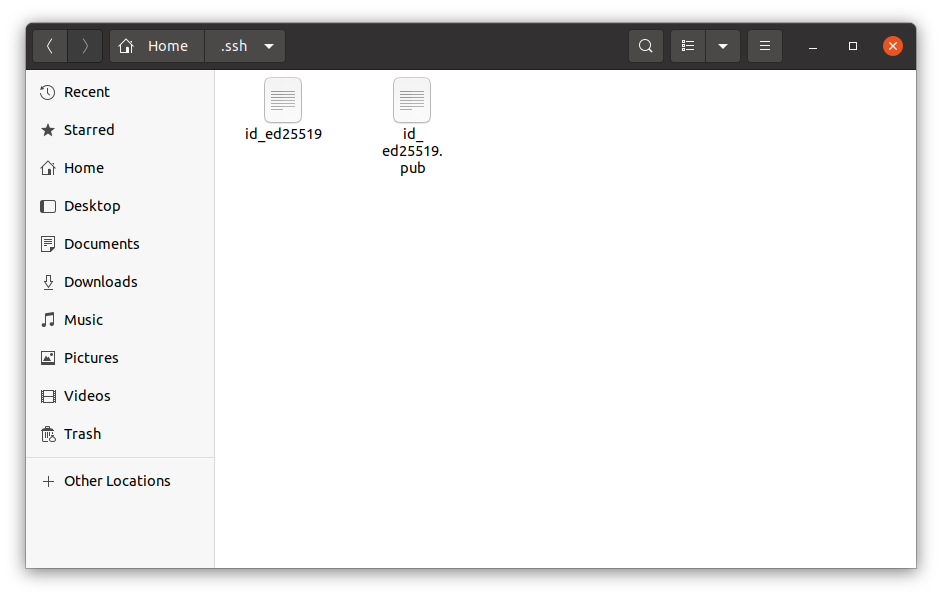
                Screenshot from 2021-09-03 16-56-57.png

                I open public and copy then paste to the above link where it says Title
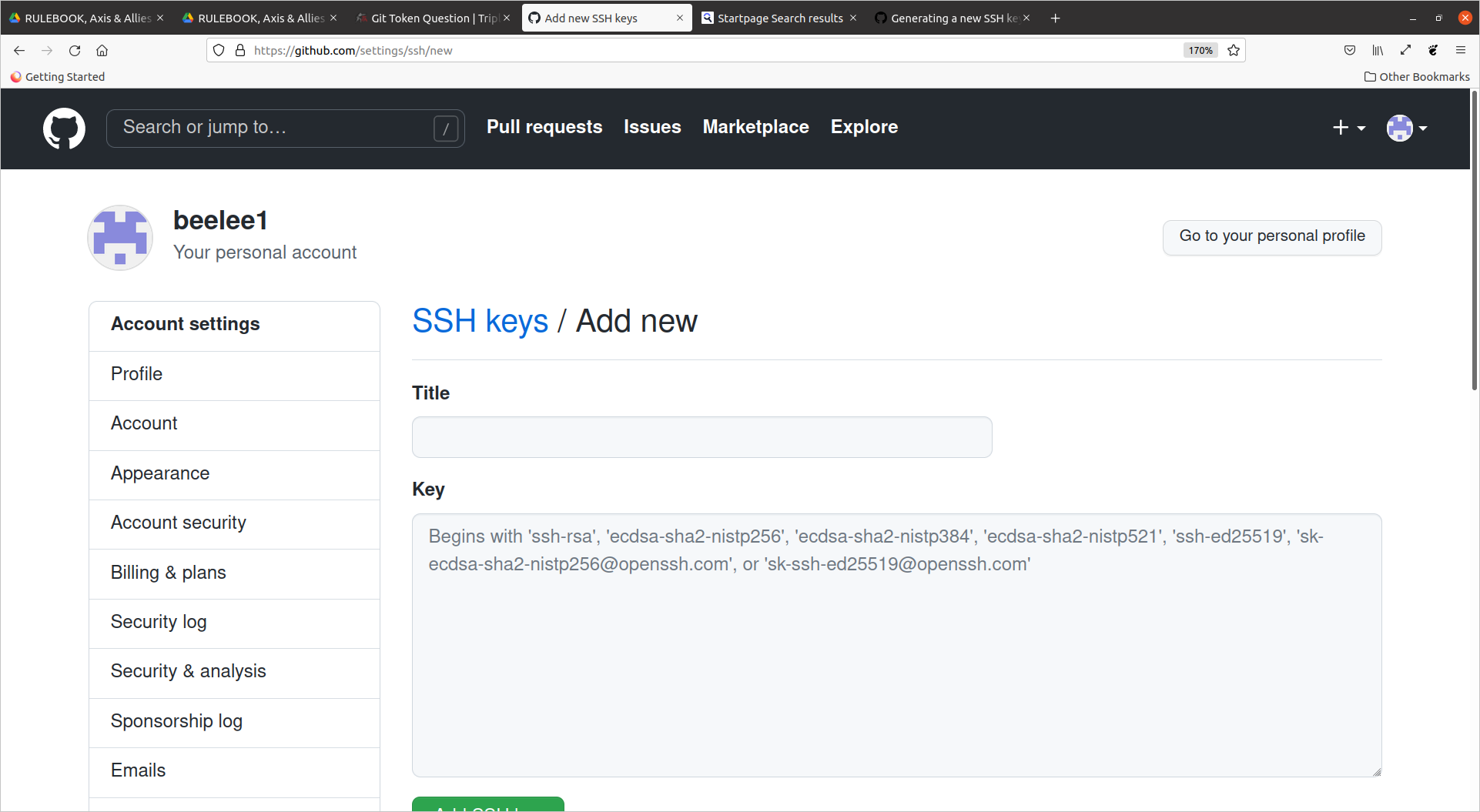
                Screenshot from 2021-09-03 17-01-36.png

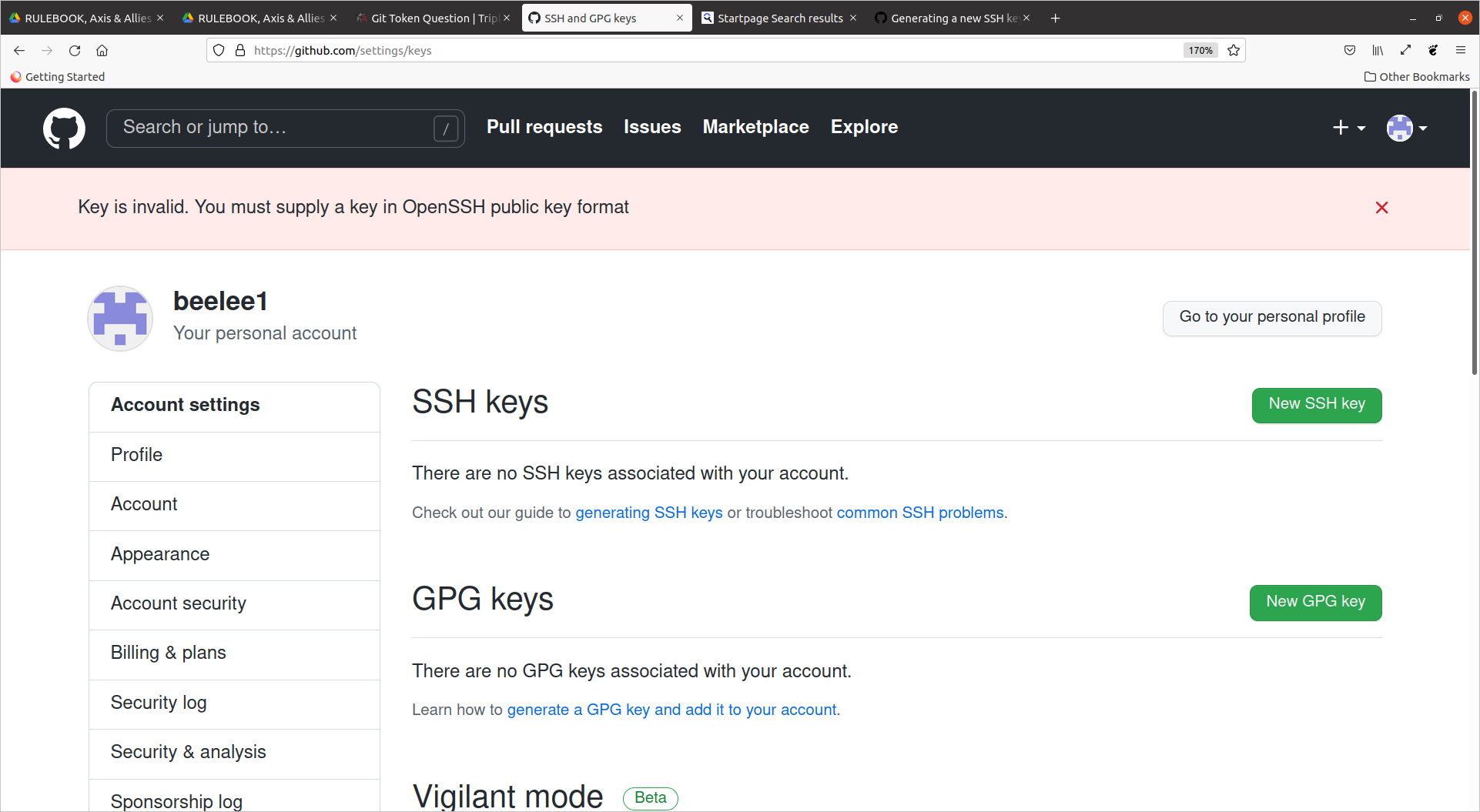
                and then i get this

                Screenshot from 2021-09-03 16-55-54.png

                Edit
                ok just typed in a title and then pasted into the next box. That created some new results. We'll see if it works

                B 1 Reply Last reply Reply Quote 0
                • B Online
                  beelee @beelee
                  last edited by

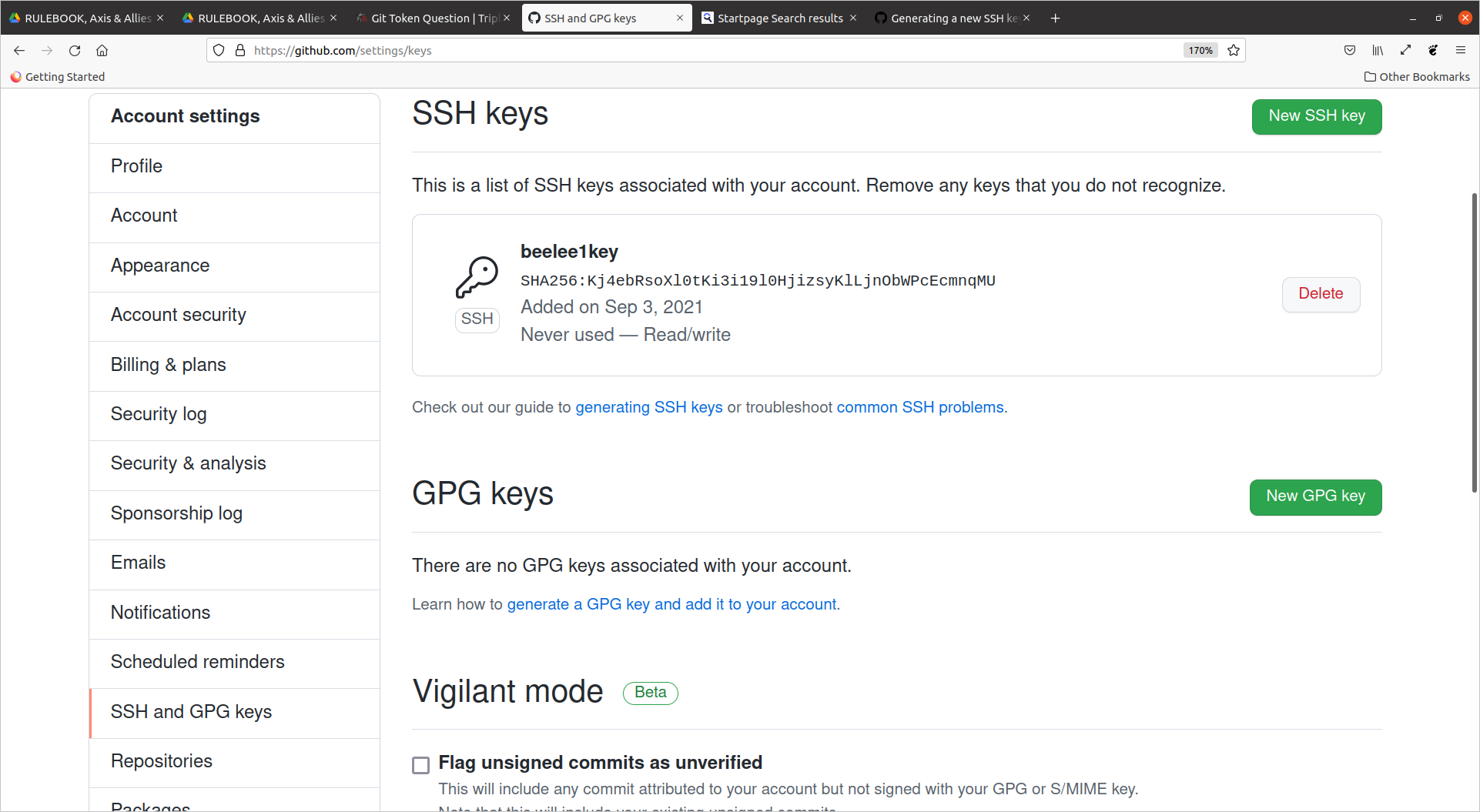
                  @beelee ok looks as if we may have success

                  Screenshot from 2021-09-03 17-09-49.png

                  I'll try an update a repo next.

                  1 Reply Last reply Reply Quote 1
                  • B Online
                    beelee
                    last edited by

                    OK that minor nightmare is over and we're back in action. I'll post a step by step process of how I did it a bit later for any that are interested.

                    TheDogT LaFayetteL 2 Replies Last reply Reply Quote 2
                    • TheDogT Offline
                      TheDog @beelee
                      last edited by

                      Your perseverance has paid off, well done!!!

                      Im interested in the document.

                      https://forums.triplea-game.org/tags/thedog
                      https://forums.triplea-game.org/topic/3741/curated-best-top-maps-triplea-guides

                      1 Reply Last reply Reply Quote 1
                      • LaFayetteL Offline
                        LaFayette Admin @beelee
                        last edited by

                        @beelee Please check for any good online tutorials before writing one. It's better to reference a well written tutorial than to write and maintain our own.

                        B 1 Reply Last reply Reply Quote 0
                        • B Online
                          beelee @LaFayette
                          last edited by

                          @lafayette believe me I did.

                          LaFayetteL 1 Reply Last reply Reply Quote 0
                          • LaFayetteL Offline
                            LaFayette Admin @beelee
                            last edited by

                            @beelee FWIW, here are a few:

                            https://docs.github.com/en/github/authenticating-to-github/connecting-to-github-with-ssh/adding-a-new-ssh-key-to-your-github-account

                            https://predictivehacks.com/how-to-add-an-ssh-key-to-github/

                            https://www.inmotionhosting.com/support/server/ssh/how-to-add-ssh-keys-to-your-github-account/

                            To make it more generalized we'd need to find something that details how to generate a SSH key on windows.

                            B 1 Reply Last reply Reply Quote 1
                            • B Online
                              beelee @LaFayette
                              last edited by beelee

                              @lafayette yes my experience is with linus. I'm not trying to make a "Frostion" type guide. Just going to explain the steps I went through and explain where I had difficulties in case it can help others.

                              It was frustrating as computer stuff is not easy for me. If it helps good, if not it can be ignored.

                              Didn't mean to imply any type of official triplea guide. : )

                              Edit
                              yea i read the first two links when I was trying to figure it out. Not the third until now but it basically says the same.

                              1 Reply Last reply Reply Quote 1
                              • B Online
                                beelee
                                last edited by

                                This is the one I used and lafayette has it listed as well
                                https://docs.github.com/en/github/authenticating-to-github/connecting-to-github-with-ssh/adding-a-new-ssh-key-to-your-github-account

                                I think my mistakes are already documented above lol, so I would say just pay close attention to the directions. : )

                                1 Reply Last reply Reply Quote 1

                                Hello! It looks like you're interested in this conversation, but you don't have an account yet.

                                Getting fed up of having to scroll through the same posts each visit? When you register for an account, you'll always come back to exactly where you were before, and choose to be notified of new replies (either via email, or push notification). You'll also be able to save bookmarks and upvote posts to show your appreciation to other community members.

                                With your input, this post could be even better 💗

                                Register Login
                                • 1
                                • 2
                                • 1 / 2
                                • First post
                                  Last post
                                Copyright © 2016-2018 TripleA-Devs | Powered by NodeBB Forums