How do I find a map that would play today's World War 3?
-
How do I find a map that would play today's World War 3?
-
@nick1907 I didn't know World War 3 was being fought today. It didn't make this morning's newspaper.
If you are looking for hypothetical World War 3's, you can checkout https://axisandallies.fandom.com/wiki/Category:Hypothetical, many of the referenced pages are for "World War 3". I would suggest at interesting mods, NWO_Doomsday, World War 2010, 2013 Conflict
If you want map for your own scenario, you can take a look at https://axisandallies.fandom.com/wiki/Category:TripleA_World_Maps.
Another way of looking as at https://axisandallies.fandom.com/wiki/Category:Timeline, checking the years from 1945 on.
-
@rogercooper Thank you very much for your feedback and please excuse me. I mean of course a hypothetical World War 3's map for triple a.
I love TripleA but I'm new here. I hope you can help me. I have a few questions.
-
if i have gedwonloaded the map, how and in which folder exactly do i have to copy the map so that i can play it?
-
where can i find new maps for trippleA to play?
-
-
@nick1907 When you open up TripleA, you will see a button on the left saying download maps. Click that it and it open a window for downloading. There will be an alphabetical list of maps. Select the list of maps and then click install. The new maps will then be available when you click Select Game. You don't to worry about folders unless you want to create your own mods.
If you find a mod on the wiki, https://axisandallies.fandom.com/wiki/Axis_%26_Allies_Wikipedia, that is not in the download list, let me know.
-
Welcome to the site @nick1907
Actually WW III is being fought right now. It just hasn't gone nuclear yet lol Just kidding kinda

Here's a link to the map page on git. You might find it easier to scroll through them https://github.com/triplea-maps
-
@RogerCooper @beelee Thank you very much for your feedback.
- but in the game, when i click on download maps, do i find all the maps that are available for the game? Is there no other web page where I can also download other maps?
- if I download the maps manually and not via the game itself, where exactly do I have to save them so that I can start them?
- when I download maps via the game, I have often noticed that certain maps do not start and I get an error message. Do you have the same problem and if so, how can I fix it?
-
yea so if you dl manually from git you wanna go to triplea folder
downloadedmapsand put it in there
here's a detailed link https://www.axisandallies.org/forums/topic/36998/global-1940-and-1943-expansion-for-use-with-triplea?page=1
Edit
The above git link I provided will take you to all of them. The maps -
Post a saved game or screensot of the error next time it happens.
What engine version are you using ?
2.6.14752 is pretty much the latest, although a few new ones out
-
@beelee Thank you. Unfortunately, I don't have the latest version of TripleA. How exactly can I update the software?
-
The home page has it. https://triplea-game.org/
What OS are you using ? Mac has been somewhat problematic for as long as I can remember but it does work
Edit
this all of the versions https://github.com/triplea-game/triplea/releases/ -
@beelee said in How do I find a map that would play today's World War 3?:
@nick1907
The home page has it. https://triplea-game.org/
What OS are you using ? Mac has been somewhat problematic for as long as I can remember but it does workThank you, I use Windows.
So I can only update the version if I completely reinstall the game? -
the install should be just follow the prompts. Most are on windows, so i think its pretty user friendly for it.
It will ask if you want to put it in your current folder. You can say no and rename the folder. I just use the number.
So you can have multiple versions at same time
Edit
The Dog has a detailed post about it. Idk where it is but shouldn't be too hard to find -
@beelee said in How do I find a map that would play today's World War 3?:
the install should be just follow the prompts. Most are on windows, so i think its pretty user friendly for it.
It will ask if you want to put it in your current folder. You can say no and rename the folder. I just use the number.
So you can have multiple versions at same timeWhen I download and install the tripleA from the site: https://triplea-game.org/download/ I unfortunately still only have the engine version: 2.5.2294
What am I doing wrong?
-
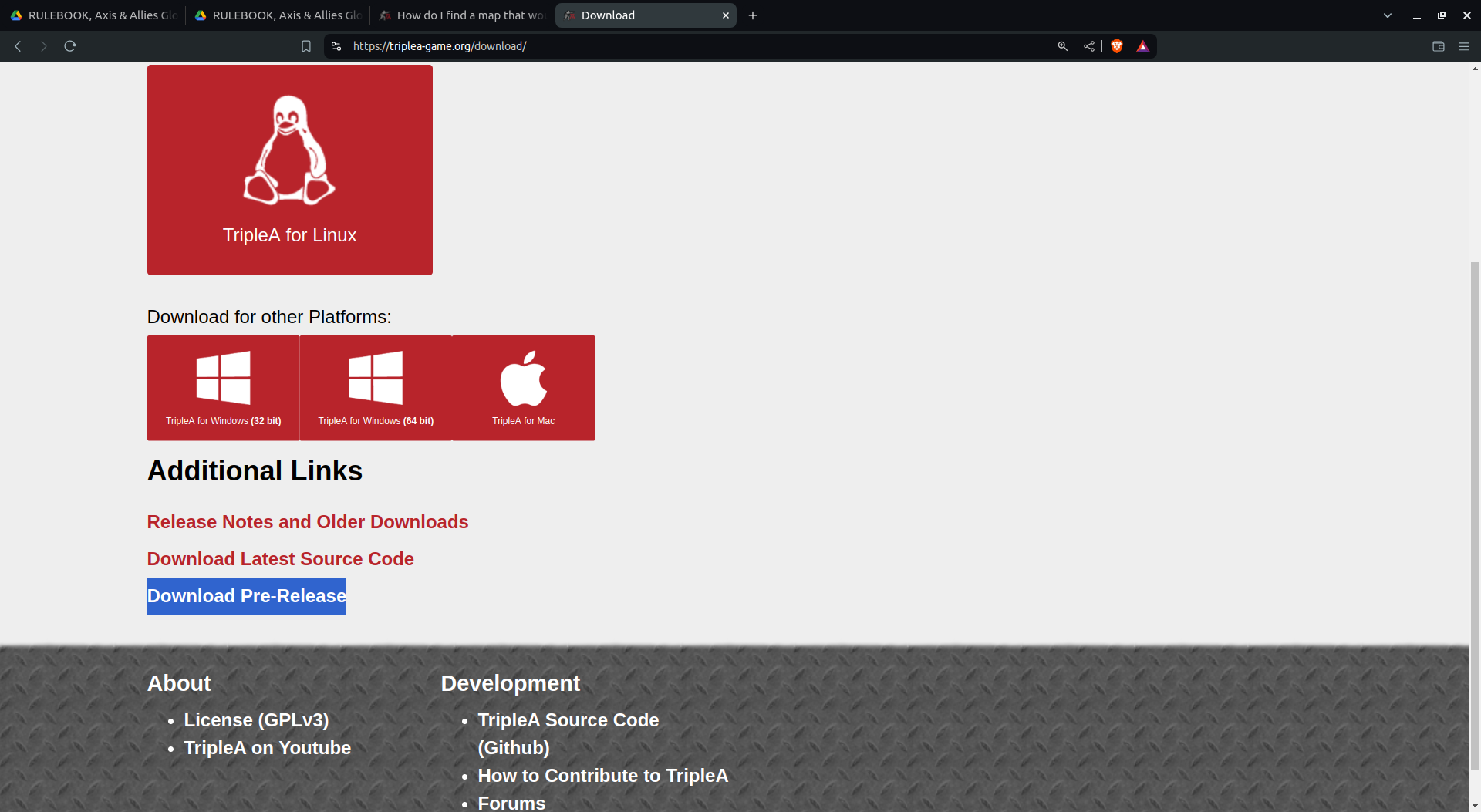
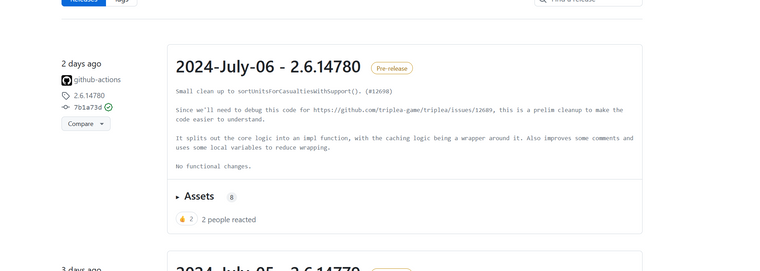
oh yea so you wanna go to prerelease or use that above link I sent.
I think theres still a 32 and 64 for windows so make sure you get right one
Edit
-
@beelee Thank you.
-
And where exactly do I have to click here to download this version?
-
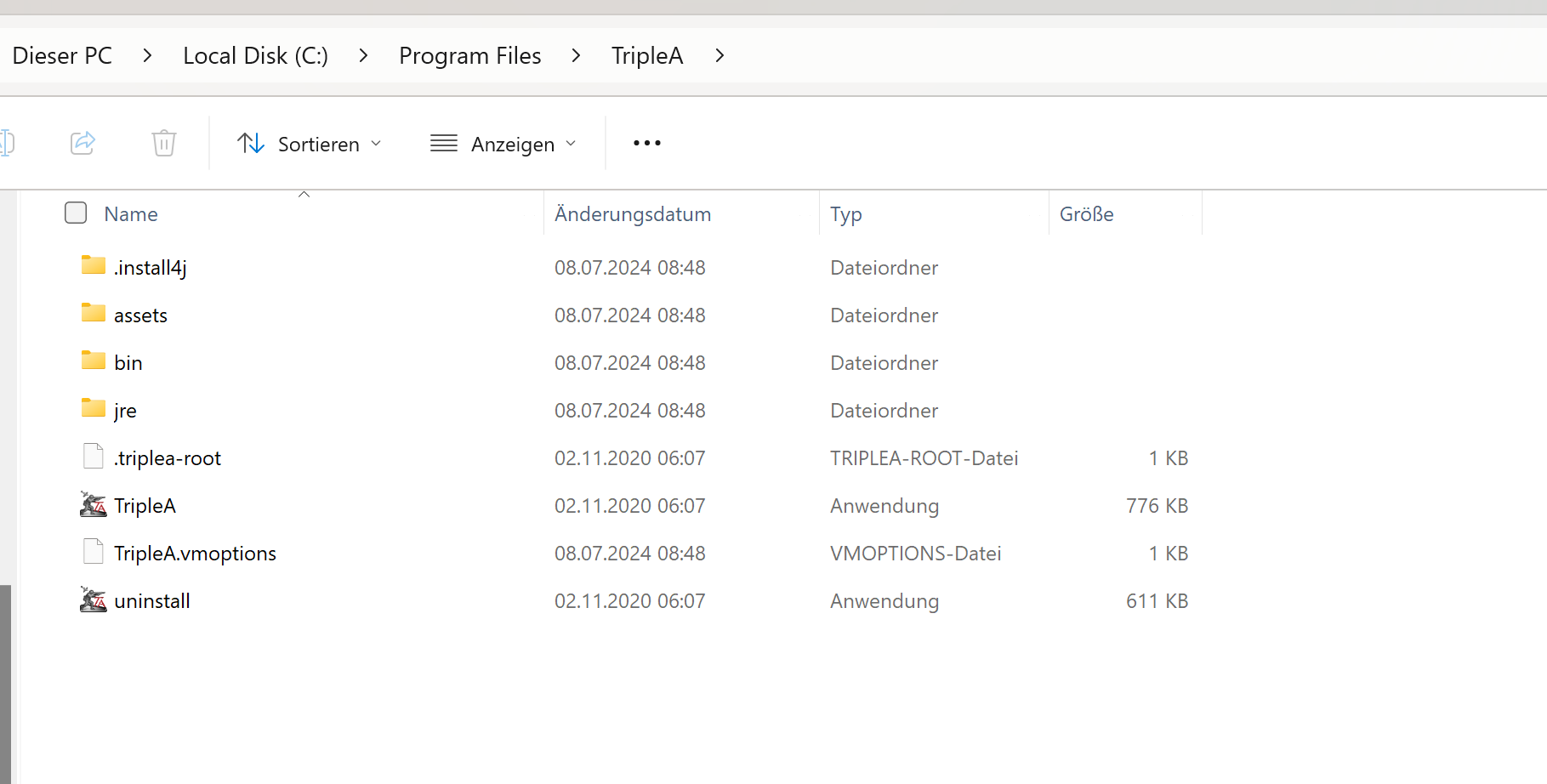
in which folder exactly do I have to copy this version?
-
-
heh heh sorry brother I know das is gut and that's about it
I will screen it out for you. I'm on linux though but should similar process
-
@beelee that would be great, if you would do that, I would be very grateful
-
On it right now
-
@beelee I will do in steps as i get the shots mixed up lol
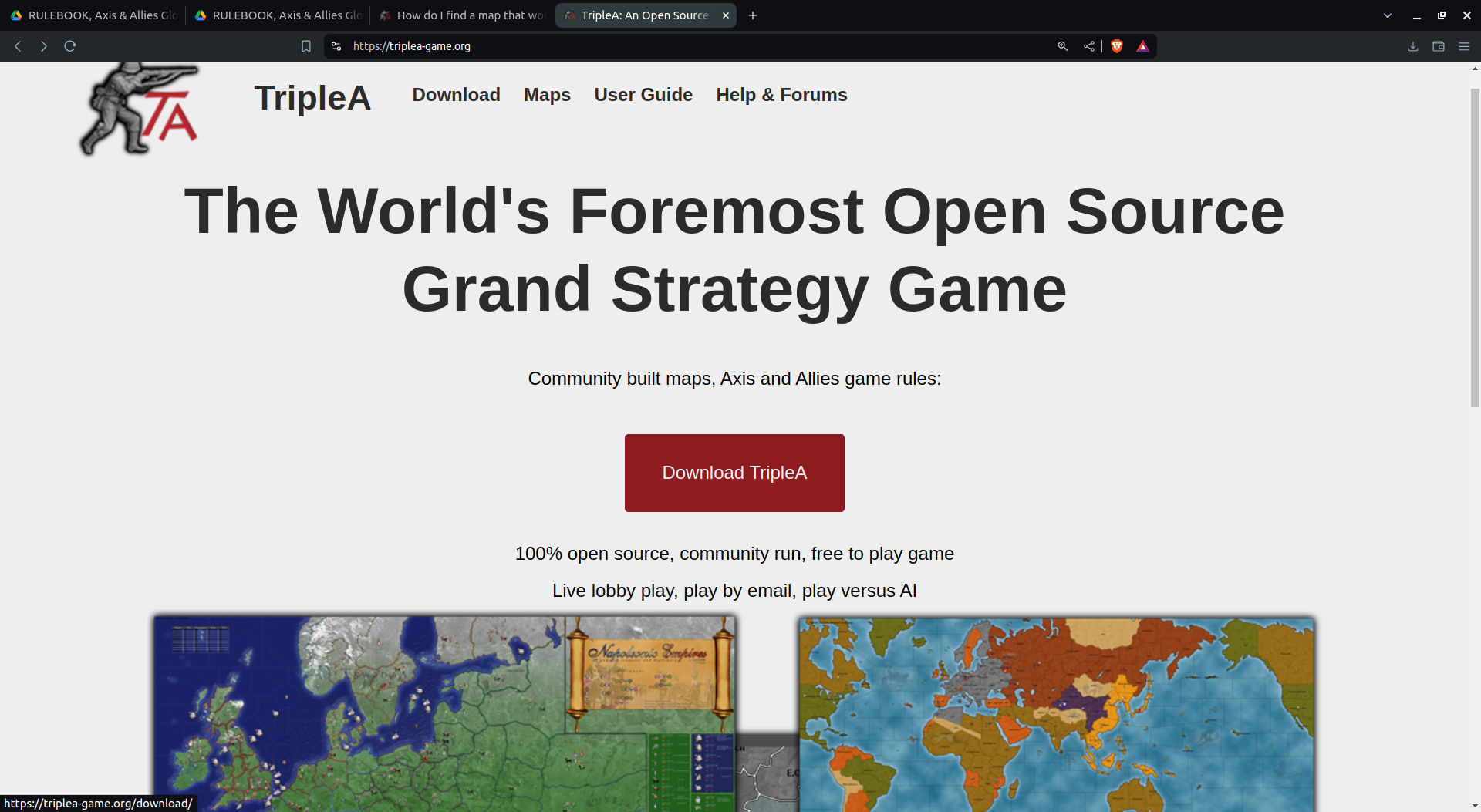
Download prerelease
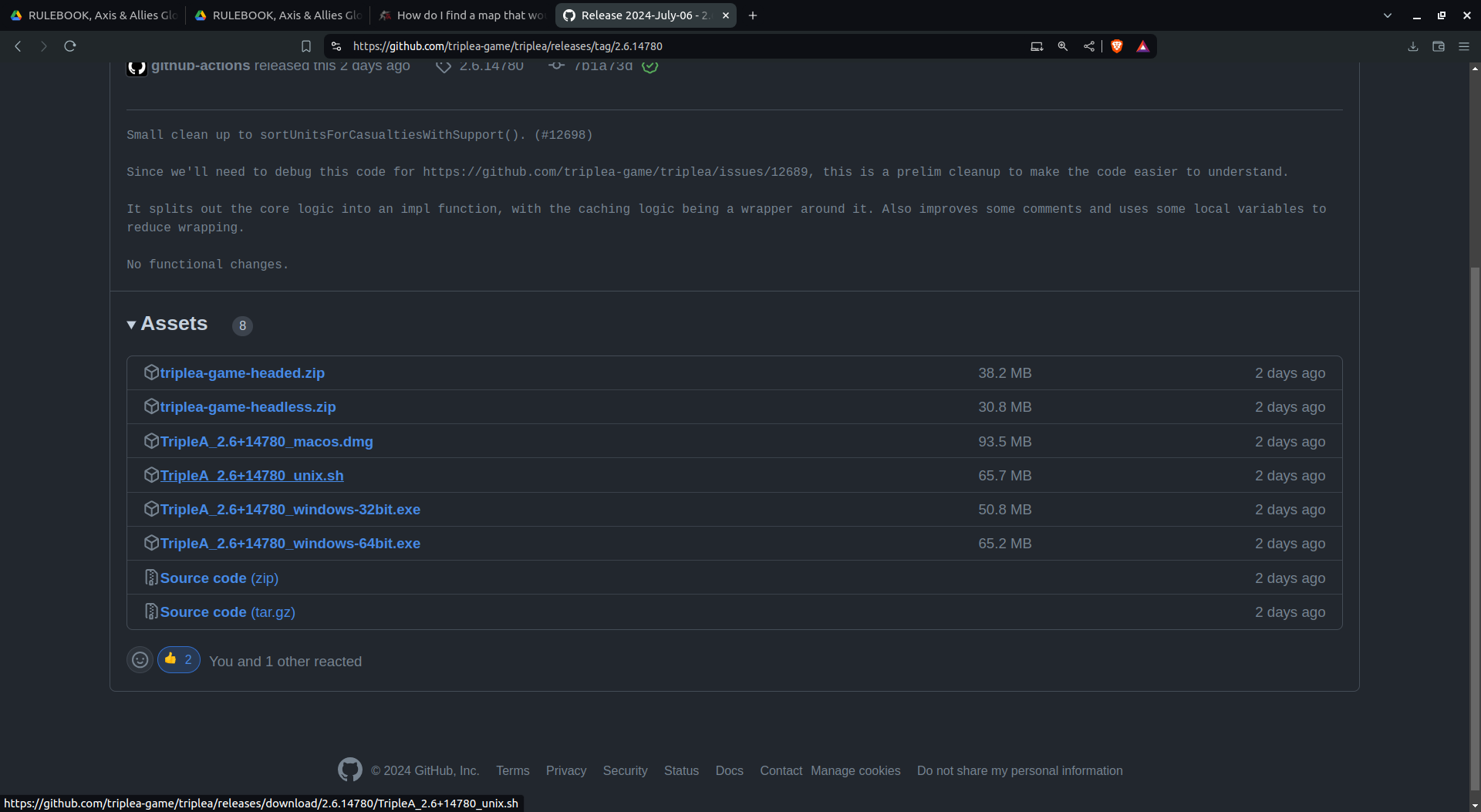
It's now in your downloads. Yes I know you know this but we are gonna be deliberate lol
-
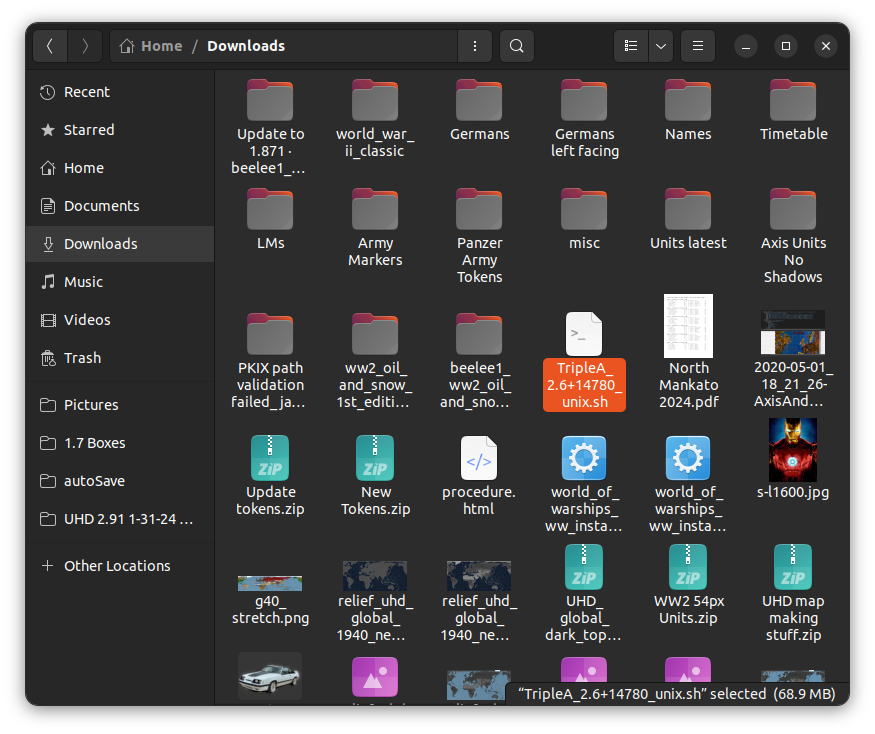
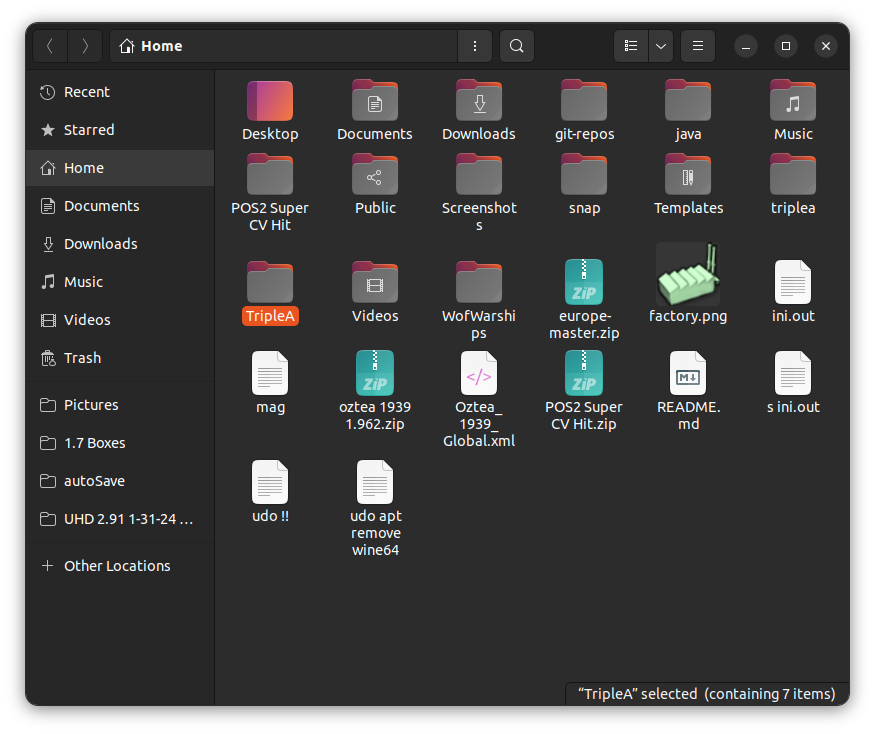
notice there are two triplea folders. At least for me
The big T is where the release will go. The little one is where your saved games and maps are

Hello! It looks like you're interested in this conversation, but you don't have an account yet.
Getting fed up of having to scroll through the same posts each visit? When you register for an account, you'll always come back to exactly where you were before, and choose to be notified of new replies (either via email, or push notification). You'll also be able to save bookmarks and upvote posts to show your appreciation to other community members.
With your input, this post could be even better 💗
Register Login