TripleA Logo TripleA Forum
    • TripleA Website
    • Categories
    • Recent
    • Popular
    • Users
    • Groups
    • Tags
    • Register
    • Login

    Screen centering/cycling around map UI idea

    Scheduled Pinned Locked Moved Feature Requests & Ideas
    217 Posts 10 Posters 178.8k Views 8 Watching
    Loading More Posts
    • Oldest to Newest
    • Newest to Oldest
    • Most Votes
    Reply
    • Reply as topic
    Log in to reply
    This topic has been deleted. Only users with topic management privileges can see it.
    • LaFayetteL Offline
      LaFayette Admin @Cernel
      last edited by

      @Cernel said in Screen centering/cycling around map UI idea:

      By the way, now also the standby icon of Windows is a crescent...

      That's okay, standby and sleep are synonymous in this context.

      The arrow with checkmark is not always accurate as it does not also skip. For example you can move a bomber, if it has movement left, the 'next' + 'previous' will continue cycling to the bomber until you 'skip' with spacebar (or click the checkmark).

      C 1 Reply Last reply Reply Quote 0
      • LaFayetteL Offline
        LaFayette Admin
        last edited by

        @Hepps @Cernel or anyone else, I think a "wake - all" button would potentially be useful, thoughts? If so, an image icon for that would be helpful/needed (something like an open eye or similar).

        1 Reply Last reply Reply Quote 1
        • C Offline
          Cernel Moderators @LaFayette
          last edited by

          @LaFayette You didn't get what I said. What I meant is that under the two arrows buttons, you already have, you would have another two arrows button, but with also a checkmark superimposed, to skip and move to the next or previous (as opposed to do the same thing without skipping, that you would do by clicking on the arrows without the checkmark). That way, you only remain with the crescent symbol right under the units at the centre. This would also make more sense, as the checkmark button already makes you also move to the next group, like clicking on the right arrow.

          LaFayetteL 1 Reply Last reply Reply Quote 0
          • LaFayetteL Offline
            LaFayette Admin @Cernel
            last edited by

            @Cernel Ah, thanks for the clarification. Clicking skip moves to the next group, it's effectively the right arrow + skip. I think the suggestion is to have 4 buttons then instead of 3. I don't see the previous + skip to be really that common/used. When skipping it's pretty much going to be after moving or having skipped the previous unit already. Skip current to re-selecting the previous unit would be a bit odd.

            I am really interested if there are thoughts about a wake-all feature. On revised it does not seem to be that necessary, I wonder/suspect maybe on a larger map it could make more sense though, but again maybe not. I suspect it's probably not needed, likely if a unit is to be awaken it is because a transport or enemy unit are adjacent. In those cases it's probably easy to remember when cycling to the transport or if an attack is likely to simply skip that unit for a few turns.

            1 Reply Last reply Reply Quote 0
            • LaFayetteL Offline
              LaFayette Admin
              last edited by

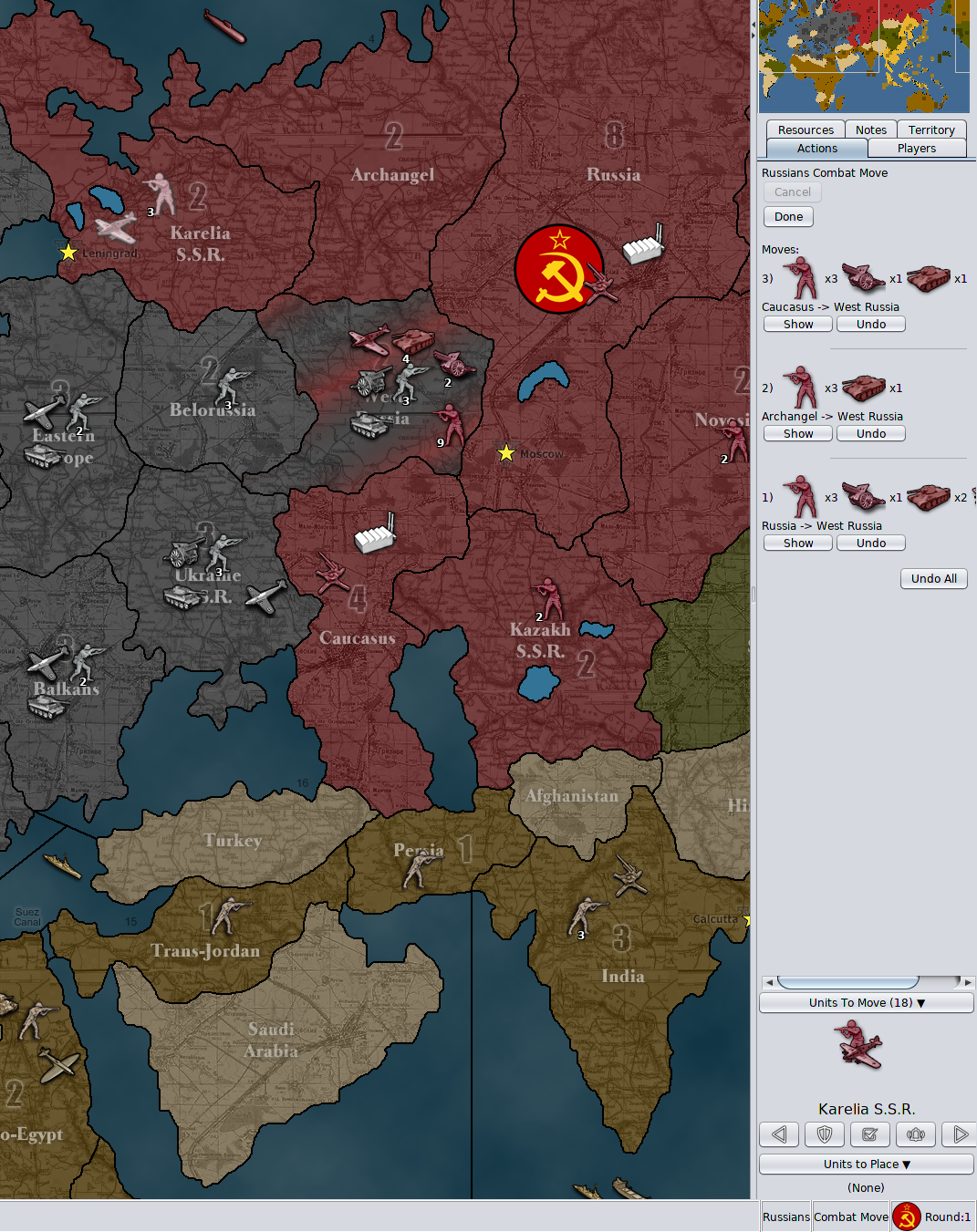
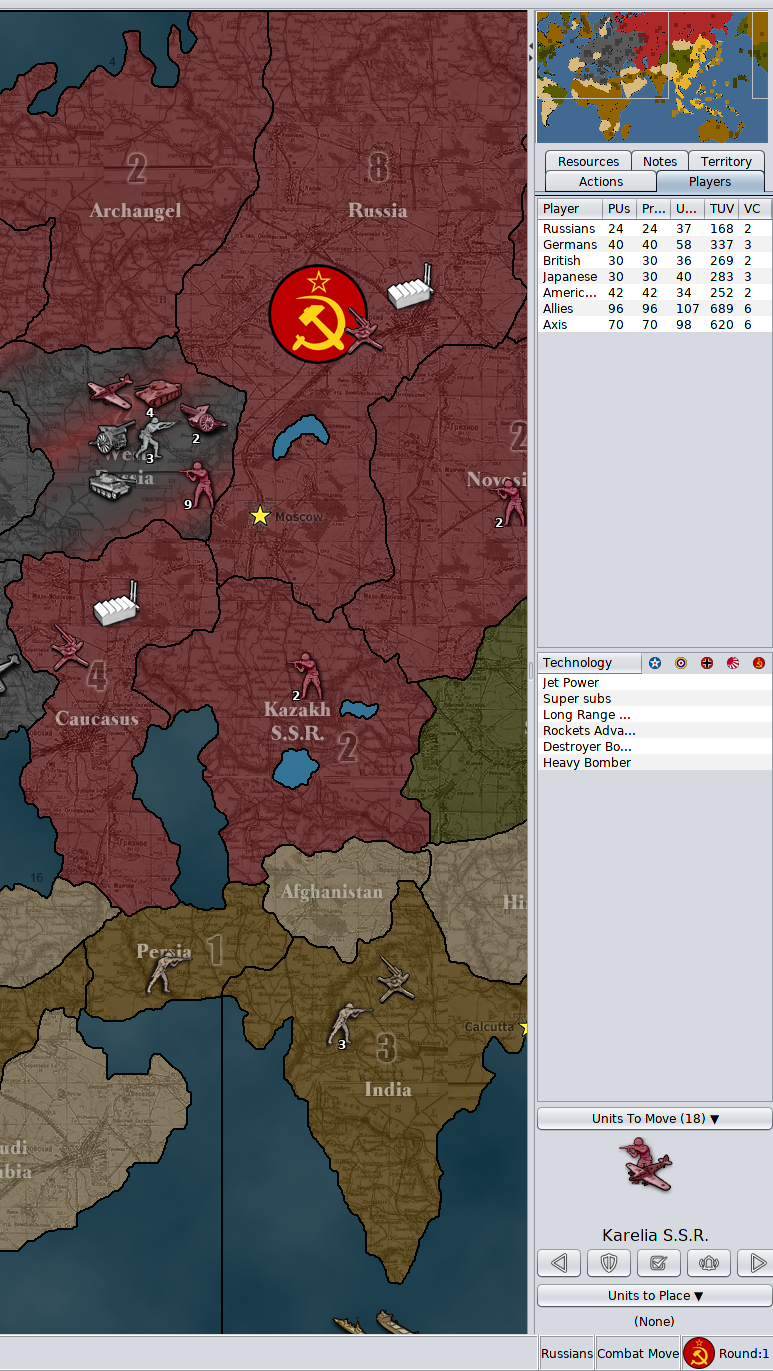
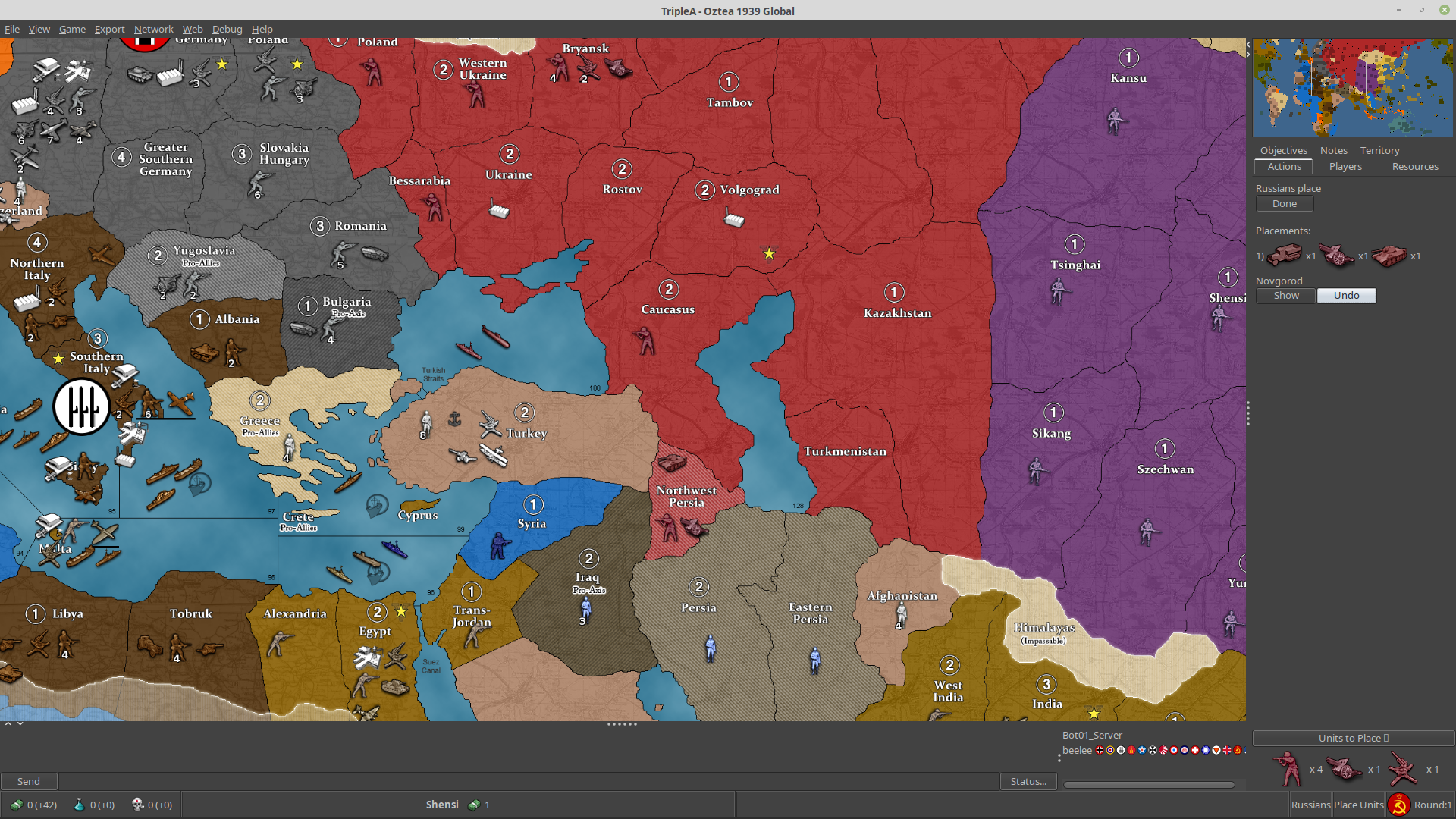
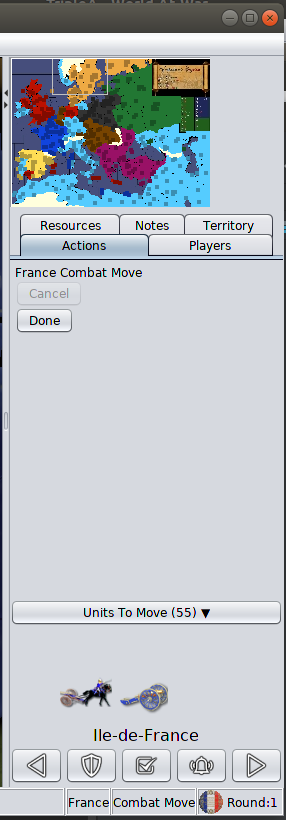
              While play-testing with the unit scroller, I thought it would be really useful to have a notification prompt when all units have moved. This avoids having to check the 'units left to move' count and makes it more clear why subsequent 'next' or 'skip/sleep' presses do nothing. Curious if there any suggestions or comments to this. Below are some screenshots of what it looks liike:

              Screenshot from 2019-08-21 23-49-41

              If clicking the 'do not show again' button:
              Screenshot from 2019-08-21 23-50-40

              And a sample of the game setting for this config:
              Screenshot from 2019-08-21 23-50-56

              FrostionF 1 Reply Last reply Reply Quote 4
              • FrostionF Offline
                Frostion Admin @LaFayette
                last edited by Frostion

                @LaFayette A wake up all seems logical, as a player would probably at some point forget what units are inactive. I would suggest an old school bell icon. It would implying "attention", "alarm", "wake-up" etc.
                https://images.app.goo.gl/SF74QgBVg6WwXeXx5

                I look forward to test this feature ☺ I hope and wonder if it works so well that old/new players would chose to always run through all their units one by one this way, as it is convenient and easy. There is no doubt that I would like to use it as I sometimes forget a unit here and there. But it really needs to be easy, simple and intuitive.

                Does the screen center on a unit/territory automatically when pressing next?

                Maybe there should be an option where players can select if the system controls next/prev/center/sleep of individual units or intire territories?

                Map maker of: Star Wars: Galactic War + Star Wars: Tatooine War + Caribbean Trade War + Dragon War + Age of Tribes + Star Trek: Dilithium War + Iron War + Iron War: Europe + Warcraft: War Heroes

                LaFayetteL 1 Reply Last reply Reply Quote 1
                • C Offline
                  Cernel Moderators
                  last edited by Cernel

                  Another idea, how about a "stand at ease" human figure, instead of the crescent? I think that would be much better. Tho it has to be either naked or abstract, as the game supports other historical periods than WWII.

                  For example, something on this line (not just this, as this is copyrighted):
                  lg_MN-084_white_1024x1024.jpg
                  Origin:
                  https://displayimporter.com/products/mn-084

                  LaFayetteL 1 Reply Last reply Reply Quote 0
                  • LaFayetteL Offline
                    LaFayette Admin @Frostion
                    last edited by

                    @Frostion I'm so on the fence about a wake-all! 🤔

                    It could be useful for misclicks. Perhaps waking a unit if it is clicked instead of only if it is moved? I don't know if that would actually be more intuitive or not. Seems play testing would be needed to know for sure. I've done some myself and so far have been pretty happy with which units sleep. I suspect is the key is to not sleeping units that you want to move eventually, but really the units that you want to stay put until you pay attention to them.

                    I like the idea of a bell icon if we go with having a wake-all.

                    I hope and wonder if it works so well that old/new players would chose to always run through all their units one by one this way, as it is convenient and easy.

                    There is a bug to fix where the map loses key focus on multiplayer games: https://github.com/triplea-game/triplea/issues/4959

                    I think we'll need to get that fixed or otherwise the hotkeys are going to seem worthless and clicking buttons is not fun. Otherwise, my limited play testing, I've been successfully reminded to move a US bomber to bomb Germany that I had otherwise totally forgotten and the "you've moved everything" confirmation has really helped boost confidence I can actually end the game phase.

                    Does the screen center on a unit/territory automatically when pressing next?

                    Yes. I added in a behavior tweak so if you center on a territory, move all the units out of it, and 'center' again that it'll go to the next set of units.

                    Maybe there should be an option where players can select if the system controls next/prev/center/sleep of individual units or intire territories?

                    Was a consideration, I suspect the individual units will be unworkable and is not as needed as simply looking at the territory and knowing units are there to move. The unit avatar lets a player know which and how many movable units are in the territory. I can imagine a scenario where you have a 50 unit stack of infantry that you would not want to cycle through. FWIW, if you use ctrl+click move to say move all the infantry, re-center will go back to the same territory and can then move the other units. I think perhaps the use-case is covered by simply 'centering' and moving and repeating until the territory is empty or skipped/sleeped.

                    1 Reply Last reply Reply Quote 0
                    • LaFayetteL Offline
                      LaFayette Admin @Cernel
                      last edited by

                      @Cernel Civ has the concept of sentry and fortify, which would be similar terms to sleep and somewhat analogous but we should not borrow those terms. Fortify conveyed a defensive bonus and was represented a castle, which is not applicable to us. The civ sentry woke the unit when there was an adjacent attacker, hence we should not borrow 'sentry' or anything resembling 'watching guard as the units do not wake up on their own.

                      The term being used is 'sleep', swapping out for an icon that does not represent that would be really inconsistent. If there is a better term to be used, then perhaps we can find a better icon. Otherwise how to best represent 'sleep' as an icon is the question. Since it's an icon, it needs to be relatively simple and pretty universally identifiable. At the same time it does not need an exact 1:1 match to what we are representing as it is a matter of learning once what the button does and then from on it's fine as long as it keeps that meaning and stays consistent.

                      C 1 Reply Last reply Reply Quote 0
                      • C Offline
                        Cernel Moderators @LaFayette
                        last edited by

                        @LaFayette Of course, I also meant changing the term from "sleep" to "stand" (thus the dude in the stand-at-ease military position). Just my idea, of course.

                        C 1 Reply Last reply Reply Quote 0
                        • C Offline
                          Cernel Moderators @Cernel
                          last edited by

                          @Cernel Irrelevant curiosity, that military position is, instead, called "riposo", in Italian, that actually means "rest" or "sleep".

                          1 Reply Last reply Reply Quote 1
                          • HeppsH Offline
                            Hepps Moderators
                            last edited by Hepps

                            I really think the mechanics are a very cool concept... I care much less about the iconography... so if there is ever some consensus on what you need/want... just gimme me a nudge. I'm never that far away.

                            "A joyous heart sours with the burden of expectation"
                            Hepster

                            1 Reply Last reply Reply Quote 2
                            • Black_ElkB Offline
                              Black_Elk
                              last edited by Black_Elk

                              Just playing around with this in the pre-release. I dig it. Takes up a fair bit of real estate on the sidebar but its very useful.

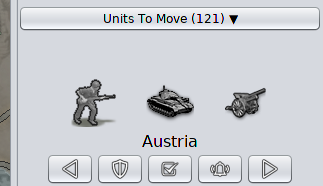
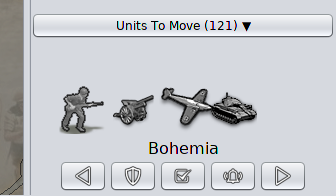
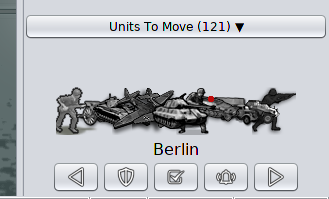
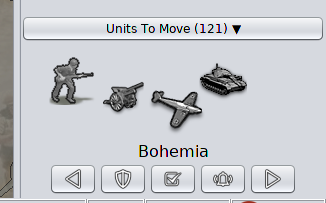
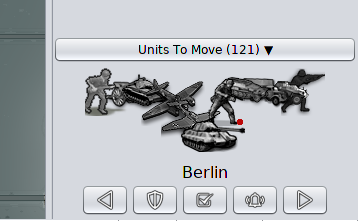
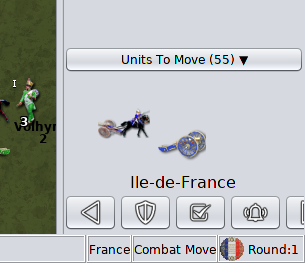
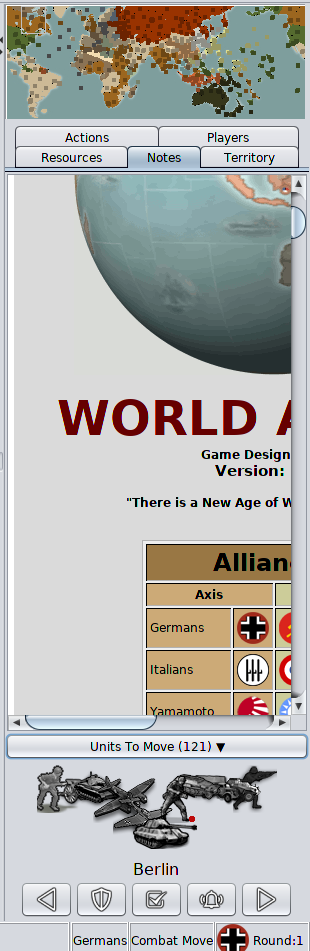
                              One thought, for the cluster of unit icons (showing multiple units in a group) it would be nice if Infantry was always in the foreground. For some reason it looks odd to me when they are behind a larger unit like a tank or aagun etc. Probably because it upends the imagined perspective somehow. On land I think Infantry first in the foreground, tank types in the midground, air last in the background would probably look best just for the relative scale of unit types within the group cluster.

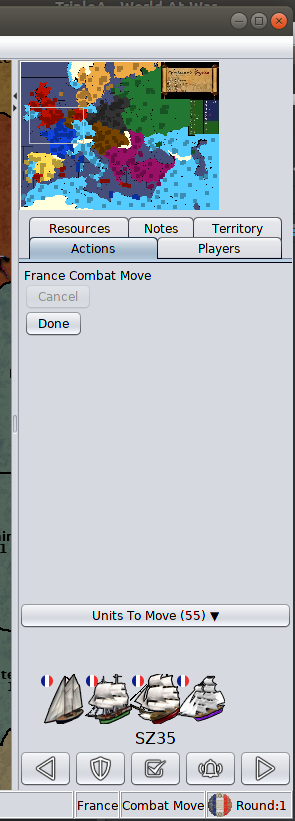
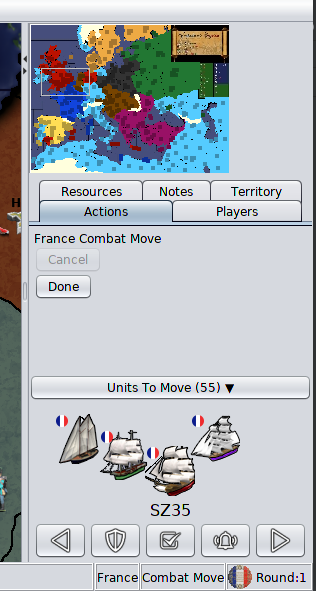
                              For the ships looks great. Very tidy. I like how convenient this is for skipping around the map with player nation like UK in the WWII games, where you're just scattered all over and frequently forget something in the southern hemisphere hehe. Nice work man

                              1 Reply Last reply Reply Quote 3
                              • LaFayetteL Offline
                                LaFayette Admin
                                last edited by

                                Good feedback, thank you. I created a TODO list for unit scroller improvements and added the 'sort units' suggestion: https://github.com/triplea-game/triplea/issues/5181

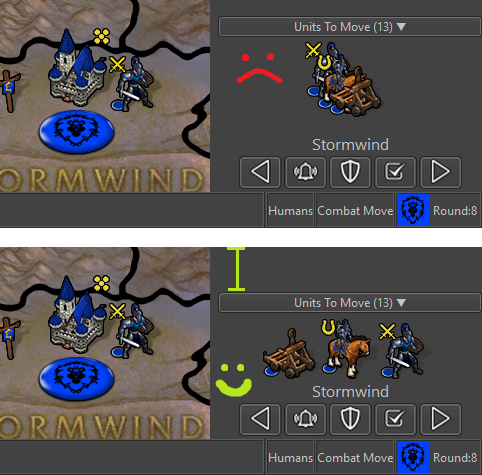
                                @Black_Elk it's also possible to make the unit avatar image larger and to increase the separation or offset between the images, any thoughts if that might help? It would add yet more space for the component, but perhaps could be a win for visbility. I've also been wondering as well if it makes more sense to show up to 3 units max instead of the 4 (current IIRC is 4). I went with 4 as when I toyed around with 3 it did not convey quite the same 'mass' of different units, it more seemed like there would be exactly 3 rather than a large mass of multiple types.

                                I'll see if I can get some time to demo out a few of these variations and post screenshots, wanting to wrap up a few other projects first. In the meantime curious if you have thoughts on those few additional dimensions that can be changed.

                                1 Reply Last reply Reply Quote 3
                                • FrostionF Offline
                                  Frostion Admin
                                  last edited by

                                  @LaFayette
                                  I have now been playing with the unit scroller on a few maps. It works pretty well and is a nice addition that heightens the quality of game play if you ask me. A game that potentially has the players manage hundreds of units really needs this new feature.

                                  I have also seen some things that I think can be improved:

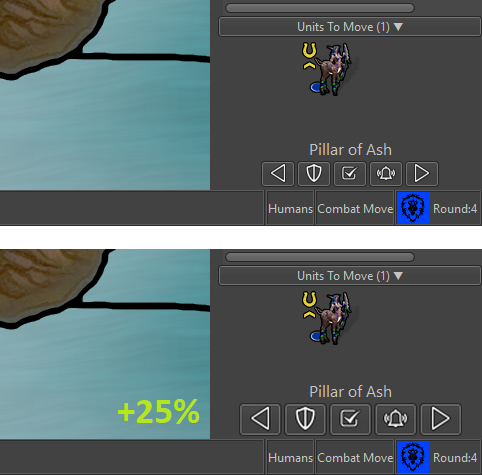
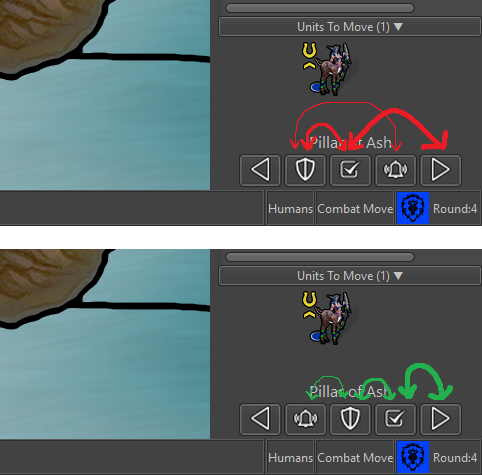
                                  The image icons are OK but could be better (I think I made a few of them 😜 ) I have made a new set of icons that might improve the “uniformity” of the images. I replaced the highlight lamp image with a sun/lightsource, so that the sun can really shine on the player units when player wants to find them 😄 These images are also all made with a thin dark shadow so that the images might work with both white/bright UI and grey/dark UI.

                                  I also made a “wake up” image that could be used to wake up sleeping territories. I really think this is needed. It would be a good way to let the player “reset” all sleeping units and do a new scroll through them to see if they still are to sleep.

                                  Comparison: Old icons have trouble with bright UI, new might work?
                                  Unavngivet.png

                                  Here is the zip with the icons - I hope they can be used : ICONS-V2.zip

                                  Map maker of: Star Wars: Galactic War + Star Wars: Tatooine War + Caribbean Trade War + Dragon War + Age of Tribes + Star Trek: Dilithium War + Iron War + Iron War: Europe + Warcraft: War Heroes

                                  LaFayetteL C 3 Replies Last reply Reply Quote 5
                                  • C Offline
                                    Cernel Moderators
                                    last edited by

                                    I think the difference between the checkmark and the moon needs to be clarified. Or at least can someone clarify it to me?

                                    @Frostion Is your wake up only for the units put to sleep or also for the checkmarked ones?

                                    Anyways, a wake all is due. Nothing of this feature should be irreversible. Maybe sleep and wake all can be represented, respectively, with a closed eye and an open eye.

                                    I don't think the sun is very intuitive for highlighting units that haven't moved, and it might be seen as the wake all button, being substantially the opposite of the moon symbol.

                                    FrostionF 1 Reply Last reply Reply Quote 0
                                    • C Offline
                                      Cernel Moderators
                                      last edited by

                                      Maybe off topic, but the new "Flag Display Mode" doesn't show what is the current setting. It would be better if pointing it out like the "Unit Size" one (or just having a "Show Units Flags" checkmark for the small ones, dropping the large option (that it is also not very well named, as it actually shows the normal flags, not the large ones, but I see this is fine on the users side)).

                                      1 Reply Last reply Reply Quote 0
                                      • FrostionF Offline
                                        Frostion Admin @Cernel
                                        last edited by Frostion

                                        @Cernel
                                        This is how I understand it:

                                        Check: "Yes, I have looked at this unit and I am fine with where it is...for now. So don't bother me with showing this unit as unmoved during this turn. Let's just look at / scroll through the other unmoved units. But I would like to be reminded about this unit during next turn." (In some games, this would be called "skip")

                                        Sleep: "This unit is exactly where it needs to be. It can sit here indefinitely and I do not need to be reminded about it ever again. If I ever need it moved, I will come back to it myself."

                                        I would think a wake-up could maybe "reactivate" all sleeping units + checked/skiped unit. It would be nice if a player could re-set every unit that has not moved to a state where it can be identified as movable.

                                        Like if you have hundreds of units to go through, and you Check a few, Sleep a few and then suddenly "No, no ... I think that I chose a wrong and bad plan. I want to redo all my unit commands." Then it would be nice if all sleeping and skiped units could be reactivated.

                                        Map maker of: Star Wars: Galactic War + Star Wars: Tatooine War + Caribbean Trade War + Dragon War + Age of Tribes + Star Trek: Dilithium War + Iron War + Iron War: Europe + Warcraft: War Heroes

                                        C 1 Reply Last reply Reply Quote 3
                                        • C Offline
                                          Cernel Moderators @Frostion
                                          last edited by

                                          @Frostion Well, I can understand in some games you have a number of islands with 1 dude in it remaining there indefinitely, but this sleep thing seems too strong to me (also a moon makes me think of something that will last for the turn, not like perennial night). For skip/sleep I would rather go with them lasting, respectively, for the whole phase and for the whole turn (so, you skip the units you plan to move during non combat movement and sleep the units you plan to leave there for the turn).

                                          C 1 Reply Last reply Reply Quote 0
                                          • C Offline
                                            Cernel Moderators @Cernel
                                            last edited by

                                            Anyways, I might be slow, but I assure you I've read the tooltips multiple times couldn't guess what was the difference between skip and sleep. So maybe that is something that needs to be made more understandable.

                                            redrumR 1 Reply Last reply Reply Quote 0

                                            Hello! It looks like you're interested in this conversation, but you don't have an account yet.

                                            Getting fed up of having to scroll through the same posts each visit? When you register for an account, you'll always come back to exactly where you were before, and choose to be notified of new replies (either via email, or push notification). You'll also be able to save bookmarks and upvote posts to show your appreciation to other community members.

                                            With your input, this post could be even better 💗

                                            Register Login
                                            • 1
                                            • 2
                                            • 7
                                            • 8
                                            • 9
                                            • 10
                                            • 11
                                            • 10 / 11
                                            • First post
                                              Last post
                                            Copyright © 2016-2018 TripleA-Devs | Powered by NodeBB Forums