2.7 Lobby + Bots Available & Early Testing Phase
-
Good news - a stable 2.7 lobby is available with some bot hosts attached.
A ton of server work just got completed, and I think it is actually that - done!
The latest should be a good revision to use: https://github.com/triplea-game/triplea/releases/tag/2.7.15447
I'm hoping to get some more patches in before the end of the weekend. That latest revision may be updated.
Once we've put this latest system through its paces, the plan is essentially to bump the revision number to 2.8 and start migrating players off of 2.5
2.7 overall should have fewer issues than 2.5 even. Though, if there's anything major, really could use the help in spotting it.
-
I'm realizing the bots don't have any maps yet! I'm hoping to get that fixed soon. If folks can start identifying any issues they see - it's going to be super helpful. 2.7 is more ready than it ever has been, the gameplay is more stable than 2.5 and has dozens of bug fixes and performance enhancements. Now is the time to be playing on the 2.7 lobby if you have the choice.
-
Right on I thought for some reason I remembered seeing a conversation between you and ubernaut about the Home Page changing.
Anyway, I don't see the prerelease anywhere to download.
Ahh just looked again. I see it now. Above the blue intellij
-
Got the maps update working for bots, but there's a compat bug i need to look at. So.. bots not quite ready yet.
-
Multiplayer/lobby is open, fixed.
Bots have maps now, they will update their maps every hour.
The latest TripleA has an important patch for multiplayer games: https://github.com/triplea-game/triplea/releases/tag/2.7.15460

-
-
I tried lobby using latest pre and unfortunately the map I play "Global 40 UHD Expansion Boxes" isn't listed.
Also the maps to choose from stop at N
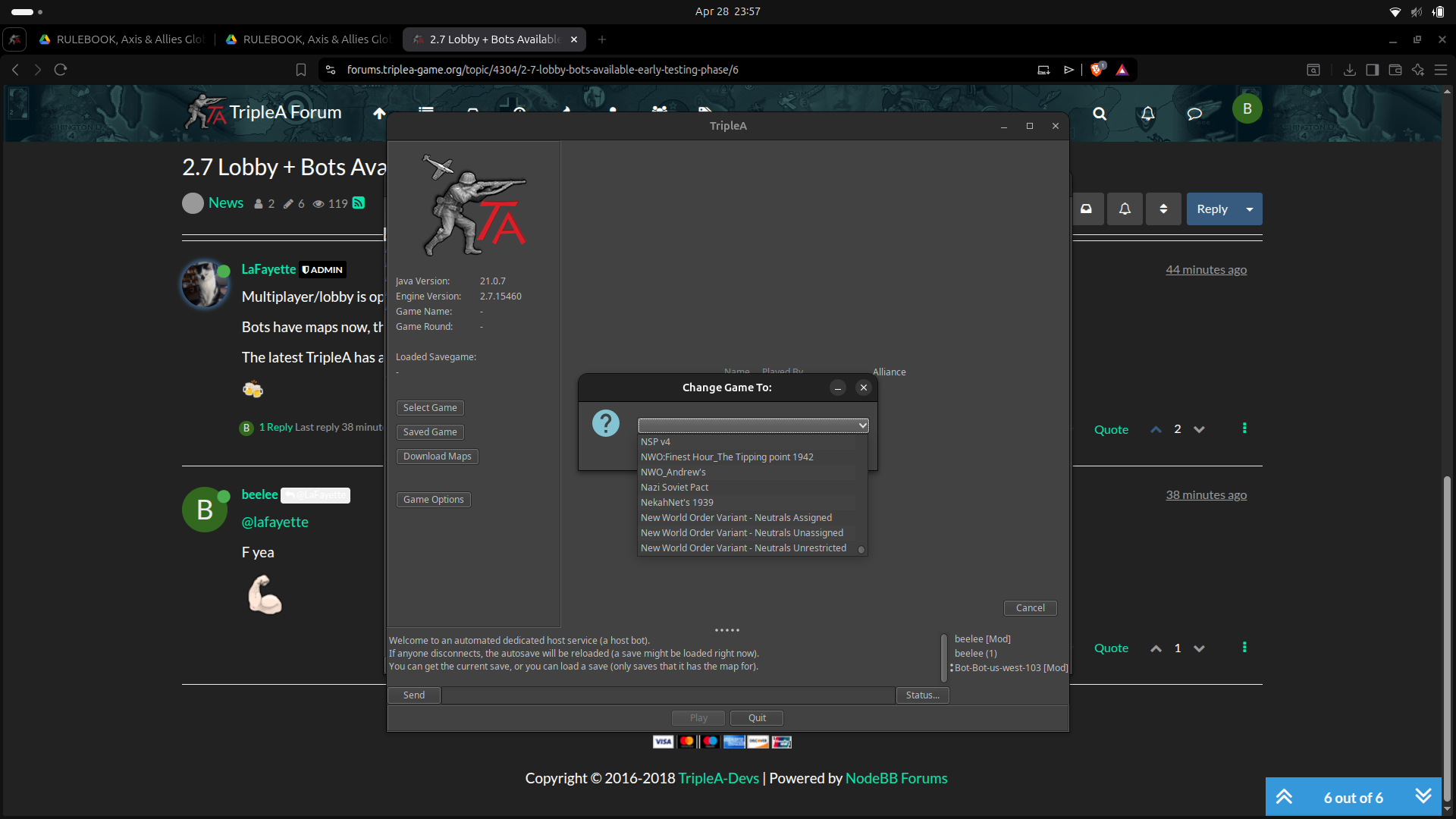
So I tried another map "Oztea 41" which i didn't have DL'd already, I got this
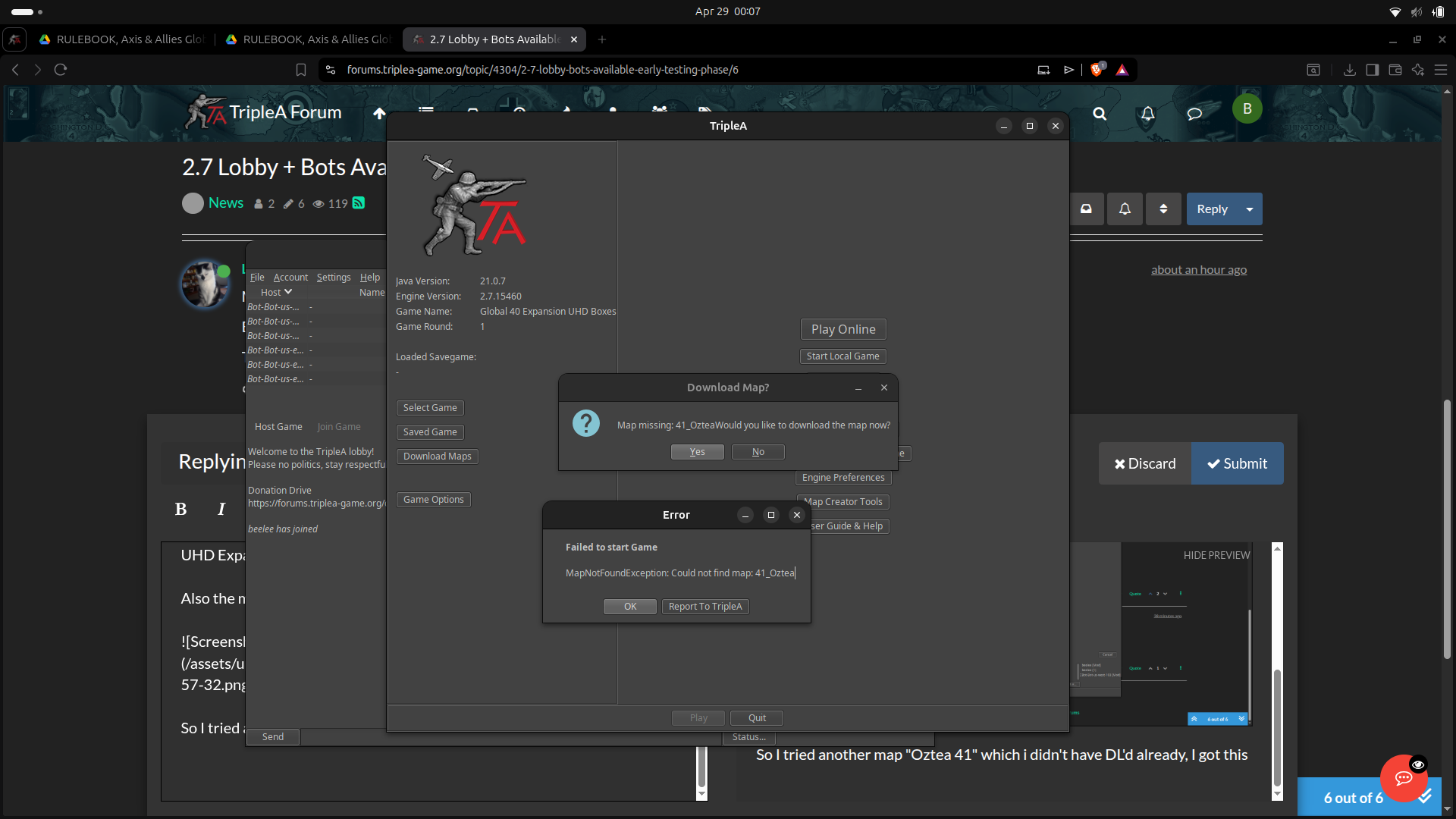
So l tried to DL the map and it's not listed now but it was before I selected it.
I will try another bot. This is the one that had test in it. I wasn't able to document it all, the screenshot wasn't capturing it correctly. That may be on my end but I will try again step by step.
But Oztea 41 was listed as a map option when I hit select game. Then when it said I didn't have it do you wanna Download it, I said yes and got the above.
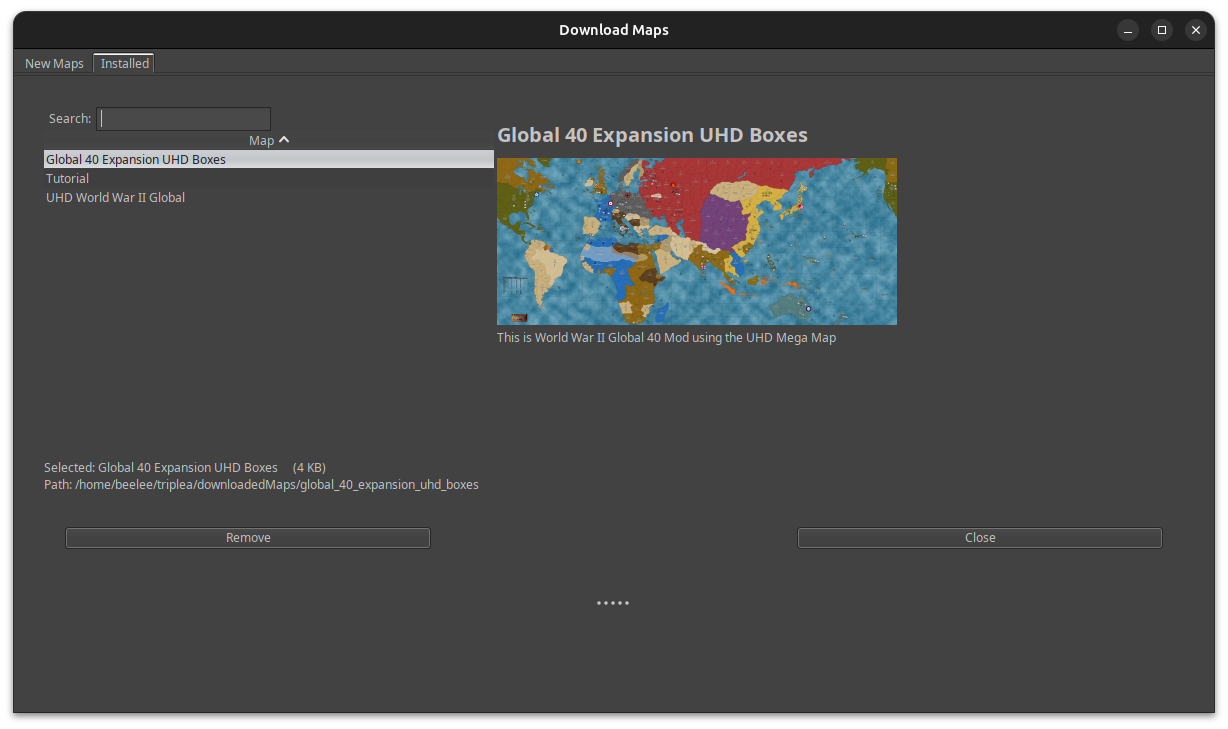
I went to DL it manually and wasn't listed anymore. It wasn't in "Installed" either.
-
I missed your comments in the lobby if they were yours, as I was closing all the windows and just caught a glimpse as I was closing.
I will try again and go step by step. I should mention that when I first went to log in to the lobby, it said that user name was already taken and the second time I tried it worked as well as now.
I joined Bot-Bot-us-west-102
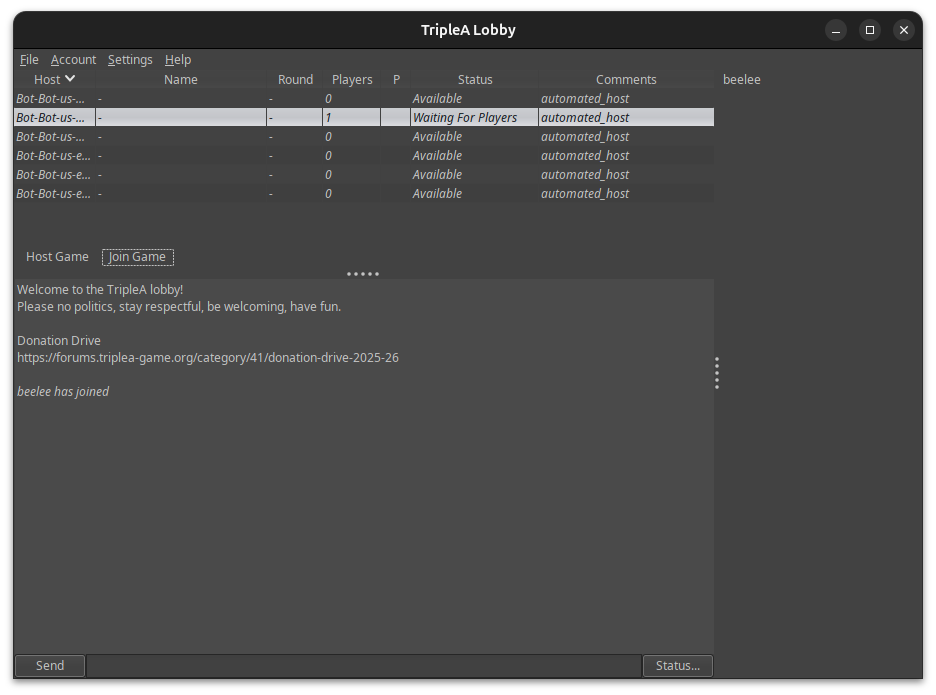
I am going to select "41 Oztea"
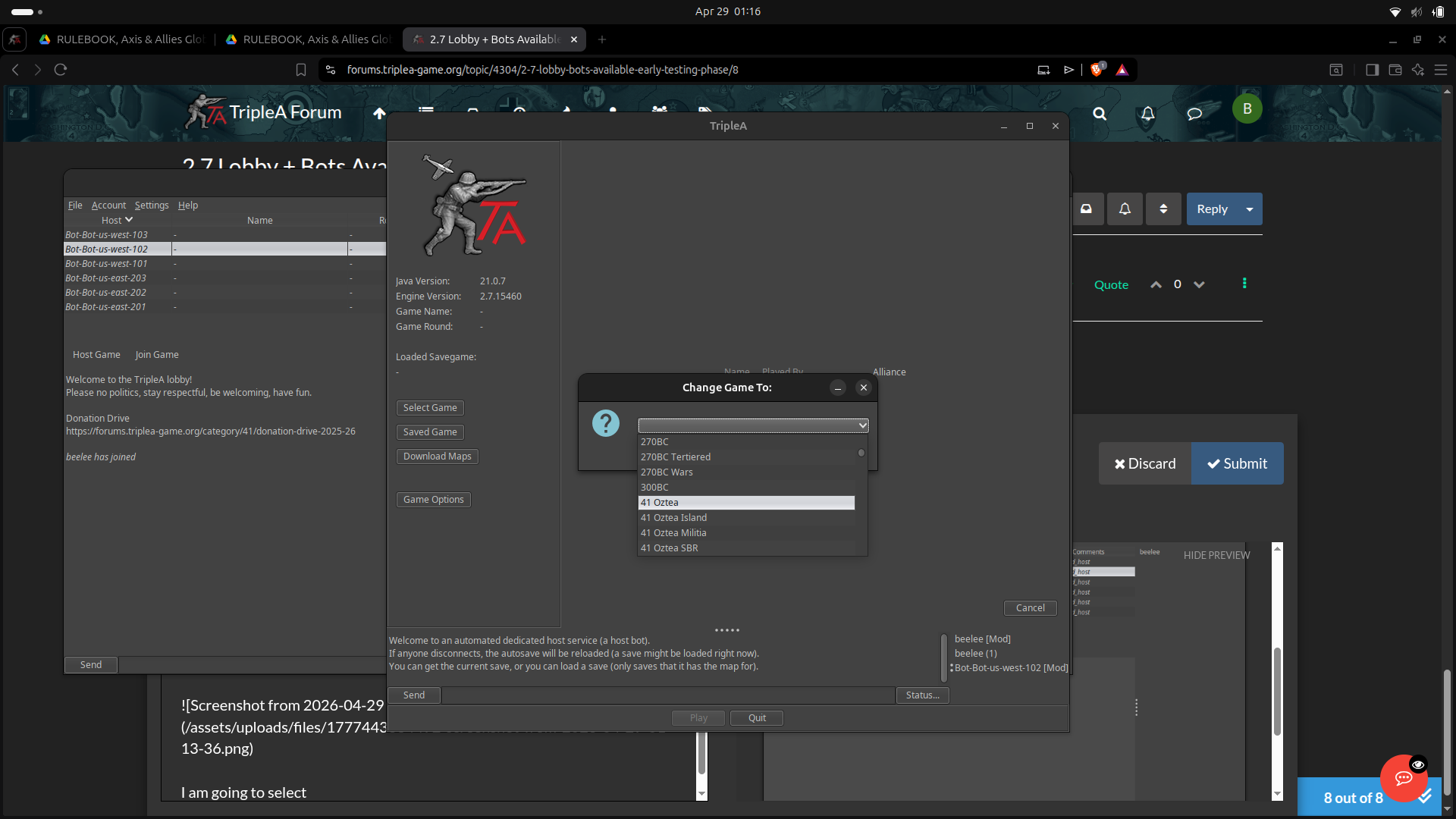
hmm ... this is different. Says it can't find it and throws a error.
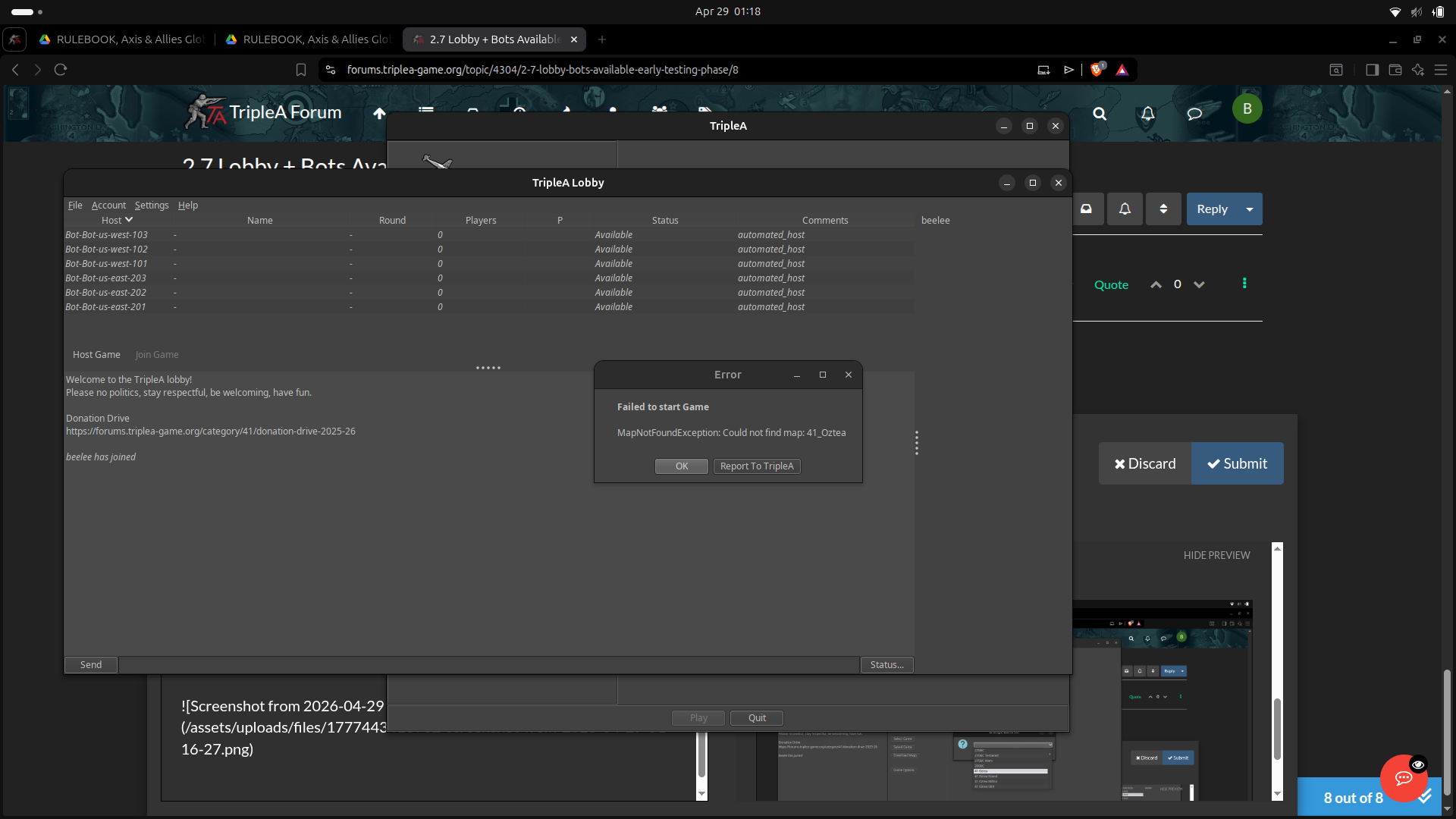
Maybe not. This shows up same as last time
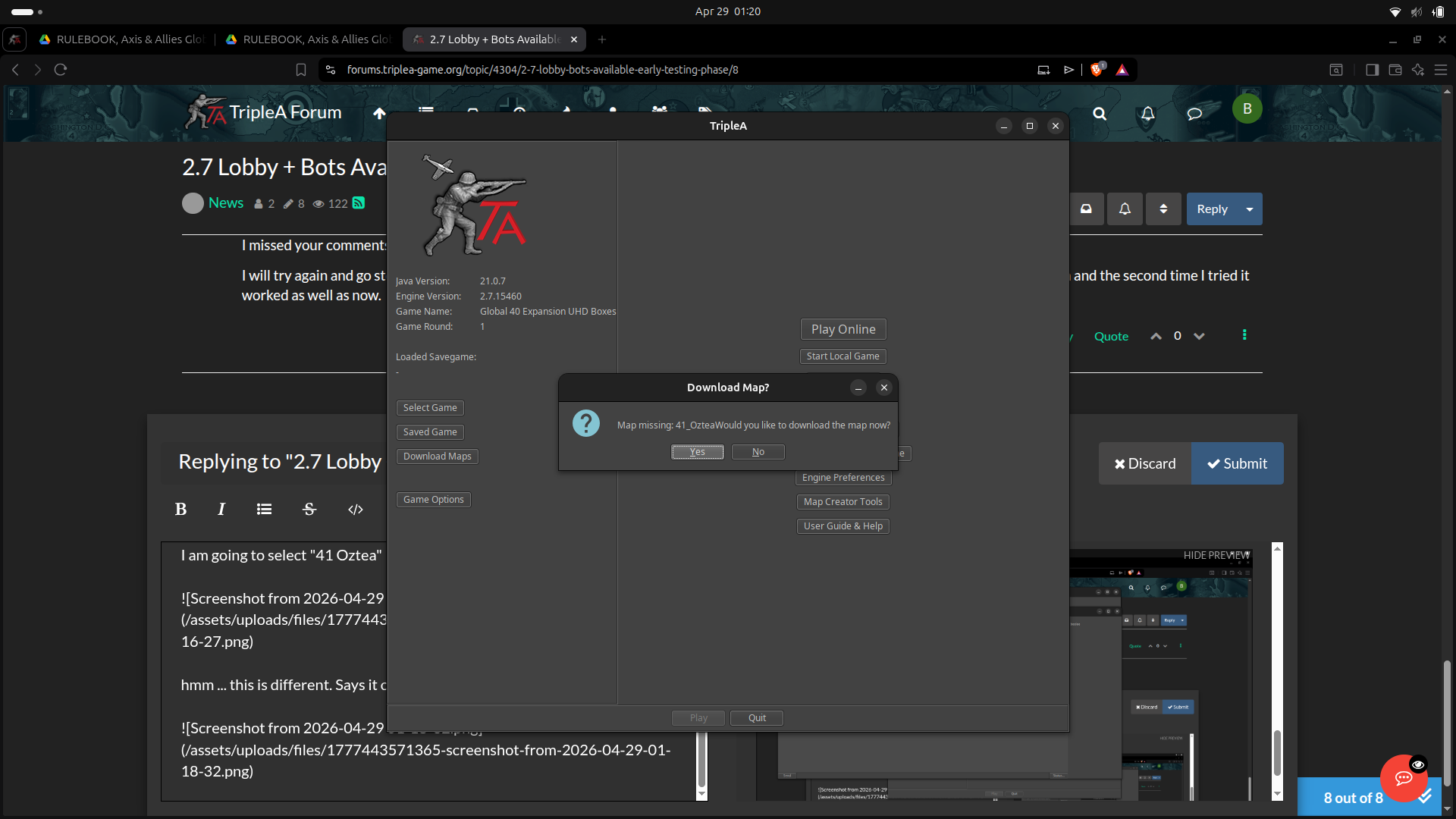
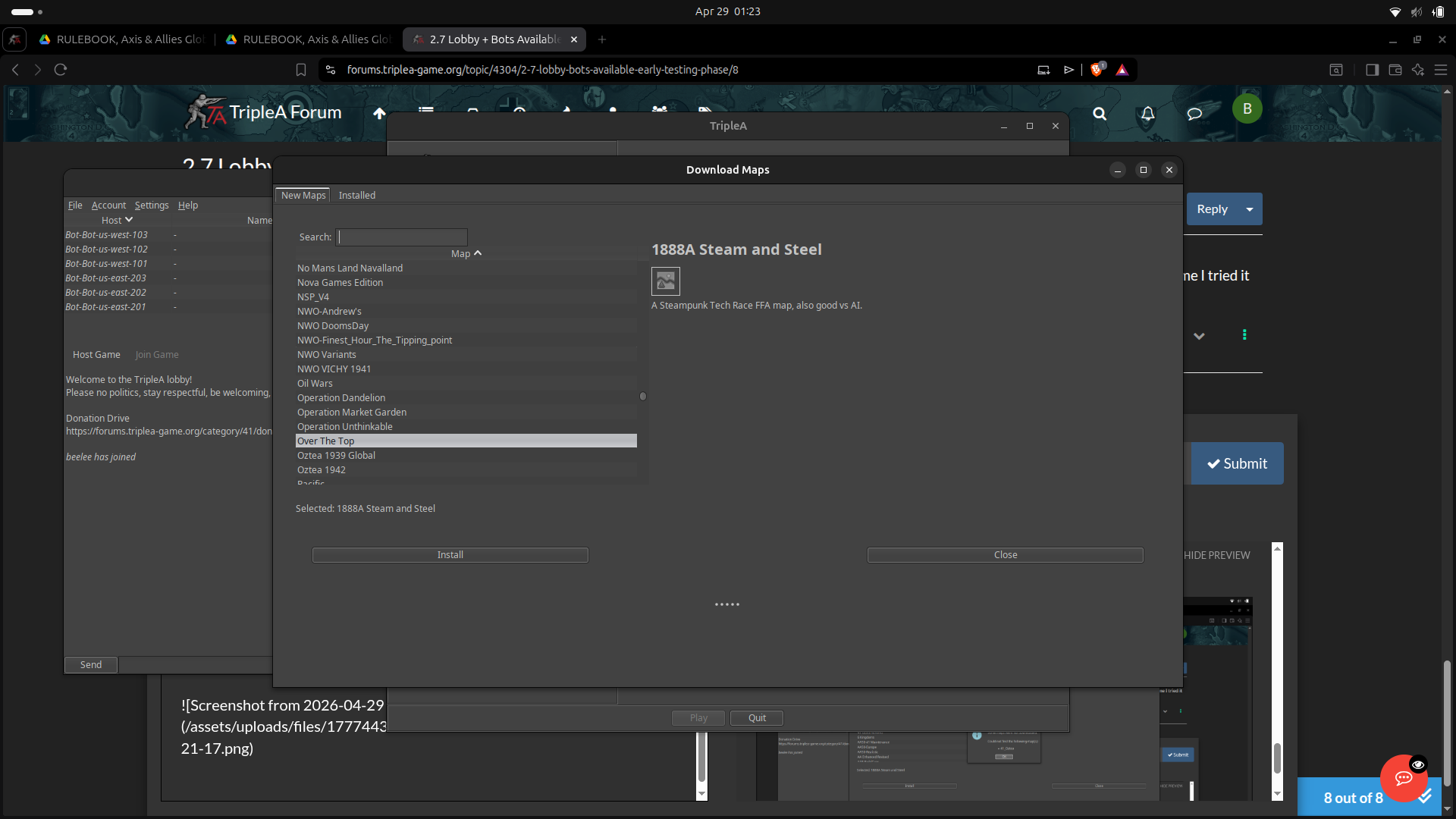
I hit yes on the prompt to DL Oz 41 and get
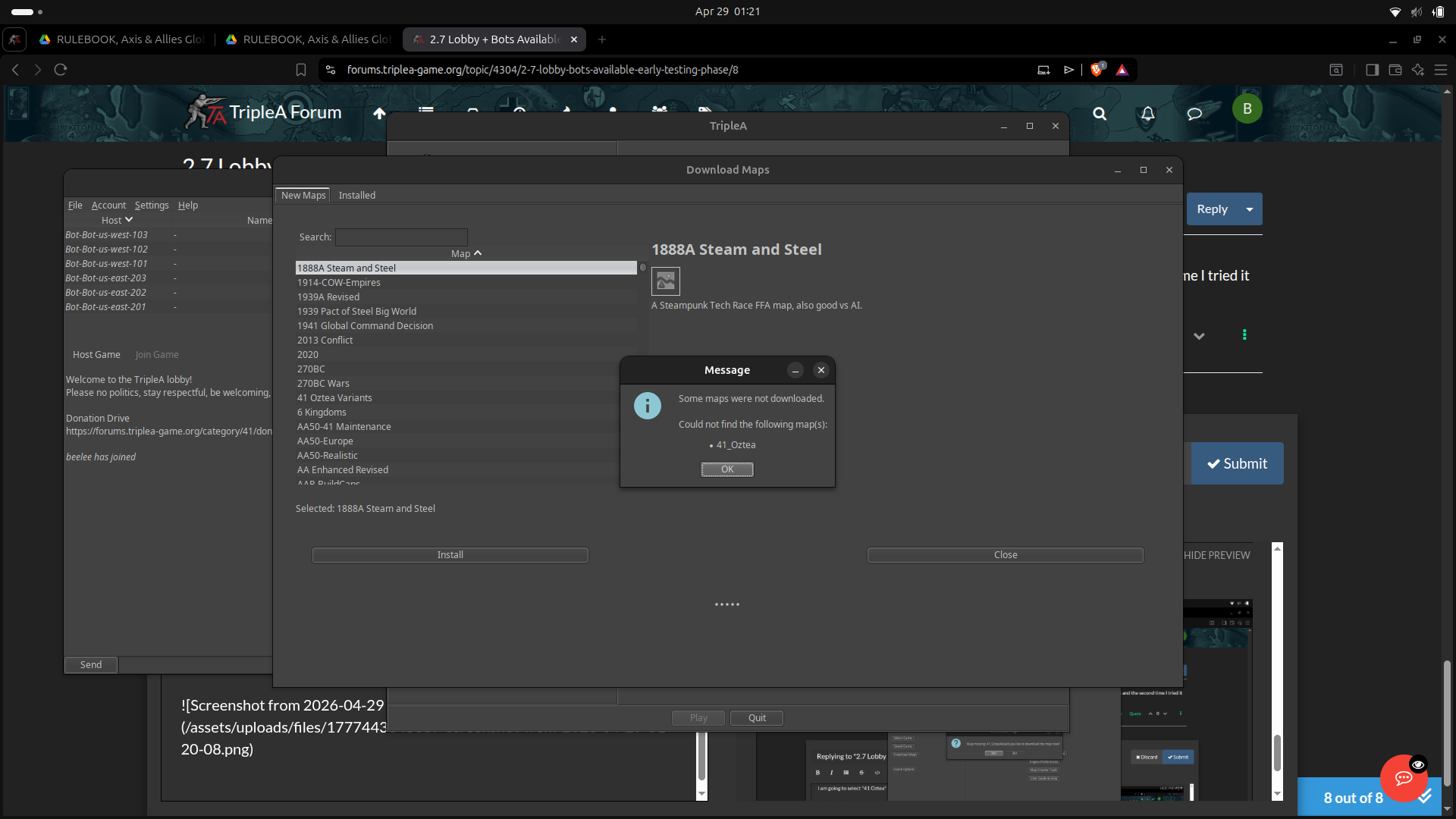
Now Oz isn't available to download but he was earlier.
-
I noticed sound doesn't work on 15460 or at least it doesn't for me. The same save on 14962 the sound works.
It also is not centering on the Players Capital when there turn starts.
I guess I could make a git issue about the sound but the centering issue that was fixed and broke again is known about I believe.
It doesn't break the game but is really quite annoying when it doesn't center.
Edit
I'm on linux. @TheDog would you check and see if sound works on 15460 for youhttps://github.com/triplea-game/triplea/releases/tag/2.7.15460
I will make a git issue if it doesn't work.
-
@LaFayette
15460, these do not work
I concur for Windows, sound does not work version
@beelee please raise an issueCapital Centring does not work, its a known issue, 15025 last working.
https://github.com/triplea-game/triplea/issues/13241Lost the ability to substitute a missing icon, it works for 15256 version
https://github.com/triplea-game/triplea/issues/14283Statusbar icons missing, it works for 15256
https://github.com/triplea-game/triplea/issues/14274404 Not Found during POST to error-report-check
https://github.com/triplea-game/triplea/issues/14048 -
@beelee said in 2.7 Lobby + Bots Available & Early Testing Phase:
It also is not centering on the Players Capital when there turn starts.
I guess I could make a git issue about the sound but the centering issue that was fixed and broke again is known about I believe.
It doesn't break the game but is really quite annoying when it doesn't center.
Cheers...
-
Good working list - I created a project and added those issues:
https://github.com/orgs/triplea-game/projects/14The project is there largely so we can keep a single list as items are fixed.
Speaking of which, the no-sound issue should be fixed now with: https://github.com/triplea-game/triplea/releases/tag/2.7.15463
Statusbar icons missing, it works for 15256
https://github.com/triplea-game/triplea/issues/14274@TheDog Do you know which map that is?
-
-> Fix pending for truncated maps
I have a fix in flight as well for the truncated maps list. Turns out.. the maps server was crashing while indexing the maps. It does so alphabetically in a loop, so it only got about half way each time before crashing on the same map and stopping.
->Item created for map download/install issues reported by Beelee
I created a project item for what @beelee reported above: https://forums.triplea-game.org/topic/4304/2-7-lobby-bots-available-early-testing-phase/7
-
Statusbar icons missing, it works for 15256
https://github.com/triplea-game/triplea/issues/14274@TheDog Do you know which map that is?
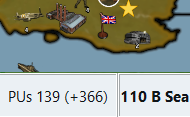
No, but here is a screenie of 1941 Global Command Decision (GCD)
it is missing the dollar wad icon, it only has one resource, that is not local to the map, so it comes from TripleA install directory. I will guess that is the problem. As 1888A Steam and Steel has its resource icons local and they work as intended.
-
@LaFayette
Updated Github with the above findings.Statusbar icons missing, it works for 15256
https://github.com/triplea-game/triplea/issues/14274 -
@LaFayette
Testing no sound, raised this, as it crashes.
https://github.com/triplea-game/triplea/issues/14306 -
@thedog sound is not fixed in v463? The version i posted earlier?
-
@lafayette
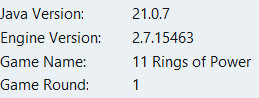
Yes the latest version crashes on Windows.
-
2.7.15463 works fine here. No crash, with sound, and I'm on Windows 11.
Edit: I just read the respective Github-issue: so I add that my installation is in
C:\Games\TripleA -
Mine is the default install, so
C:\Program Files\TripleA





Hello! It looks like you're interested in this conversation, but you don't have an account yet.
Getting fed up of having to scroll through the same posts each visit? When you register for an account, you'll always come back to exactly where you were before, and choose to be notified of new replies (either via email, or push notification). You'll also be able to save bookmarks and upvote posts to show your appreciation to other community members.
With your input, this post could be even better 💗
Register Login