TripleA Server Costs
-
All 15 TripleA automated hosts are now working (so that's a total of 17 with @eyeswideshut's ones). Did anyone do anything or was it just something automated? Just curious.
-
@Cernel Thanks for flagging this. For the Revised Ladder bots, I set them up to run inside persistent tmux sessions on the AWS server, so they remain active even after I disconnect from SSH or close my computer. I also created separate run scripts for the bots and a startup script that launches them together, which makes them easier to restart and keep online. So far, that setup seems to be working and the Revised Ladder bots are still running, although I’m continuing to monitor them in case one freezes or disconnects. I am paying about $10 a month for both headless servers which I understand is consistent with what triplea in general is paying for the bots.
-
I am paying about $10 a month for both headless servers which I understand is consistent with what triplea in general is paying for the bots.
I guess this means that you are paying $5 per bot? What I understand @lafayette said is that TripleA is paying $5 per server of 3 bots, which would be $1.66 per bot.
-
@Cernel ah my bad. so I'm paying more. My Bots are cloud-based for better or for worse. They seem to be working fine but I haven't had crashes that I'm aware of.
-
@Cernel When the Revised Ladder bots were crashing frequently, I moved them onto Amazon Web Services and reworked how they were launched and maintained.
AWS is a cloud hosted Linux server, so the bots run remotely rather than depending on my own computer, home internet connection, or an open SSH window. I connect to the server through SSH, but the bots themselves run inside persistent tmux sessions.
tmux is useful here because it separates the bot process from the temporary SSH connection. I can disconnect from the server, close my laptop, or lose my local connection without terminating the bot. Each bot has its own named session, which also makes it easier to inspect or restart one without affecting the other.
The main upkeep commands are:
tmux ls
This shows whether the bot sessions are still present.
tmux attach -t revised_ladder
tmux attach -t revised_ladder2These reconnect me to the live console output for either bot so I can inspect errors, freezes, or lobby disconnects.
To leave a session while keeping the bot running:
Ctrl+B, then D
If the bot is frozen rather than fully gone, I can attach to the session, stop the process with Ctrl+C, and relaunch it using the relevant startup script.
I also set up the launch process so that if a bot process actually disappears or exits, it is automatically started again. In other words, the server does not simply leave the bot offline after a crash. The surrounding startup or monitoring process detects that the bot is no longer running and relaunches it. That does not necessarily fix every possible freeze, since a frozen process may still technically exist, but it does handle ordinary crashes and unexpected exits without requiring me to log in immediately.
So the overall setup has three layers:
AWS provides the continuously available cloud server.
tmux keeps the bot sessions alive independently of SSH.
The restart logic relaunches a bot when its process exits or disappears.This is what I implemented when the bots were crashing a lot. Since then, the AWS and tmux setup has generally been stable, and the automatic restart behavior has reduced the amount of manual intervention needed.
-
Good points, we need to also keep in mind that the bots need to be available for peak lobby activity.
@lafayette Yes, it looks like that at peak 15 bots are easily all taken. I've seen it happening despite the 2 additional bots courtesy of @eyeswideshut.
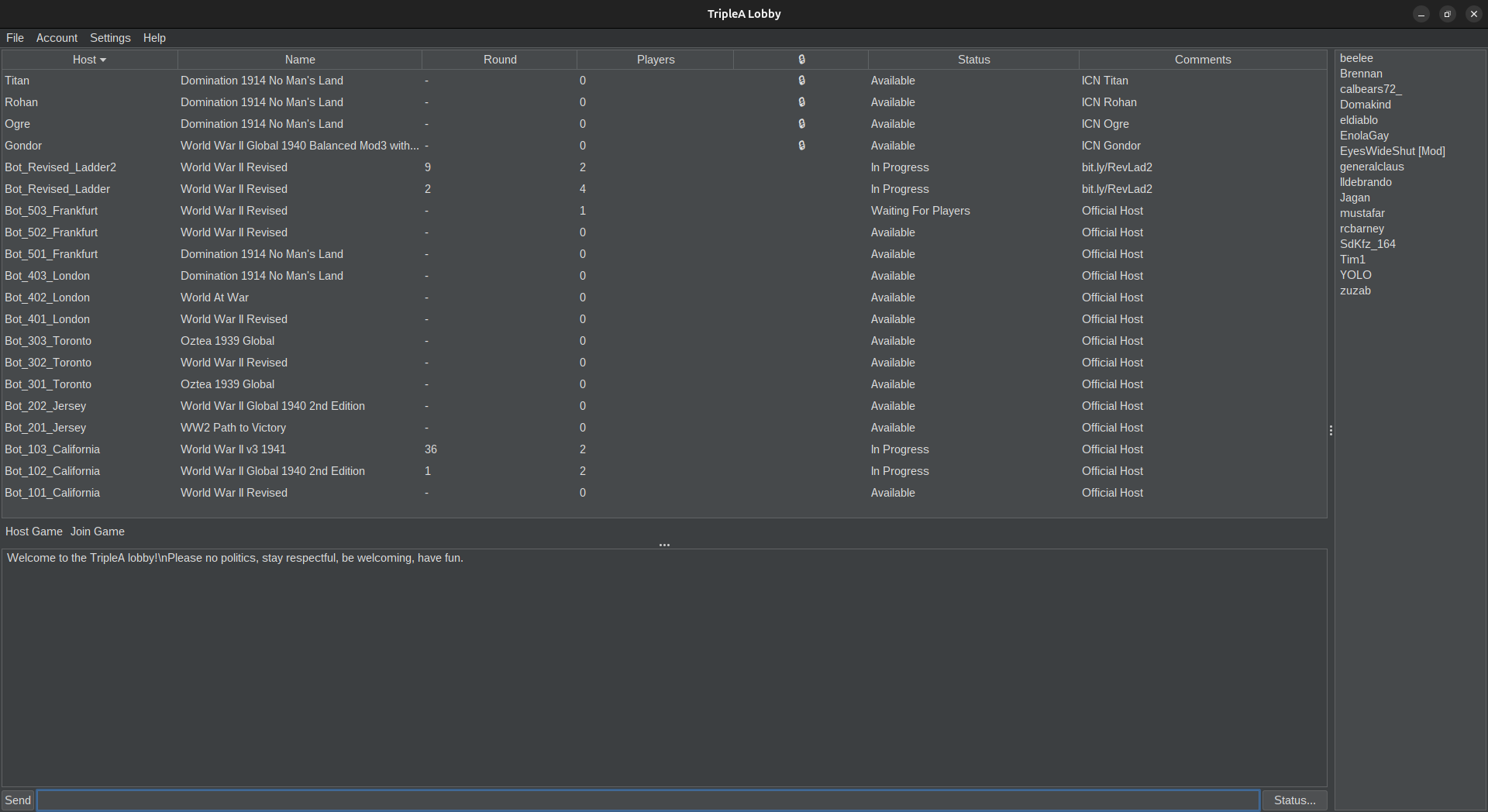
Unfortunately, the lobby is back having only 10 out of 15 TripleA bots working. Every server seems missing 1 of its 3 bots. The missing bots are "101", "202", "303", "403" and "501".
Maybe @eyeswideshut can help you making the bots more stable? It made a post with information about that right before this one.
CC: @frigoref
-
-
@Cernel OK! So I think I solved the bot crashing problem on my end. It was the script function, and the fix was actually very simple.
The problem was that I had this command in the Docker startup script -- and it's probably in all the bots:
--env EXIT_ON_GAME_END=true \
That tells the bot to exit when the game ends. Since the container was configured with --restart always, I was expecting Docker to bring it back, but this was creating problems with the bot disappearing from the lobby.
I removed that command from the startup scripts.
For example, the relevant part went from:
sudo docker run
--network host
--pull always
--restart always
--env BOT_PORT_NUMBER=3301
--env BOT_NAME=Bot_Revised_Ladder
--env BOT_COMMENT=bit.ly/RevLad2
--env LOBBY_URI=https://prod.triplea-game.org
--env EXIT_ON_GAME_END=true
--env BOT_MAX_MEMORY=256m \to:
sudo docker run
--network host
--pull always
--restart always
--env BOT_PORT_NUMBER=3301
--env BOT_NAME=Bot_Revised_Ladder
--env BOT_COMMENT=bit.ly/RevLad2
--env LOBBY_URI=https://prod.triplea-game.org
--env BOT_MAX_MEMORY=256m \And I did the same for the second bot on port 3302.
The two bots are now running normally, so I'm going to see whether they remain in the lobby after their next games. Hopefully that's all it was! check to see if the other bots have this function..
-
I'm consistently seeing only 10 triplea bots in the lobby. If triplea is paying for 15, then this is something that should be addressed sooner than later imo
-
@beelee My understanding is that TripleA has 5 servers on which the bots are located. The servers are all working but currently have 2 bots each instead of the 3 each @lafayette had them having. I've no idea if that is because 3 bots per server are just too much (so it has to be 2 as it currently practically is) or there is a problem or some problems with the bots which @lafayette (or an other developer) may fix eventually (maybe with help from @eyeswideshut).
Not sure if we should make a problem report in GitHub about this or if we should notify anyone anywhere when we see that some bots are broken.
-
Yea I'm not certain either but like you, I thought we were supposed to have 15.
The reason I mention it again, besides potentially paying for a service we aren't receiving, there's usually only 1 available bot or sometimes none.
I'm glad the lobby still popular but I was hoping to play on it again since new maps are now supported.
Anyway, it seemed noteworthy to mention again

-
15 bots are back.
Setting update has been deployed:
https://github.com/triplea-game/infrastructure/commit/54f11b2da26c9b9a7a18079a0489fdc76dc2c756The act of deploying an update would have booted the missing bots. They would have been crash/disconnected due to something within our control (system config, code issues, something we own).
I don't know if that setting will have an impact on the lobby bots. I do see that they are not full on restarting when a game is over, that seems more stable.
The restart of lobby bots was otherwise handled by systemctl rather than docker. Maybe a key difference, maybe not, I'm not sure.
I'll be interested if bots drop off again.
-
Hi Dan
sadly we had a bot malfunction. I was in Cali 103 and the game kinda just stopped. But wasn't frozen. I checked lobby and my bot was gone

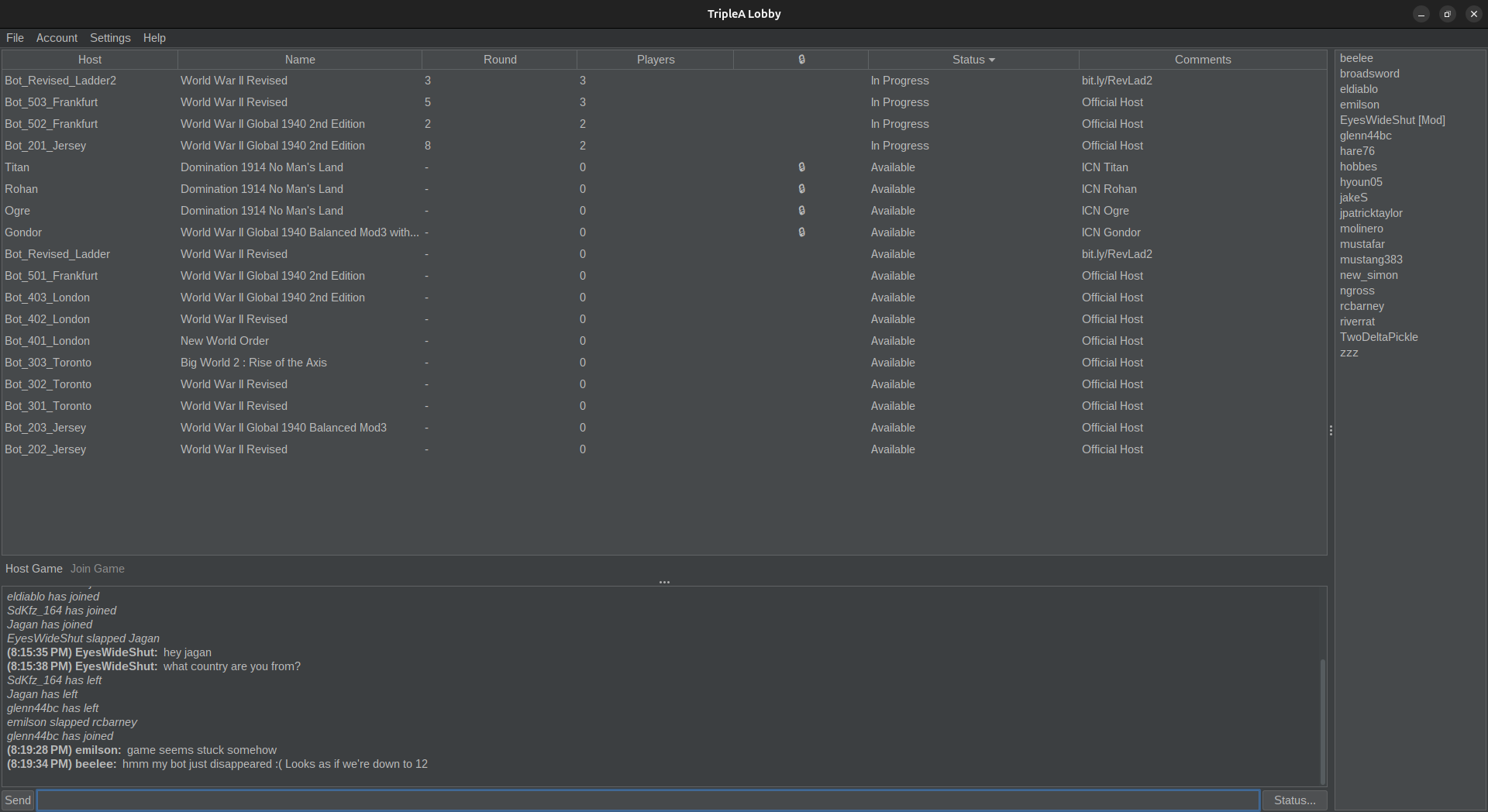
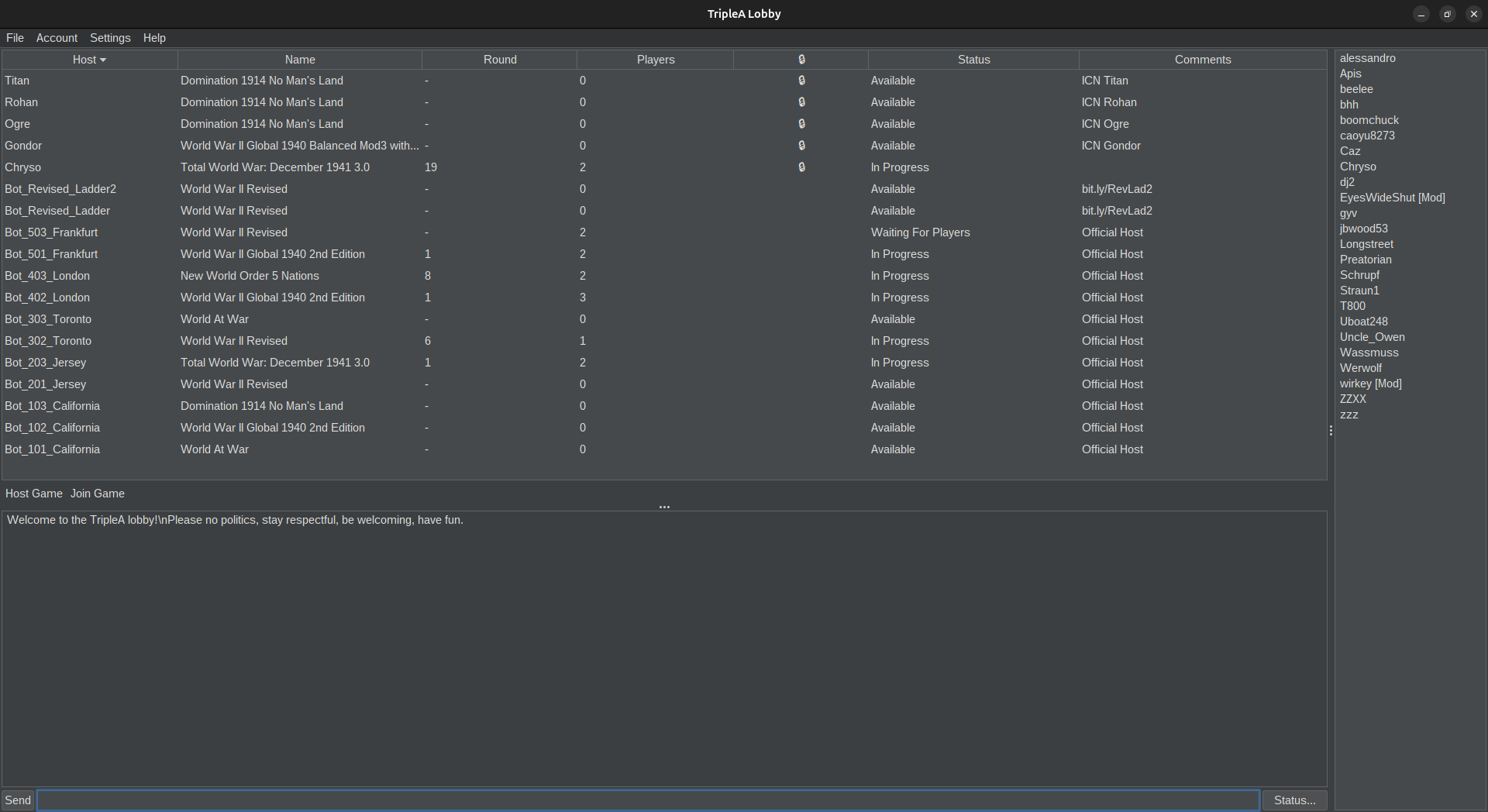
as you can see no 103 and it looks as if we're down to 12.
Here's in game that is still showing 103 though after it dropped from lobby.
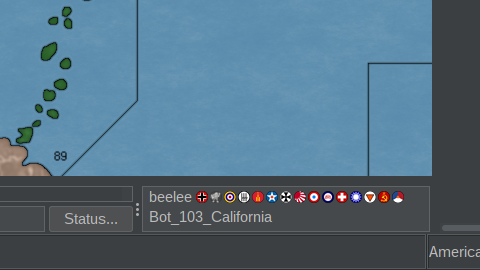
A couple guys said they had froze up at the same time.
Anyway, just a heads up.
Edit
Just checked and now they're back.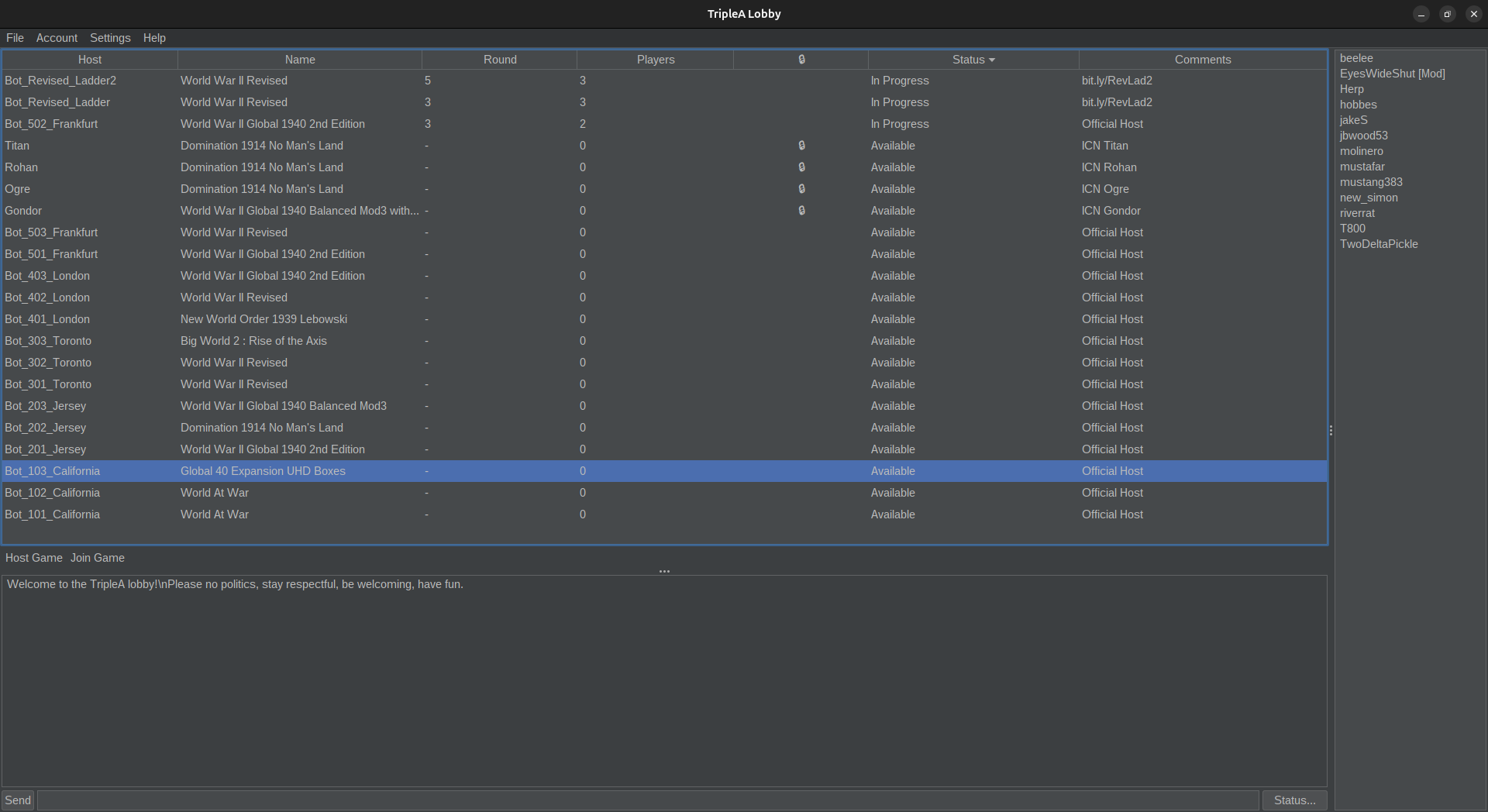
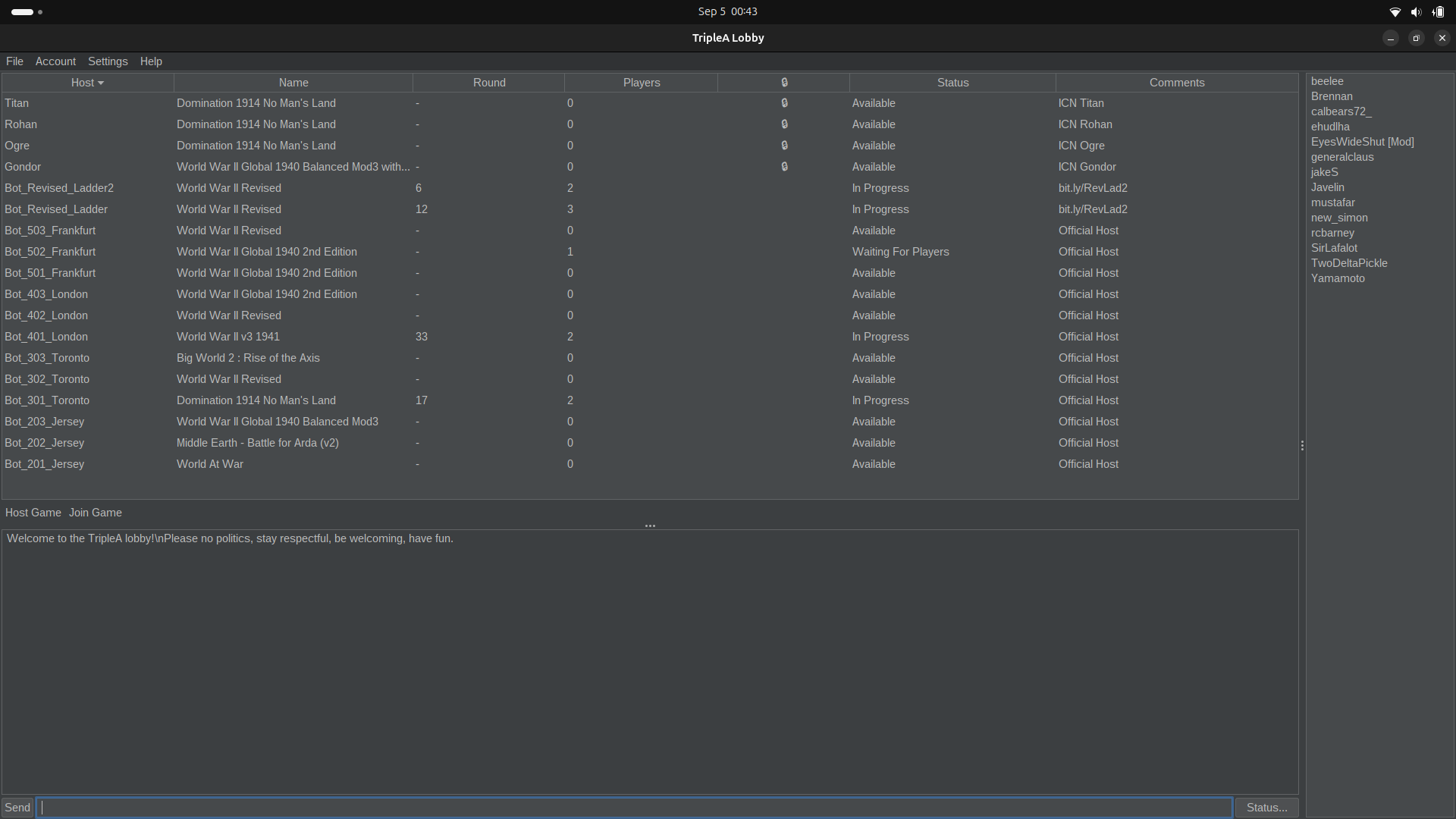
Edit 2 jusst checked in a gain about 3 1/2 hours and they are gone once more.
No Cali 103. Idk when they left again. Was about a 30 minute window first time I checked and it came back.
-
Did some work on the bots. ..
Turns out we need EXIT_GAME_ON_QUIT (or whatever it was...) to be true. Memory leaks killed the bots quickly and they crashed out hard after a few games.
I did some other things like put memory limits in and added swap. Each bot is now running with 128M, which is less, but there's more padding for when there is memory pressure. Hopefully wont' be taking down the whole bot instance any longer.
Let me know if bots drop out.. should be a bit better now.
-
Sweet
Yea I saw that on git. Quit seems counter intuitive but hey I was just a carpenter lol
-
-
@beelee Yes, all TripleA hosts are seemingly now working except only the third one (Bot_203_Jersey is missing.) of Jersey (@lafayette).
-
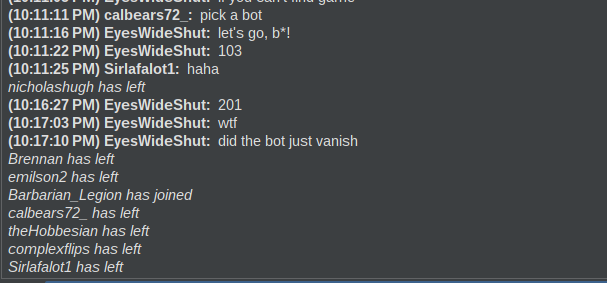
It seems that the problem I had has happened to these guys. I didn't talk to them, just saw their conversation
-
-
@lafayette Bot_302_Toronto was in progress with only 1 (unresponsive) player inside.
Maybe the guy fell asleep or something. Anyway, I did a shutdown (restarted) the bot.
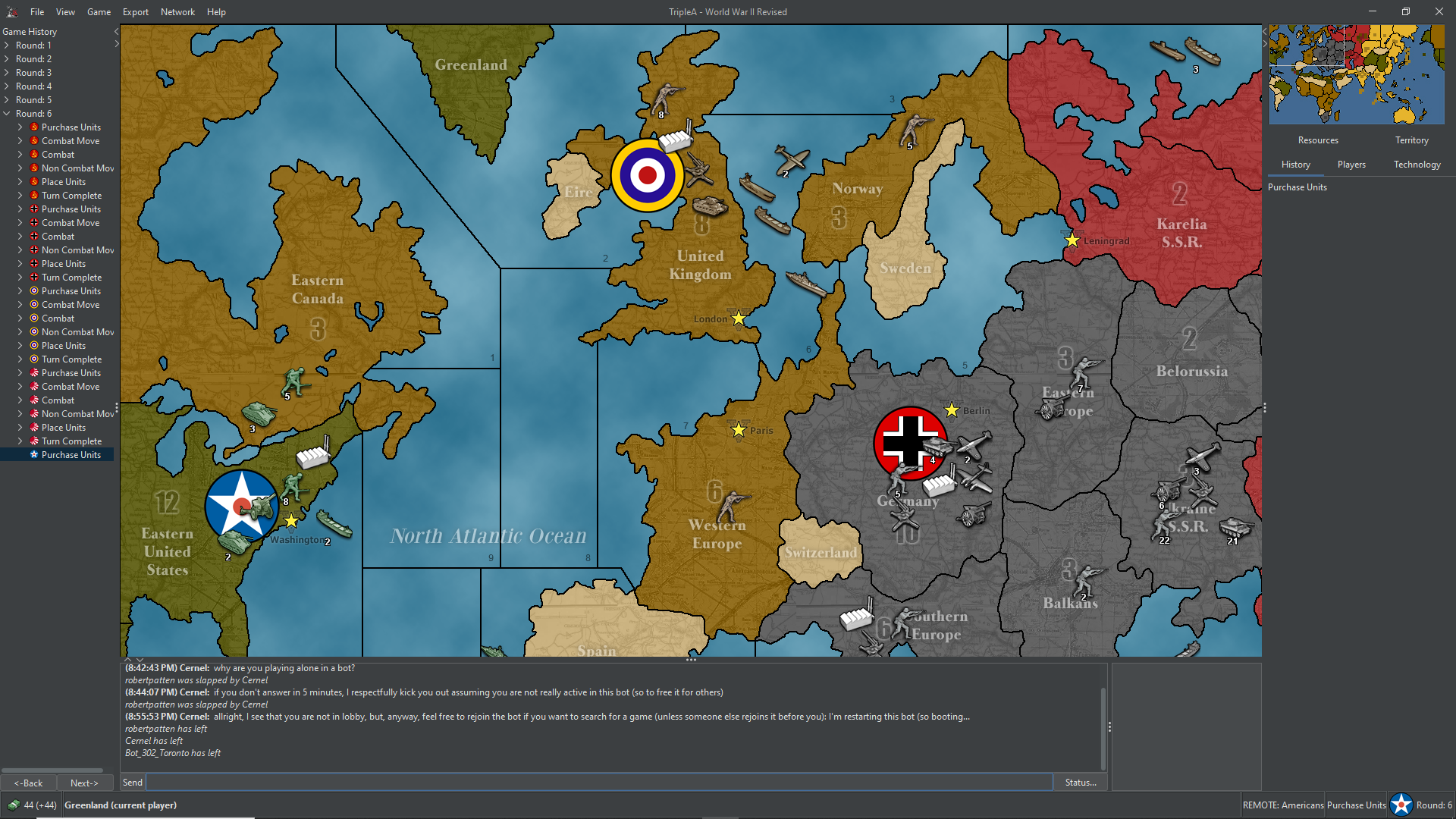
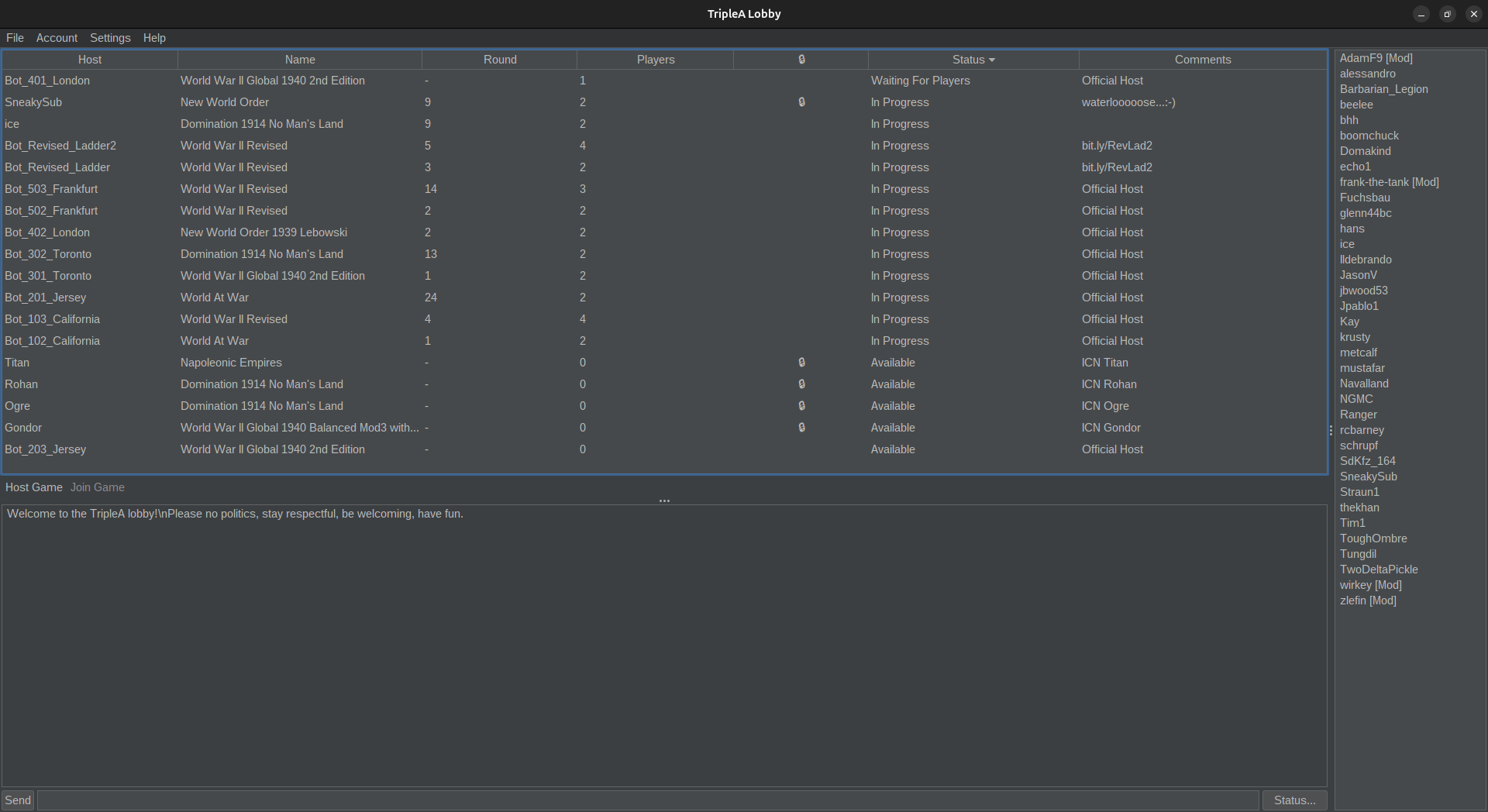
And, yeah, all servers except California were down to 2 bots only (instead of the 3 each they should have).
Unfortunately, after I clicked on "Shutdown" on Bot_302_Toronto, it never came back, so now the Toronto server is down to 1 bot.
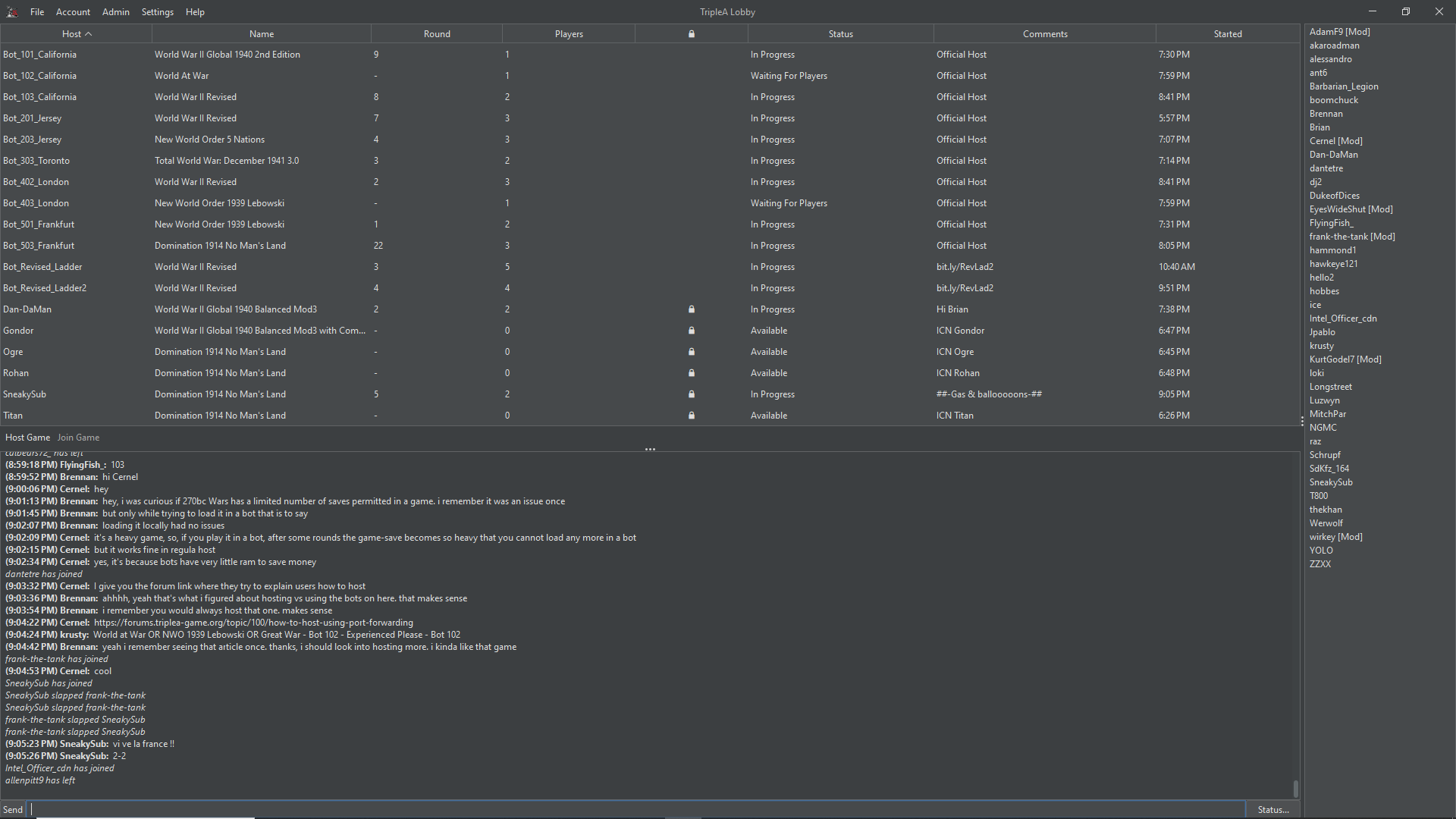
I remember that, if you clicked "Shutdown" on a bot, the bot would restart and return available in lobby after a few seconds.
Did it not come back because the bot was broken or did I fuck up because now shutting down a bot just kills it and does not come back, and I didn't know? Should any moderator shutdown apparently broken bots or not?

Hello! It looks like you're interested in this conversation, but you don't have an account yet.
Getting fed up of having to scroll through the same posts each visit? When you register for an account, you'll always come back to exactly where you were before, and choose to be notified of new replies (either via email, or push notification). You'll also be able to save bookmarks and upvote posts to show your appreciation to other community members.
With your input, this post could be even better 💗
Register Login