Next step on Map-Making - how to collect feedback?
-
@tannenbernie
https://github.com/Tannenbernie/battleforcraglorn
Gives me a 404 error, so I guess its a private folder.If you are set on using GitHub you should use GitHub Desktop https://desktop.github.com/
In the long run it will make life using GitHub a lot easier.
After many hours of frustration I came to the conclusion that it is best to have a seperate folder for uploads to GitHub.Meaning, I develop my map in the Downloads folder then when I want to upload it copy it to GitHub_UpLoad folder where it will sync with the cloud version.
As its your first map I would still recommend hosting your first map releases on say Google Drive, its less frustrating. I wanted to spend time on map making rather than fighting with GitHub.
Even now when I think I know what Im doing with GitHub, I will host my first 20+ or so versions on Google Drive and then when I think the map is polished, then post to GitHub.
One reason is the randomness of this file, working.
https://github.com/triplea-game/triplea/blob/master/triplea_maps.yamlPersonally your time is best spent map making, just my 2p.
-
hmm ... tried to look at a old repo and see what i did but didn't work.
Should be able togo to settings and change it to public. Same as the Dog , i got a 404 too.
It's the wheel looking thingy top right. You probably already no that tho

sometimes you need to scroll down to the bottom to get to it. The change thing
-
Yes i also think now that i will first use another repository as it seems just too timeconsuming to work with github.
I have taken a look at my repository and the screenshot says:
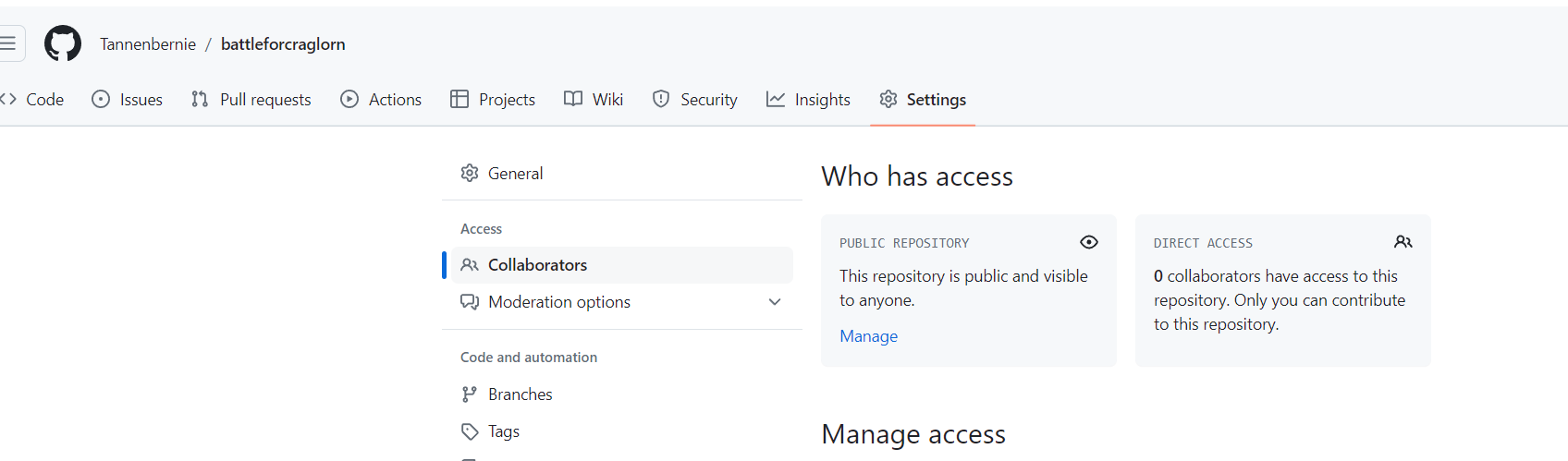
So its "public and visible to anyone" - no idea why you get a 404.
As for github desktop - yes i was using that one. But didnt manage to get an upload running. Even after ssh-key deployment the upload wasnt working. Only Drag- and drop via the browser-gui did work and bring my map in its first repository at gihub.
Well, thx for the many answers and help, i will next look for an alternative repository i guess
-
@tannenbernie can you link to the repo directly ? I still can't find it
Edit
Git is challenging at first but don't give up on it. Post a link to your repo and we will work through it -
-
@Tannenbernie it looks like your github profile might be private or hidden. I'm not sure how you managed that! : )
In your profile settings (https://github.com/settings/profile), check to make sure that your profile & activity are not hidden, like so:
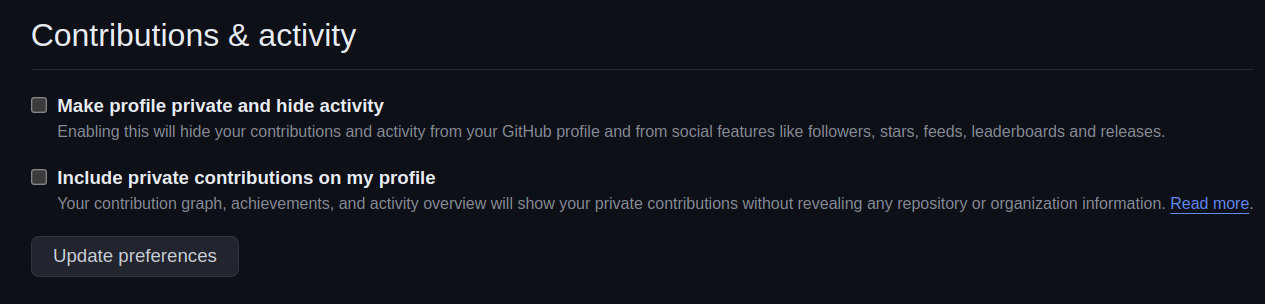
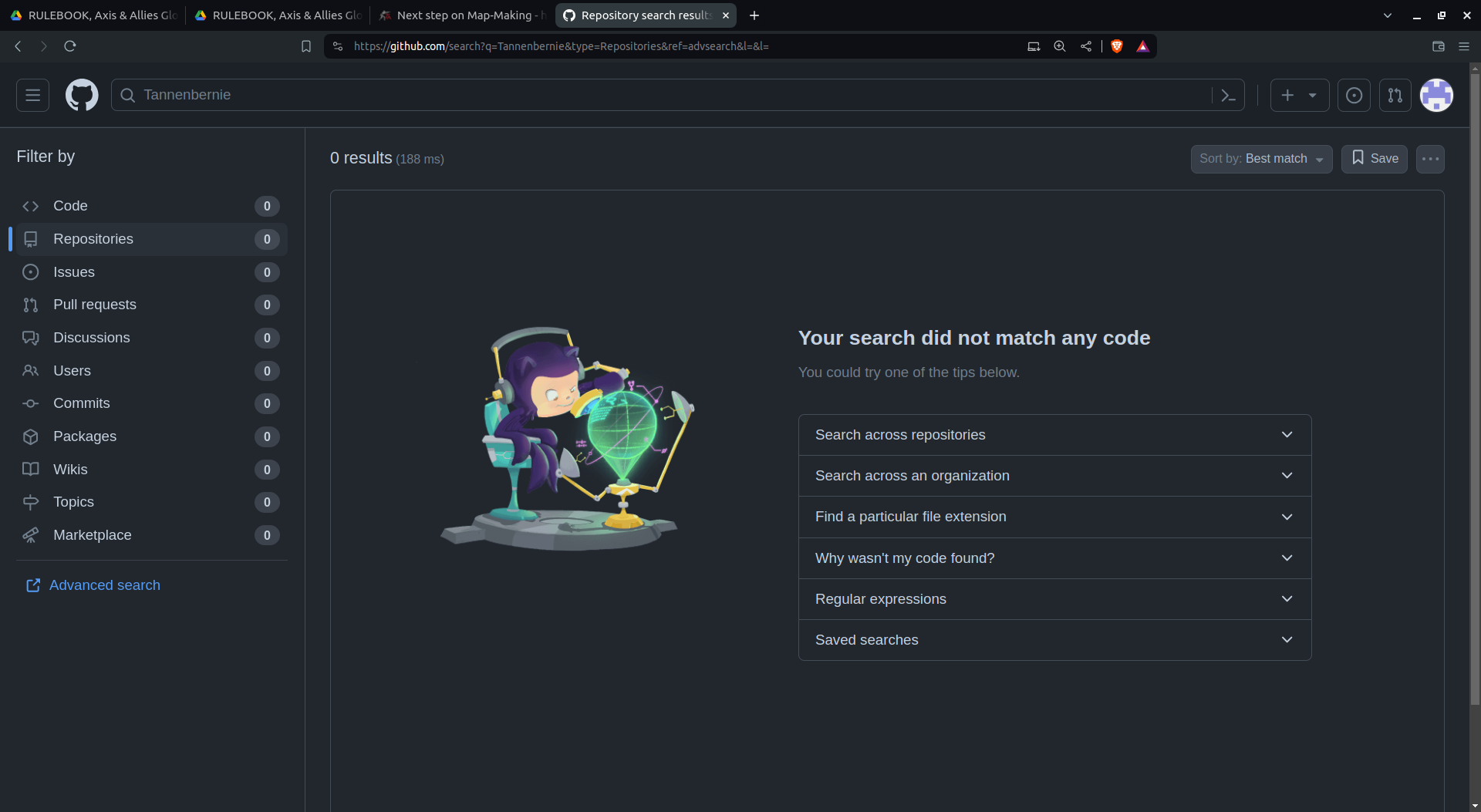
For starters, your profile gives a 404: https://github.com/Tannenbernie
That would be a first thing to fix.
-
This is some really strange stuff.
As posted in the screenshot before, my profile is already public.
And it seems to be public in all settings which i can find.Let me show you some screenshots:
The restrictions are not set:
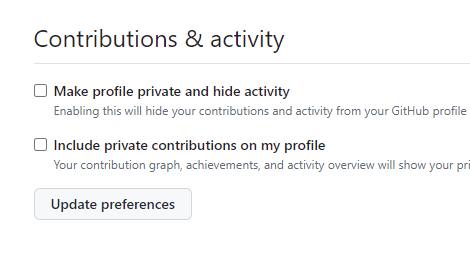
And the profile is public:
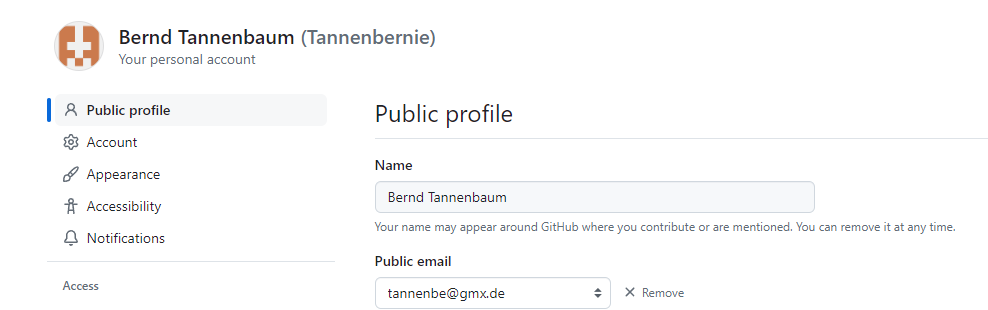
And my Repository is public:
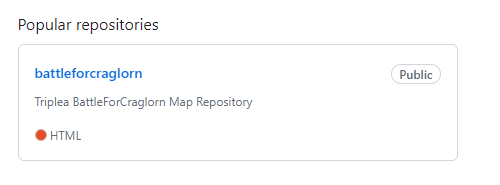
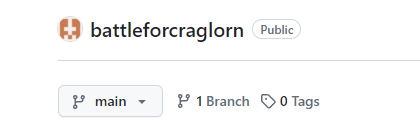
Here also shown public:
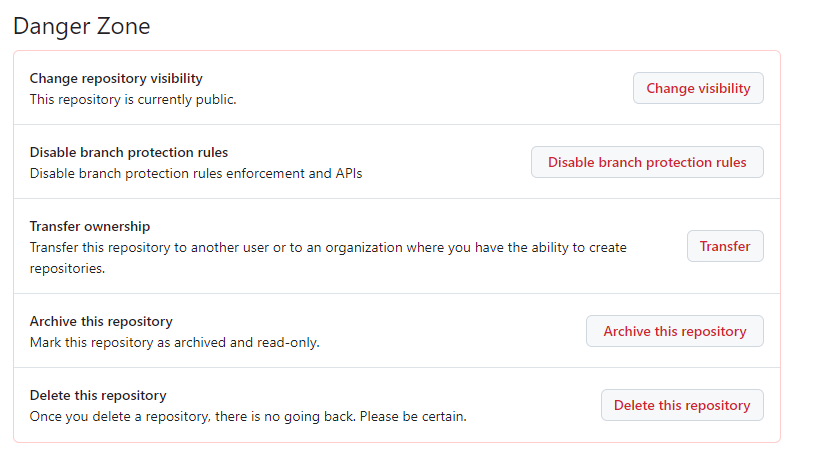
Danger Zone says its public:
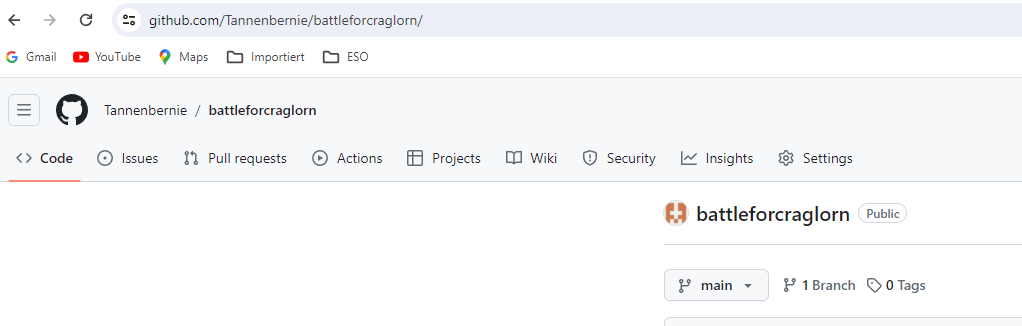
This is the map url as you can see it in the browser:
Anyone can see me meanwhile?
Helpless Bernd
-
@tannenbernie
In a browser (Firefox) that I have not signed into GitHub with, this shows my profile
https://github.com/TheDog-GH
(I usually use Chrome)Doing the same for you
https://github.com/Tannenbernie
Does not work
So forget the project for now as we cannot even see your profile.
-
-
Here is a link from my repo https://github.com/triplea-maps/global_40_expansion_uhd_boxes
-
@Tannenbernie post your link if you want anymore help. Me and Dog have other things todo
-
hmm
are you trolling captain crunch mode ?
people are trying to help you. You are suspect in your responses
-
Hey sorry, didnt know the link was so important.
https://github.com/Tannenbernie/battleforcraglorn
https://github.com/Tannenbernie
So here are the two links.
-
sorry for above. You are new here.
If you would post a link to your repo, people will try to help
-
yea get the 404 error on both links. What OS are you on ?
-
Hoi
Im on windows. Sorry will have to take the bus in 5 min, will be on again this evening. Maybe i just delete my account and start a new one. Basically there is ony 1 upload on it.
-
@tannenbernie
You know we could just forget GitHub for now, if you post a link to your map on say Google Drive/OneDrive/WeTransfer etc then we can download your map and comment. -
@tannenbernie hmm ... yea idk new git you mean ? it seems weird it goes 404 and most are on windows anyway
-
@thedog said in Next step on Map-Making - how to collect feedback?:
@tannenbernie
You know we could just forget GitHub for now, if you post a link to your map on say Google Drive/OneDrive/WeTransfer etc then we can download your map and comment.well yea we could but it should work for triplea/git
-
yea you must have some sorta blocker enabled. Triplea doesn't have a lot of hits. So OS may think it's fckd somehow.
Git should work though. Idky your git repo isn't working


Hello! It looks like you're interested in this conversation, but you don't have an account yet.
Getting fed up of having to scroll through the same posts each visit? When you register for an account, you'll always come back to exactly where you were before, and choose to be notified of new replies (either via email, or push notification). You'll also be able to save bookmarks and upvote posts to show your appreciation to other community members.
With your input, this post could be even better 💗
Register Login