Versions Not Updating Despite YAML version no. change.
-
Hey there. We've published several updated versions of WW2 Path to Victory. .. but despite changing the YAML version number reach time, TripleA does not prompt an auto-update for the game (so players have to manually delete their version of the map and reinstall it to get the updates). Any ideas on whats going wrong?
Thanks.
-
@Joe-G Hey Joe. The last PtV-yaml-update is from 8 days ago, when it changed from 3 to 4. Are you referencing this one?
-
@Joe-G
So I have manually edited the properties file back to 3.0.0 to test.
This is what I get: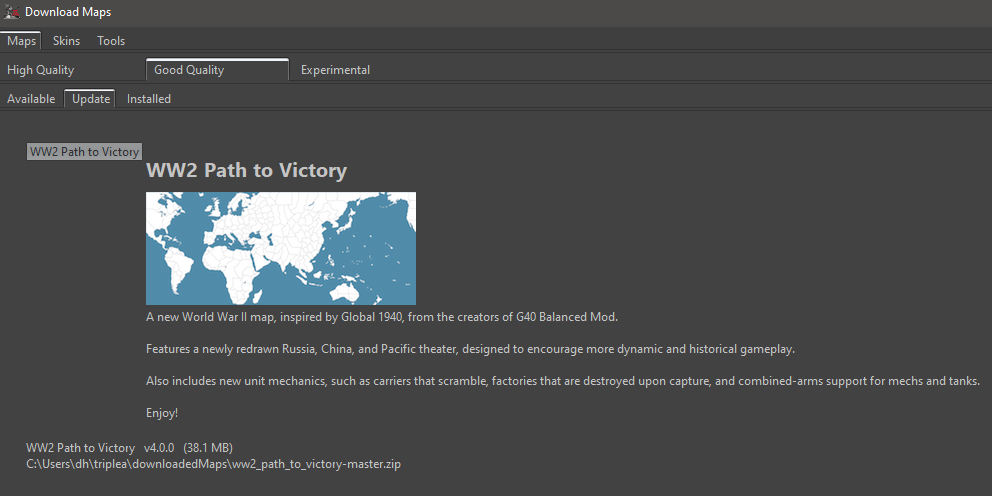
However as I never wait for YAML-updates to manage my maps, I am not aware of an auto-prompt once a map has been updated YAML-wise.
So in case the user should be automatically prompted we might have a bug.
In case an auto-update prompt for maps has not been implemented yet, we might have a feature request.I move this topic to Player Help for now, until this has been analyzed.
-
@Panther its not an auto-update. . . i misspoke.
I'm just trying to make it so that the "Update" option appears when i go to the map on the "Download Maps" folder.
-
@Joe-G In that case it should work fine. Provided the version number in the properties file is lower than the version number in the current yaml.
-
the problem is that the map simply doesn't show up when i click on the "Installed Maps" tab in the "Download Maps" window. . . My other installed maps show up, but not WW2 Path to Victory (even tho I definitely have the map installed in my tripleA folder)
-
@Joe-G It will show up in "Update" instead of "Installed". See my above screenshot.
-
@Joe-G
sorry if this is a stupid question but did a pull request show up and then was approved after you did the updated yaml version ? -
yes. the yaml was definitely updated. no problem there.
-
i still can't get the map to show up in the "Installed" OR "Update" tabs of my DownloadMaps window.
-
@Joe-G Can you please provide a screenshot?
-
here is the downloadedmaps folder
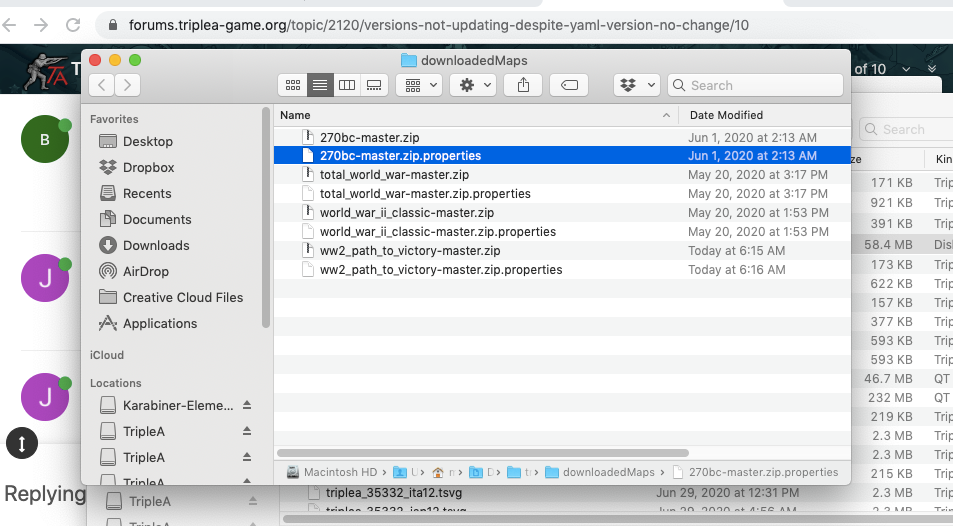
And here is what the "Download Maps" folder looks like:
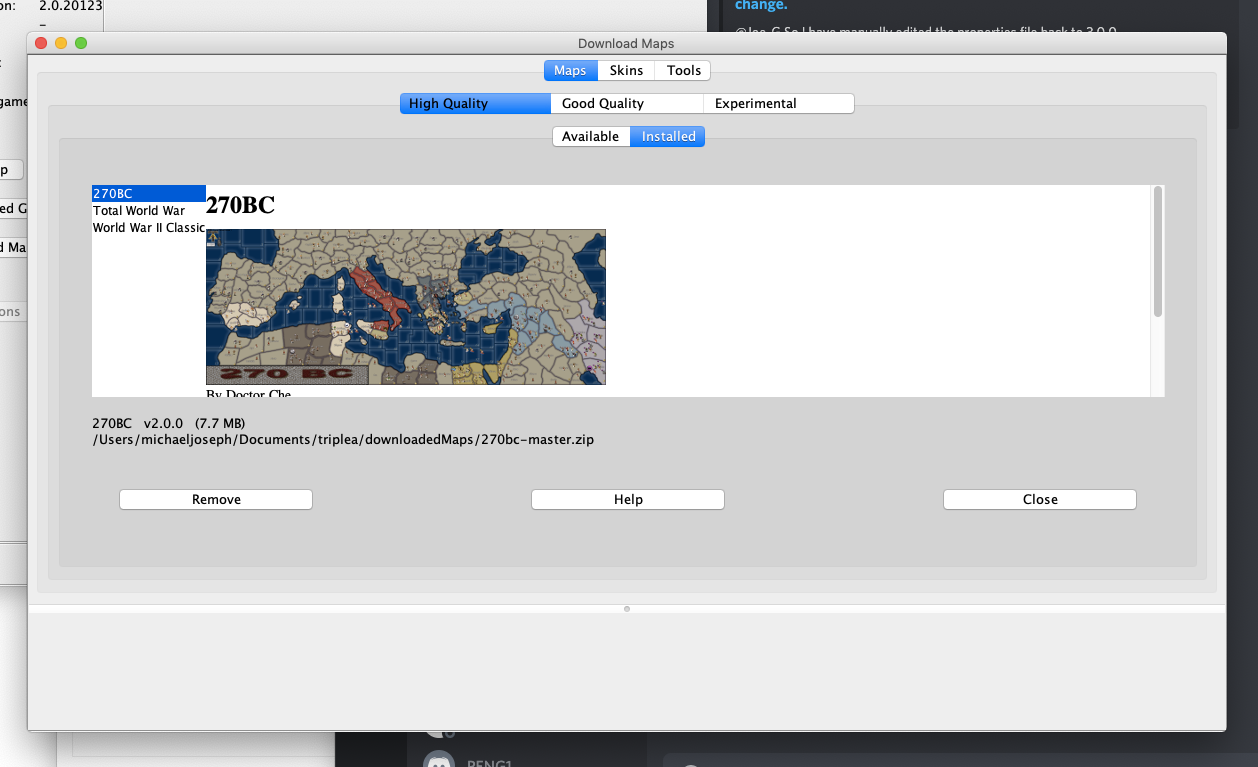
-
@Joe-G OK, the Path to Victory map is in the Good-Quality section, not in the High-Quality section.
-
@Panther ah!
-
@Joe-G thanks panther.
-
@Joe-G You are welcome.


Hello! It looks like you're interested in this conversation, but you don't have an account yet.
Getting fed up of having to scroll through the same posts each visit? When you register for an account, you'll always come back to exactly where you were before, and choose to be notified of new replies (either via email, or push notification). You'll also be able to save bookmarks and upvote posts to show your appreciation to other community members.
With your input, this post could be even better 💗
Register Login