








Recent Posts
-
Latest version v280 ready for download with in TripleA.
In TripleA
Click Download Maps Button
Click Installed tab
Click 1941 Global Command Decision
Click Remove Button
Click Yes button to remove
Click Ok button (Successfully removed)
Click Close (To force the map list to refresh)
Click Download Maps Button
Find & Click 1941 Global Command Decision
Click Install buttonEnjoy!
.
Tooltip correction Kamikaze-Plane - This desperate tactic will only become available when the Home Islands are under threat! (Thanks to @cybergroover) De-stack USSR Armor-Inf into 5s, might improve USSR AI play (Thanks to @captain0) Germany AI should defend Paris better with fewer units, freeing up units for the attack on USSR
v280.
 v275 documentation, last page has winter turn on instructions. for a harder more realistic game.
1941_Global_Command_Decision_Manual.pdf Suggested TripleA version
https://github.com/triplea-game/triplea/releases
.
Link to 1st post that has;
Downloads for new Players
https://forums.triplea-game.org/topic/3326/1941-global-command-decision-official-thread
-
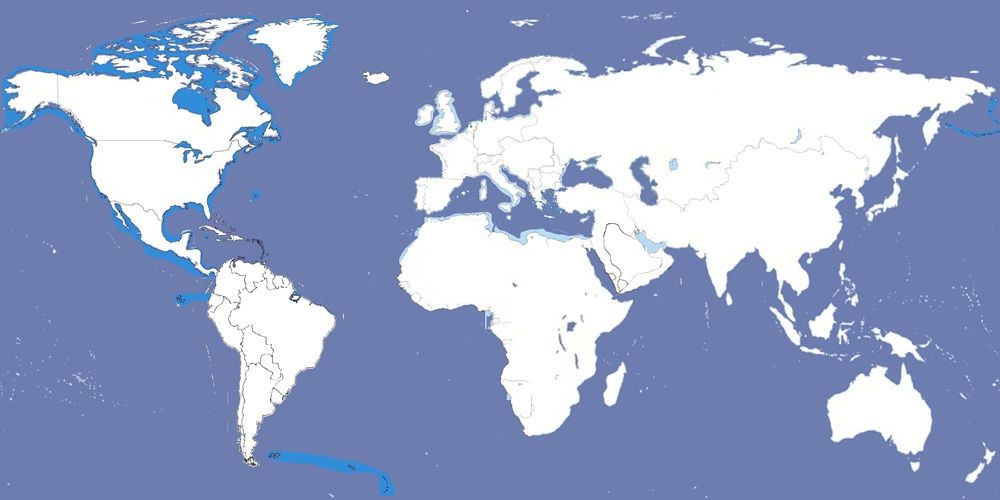
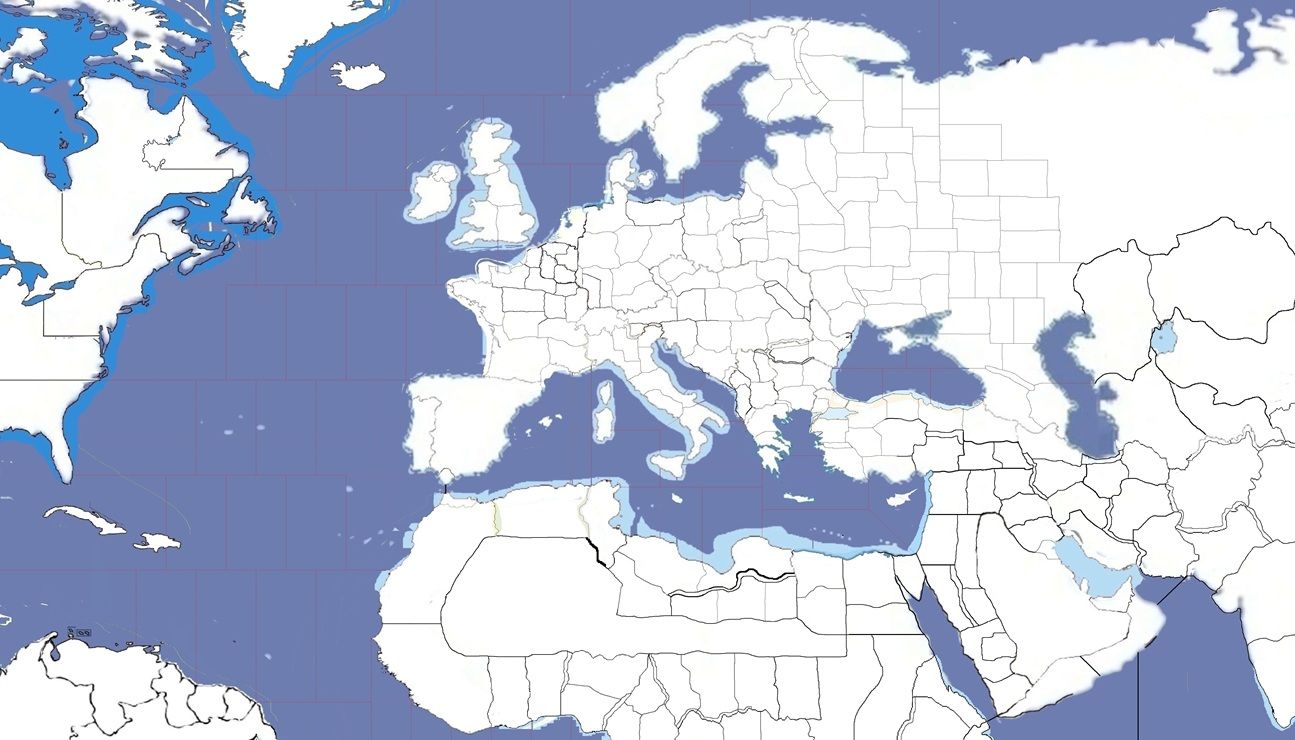
I have 2 sketch maps (just ignore the WWI borders); feel free to use them as a baseline if you like.
Thanks for this.
-
I have 2 sketch maps (just ignore the WWI borders); feel free to use them as a baseline if you like.
