2.6 Testing (Report 2.6 problems here)
-
@beelee said in 2.6 Testing (Report 2.6 problems here):
@myrd here's one with the panzer. i saved before combat so you can run multiple battles. 2.6 Wrong Support A.tsvg
So if there are no German casualties they roll 6 dice. If there are German casualties, they only roll 5. There are multiple Oberst's that provide an extra roll depending on who there paired with. And the Oberst in turn receives an extra roll. So 2 extra rolls total. Take the Oberst as a casualty, so it won't give support 2nd rd of battle because you need all 4 units present to get the bonuses according to the rules.
Oberst 4 is for Panzer
Oberst 3 is for Arty, PnzrGrndr and Para
Oberst 2 is for InfAll are Waffen units. They should be getting the extra rolls whether there are casualties in the first rd of battle or not.
Here's 2.5 before combat.2.5 Correct support A.tsvg
It gets 6 rolls regardless of 1st rd casualties.Oh, I see what you mean - the number of rolls should be based on the units & supports prior to units being killed. Whereas in 2.6, there's a bug where it seems to consider supports for purposes of # of rolls based on the state after casualties. OK, agree that this regressed, I'll file a bug on GitHub and we can follow up from there.
-
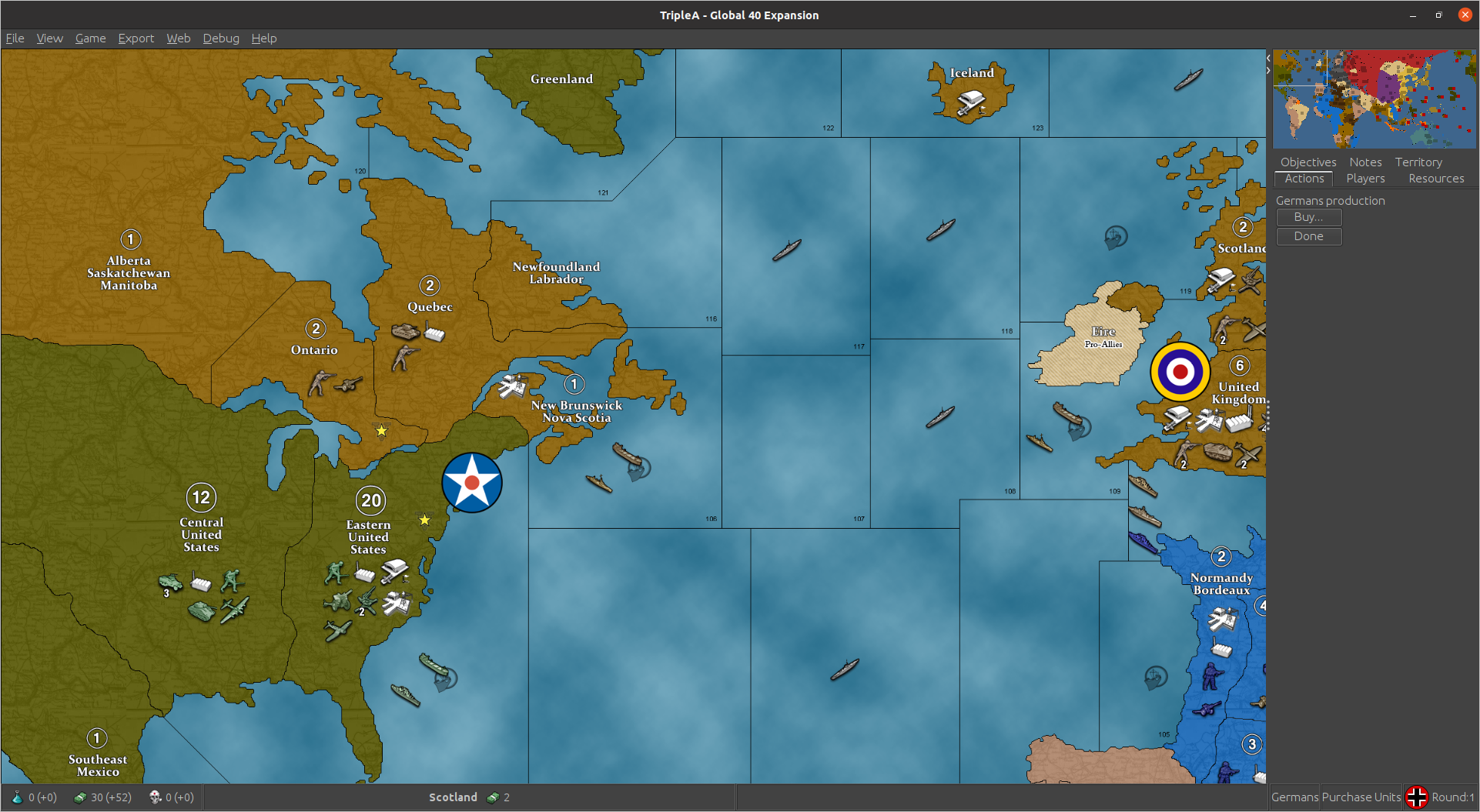
2.6.838 doesn't have Game "Notes" in the upper right by "Actions" "Players" etc ... that 2.5 does.
2.6
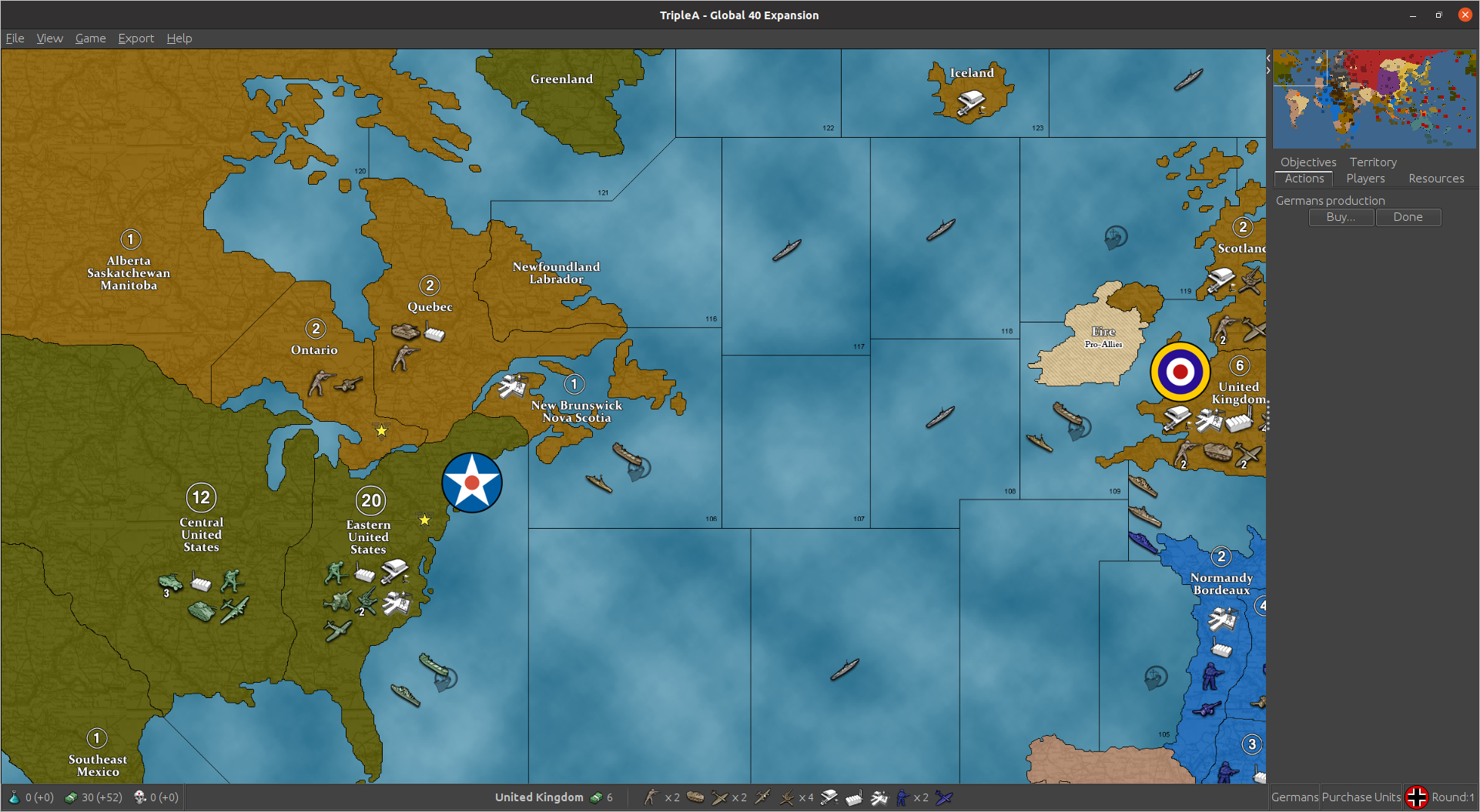
2.5
@Myrd do you want me to make a Git issue ?
-
@beelee
Notes tab by Actions, was removed early in 2.6. It was a request by me to be removed as the tab occupied valuable space, but more importantly lots of maps have detailed notes and that area is not big enough to display them.As you know its function is already in Help> Game Notes, so this should be fine.
-
@thedog Hmm ... seems like the space is still available. is it gonna be used for something in the future ?
Not a huge deal, but, if you've never played the map before, I think it'd be better to have the notes more visible imo
-
it was possible to make the notes tab large enough to be read easily; you can/could easily modify that panel size ingame. Sometimes I'd enlarge it as much as possible to read notes while still being able to see the game; you can make it cover about half the screen iirc.
-
@zlefin said in 2.6 Testing (Report 2.6 problems here):
it was possible to make the notes tab large enough to be read easily; you can/could easily modify that panel size ingame. Sometimes I'd enlarge it as much as possible to read notes while still being able to see the game; you can make it cover about half the screen iirc.
You could also just do that with the standalone notes window. You can resize it to be alongside your game window.
-
@zlefin said in 2.6 Testing (Report 2.6 problems here):
it was possible to make the notes tab large enough to be read easily; you can/could easily modify that panel size ingame. Sometimes I'd enlarge it as much as possible to read notes while still being able to see the game; you can make it cover about half the screen iirc.
yea i almost always drag it open to about 2/3 screen width when i want to check something. i just don't see the space being used. it's just blank now where Notes used to be.
I know you can access via help but you have an extra hoop to jump through. Playing a new game, i refer to the Notes frequently
-
There have been a bunch of other improvements and fixes, so more 2.6 testing welcome!
-
@myrd right arm :flexed_biceps: i got a couple xml fixes to do and I'll fire up another test game.
Hockey should be over tonight too : )
-
@beelee said in 2.6 Testing (Report 2.6 problems here):
Hockey should be over tonight too : )
well ... maybe not lol
-
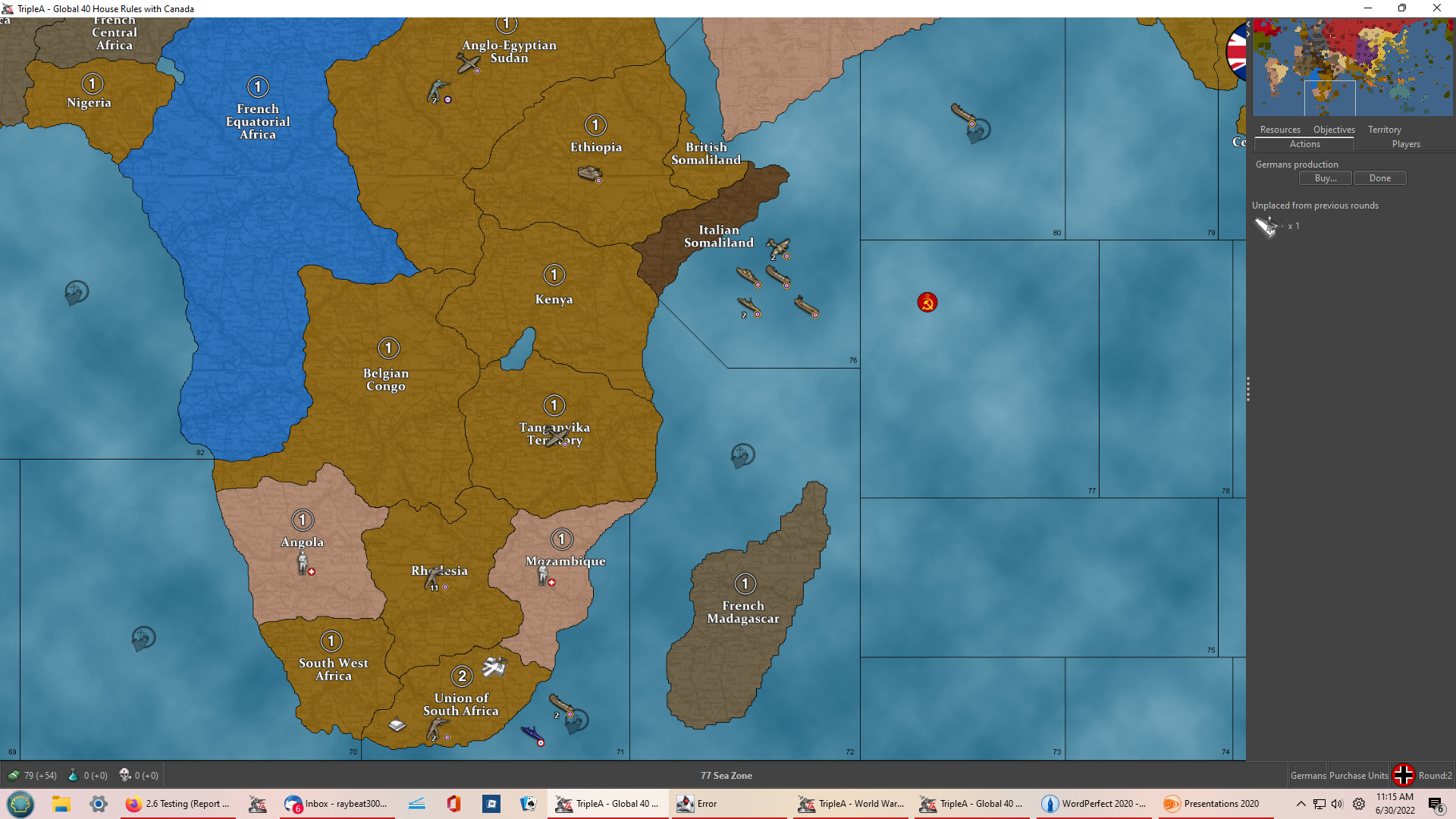
FYI, I'm playing 2.6.20. Very early in game I a got an error message then menu bar (save, view, etc) disappeared. Here's screen shots from before and after the error message.
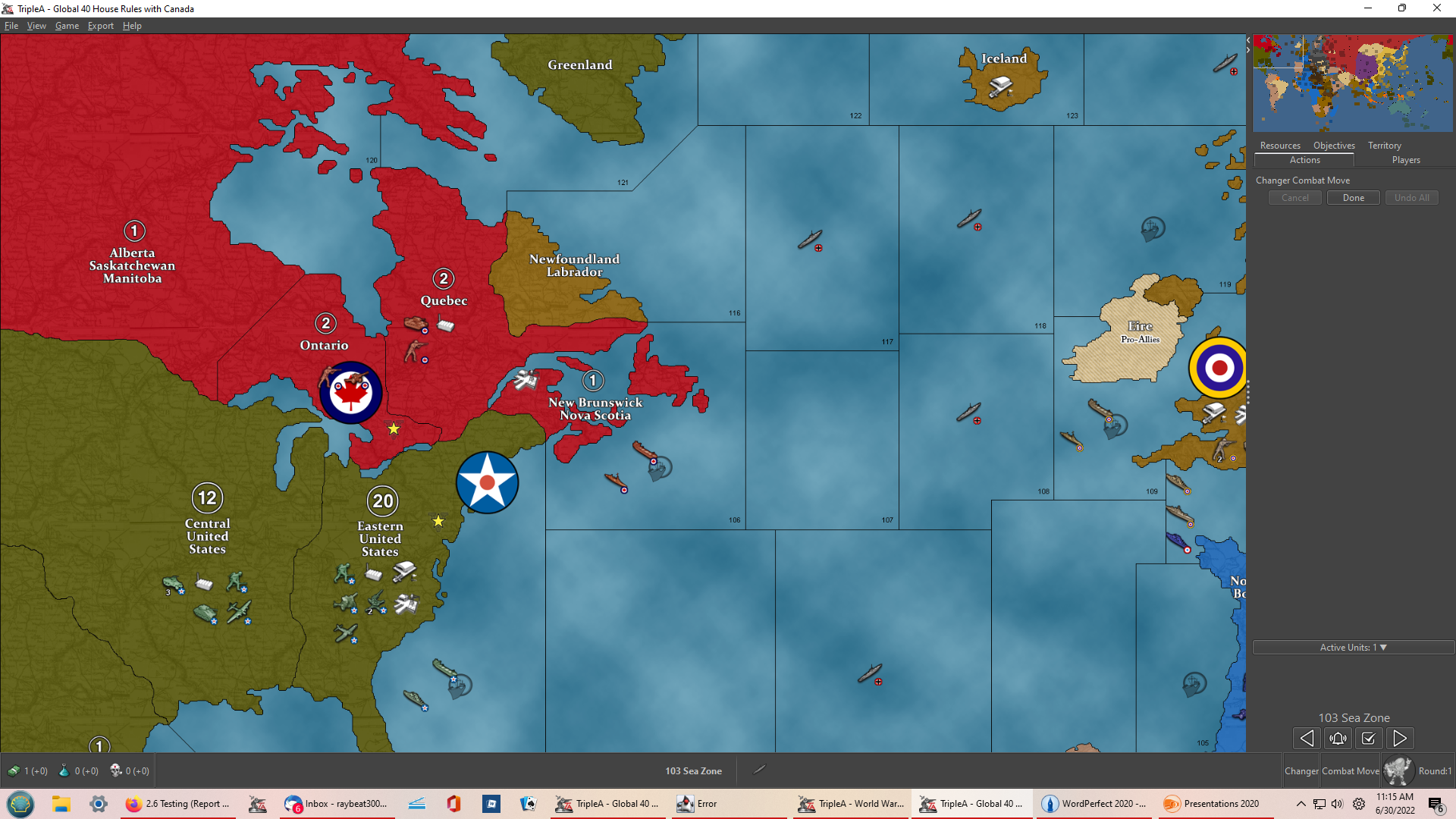
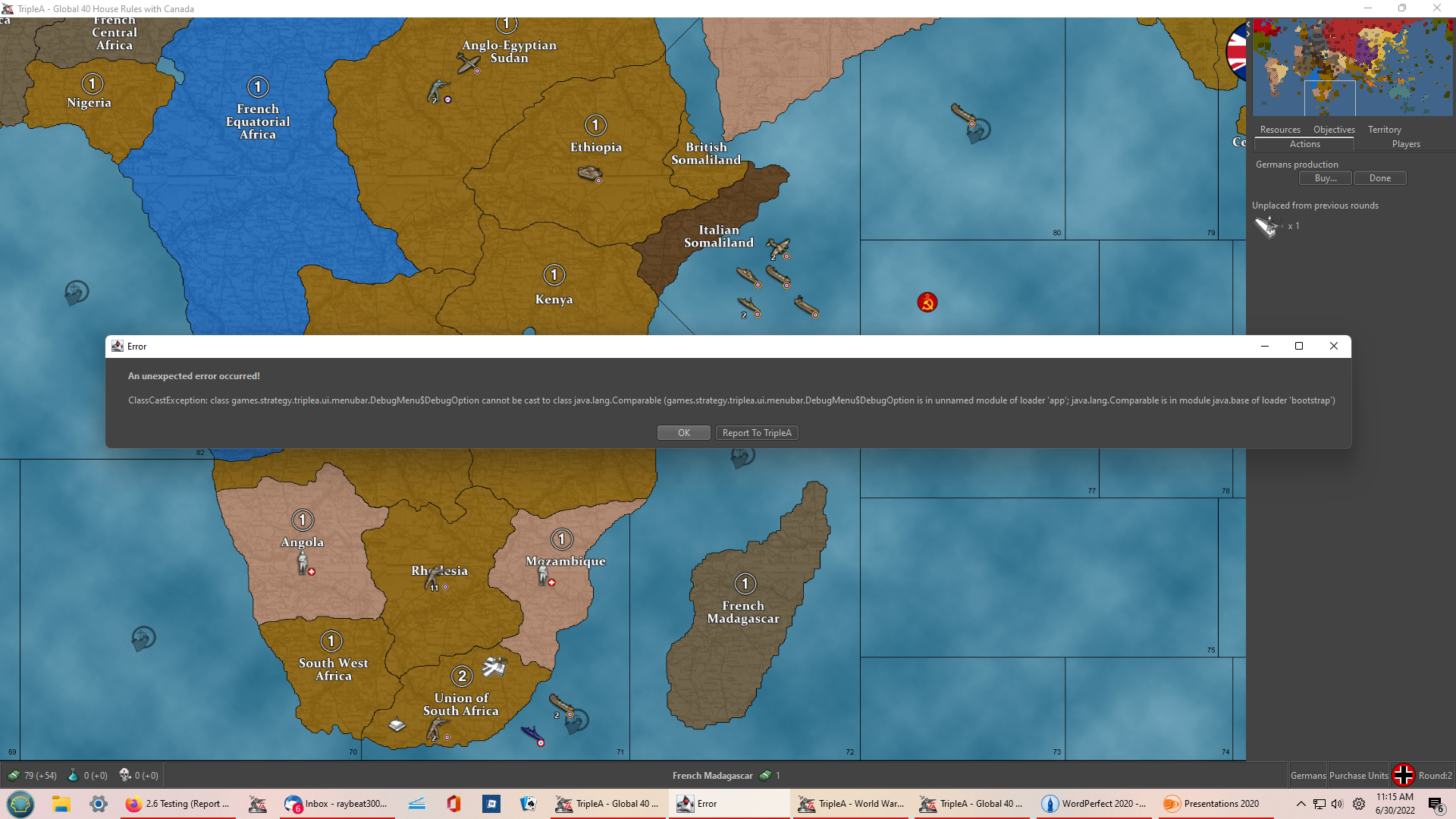
-
@roybot Did you click Report to TripleA? This will file a bug report with more detailed information about the error.
-
@myrd yes
-
@myrd I don't recall if I submitted a report yesterday but I just replicated the error and submitted a report a few minutes ago.
-
I submitted this as a report but I'm also reporting here (please let me know if this is a bad idea).
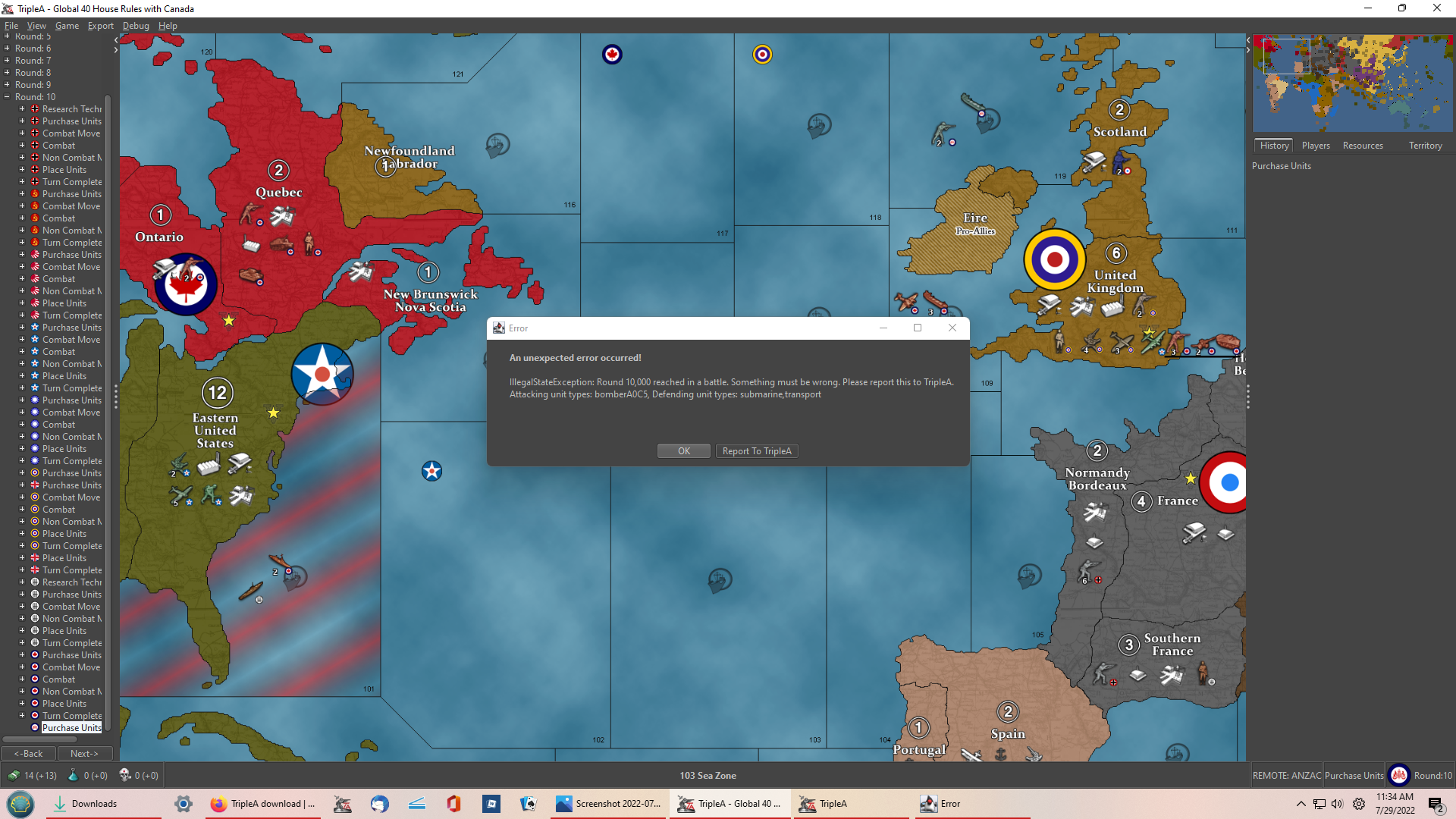
Playing Global 40 House Rules with Canada with latest pre-release downloaded just after midnight US EDST today (July 29, 2022) Allies are a combination of of Human and Hard AI. Axis are all Hard AI. At Round 10, start of Anzac turn I got the following error message:"An unexpected error occurred! IllegalStateException: Round 10.000 reached in a battle. Something must be wrong. Please report this to TripleA. Attacking unit types: bomber A0C5, Defending unit types: submarine, transport."
The error occurred at the start of the Anzac purchase units phase. Please see screenshot below. I have the saved game if that would help (but I couldn't figure out how to upload it as part of the error report).
Roybot
-
Folks
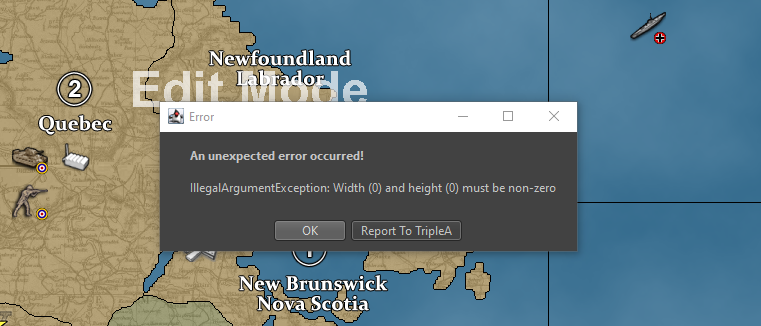
Hi. I reported a bug and it went to github. I couldn't respond to the bug and clarify there. The latest release 2022-July-28 - 2.6+e82634a has a bug when using edit to add units in the latest Globa 40 house rules. It only happens for British. Remember you are only supposed to add with the british (not UK pacific). Adding amy other power units works, including UK pacific. The ork around is add UK pacific, but then you have to use edit to move those units. They don't respond to move attempts. -
@martymoose here is the error folks it's definitly limited to global 40 house rules 2.72 in 2.6. 2.72 works in 2.5 and other global maps work in 2.6. This is simply the best map. Can anyone look at it?
-
@roybot 1 thought - were you in edit mode and an AI turn started? This has triggered the error for me. I think AI and Edit are incompatible. You need to exit Edit mode before the AI turn
-
@martymoose Hi. No, I wasn't in edit mode when the error I reported occurred.
-
@martymoose I want to say that is perhaps already fixed in the lastest 2.6
Always click the 'report to triplea' button! That will give us a bug ticket with more information - you can add further comments in the bug tickets to help keep the conversation organized.


Hello! It looks like you're interested in this conversation, but you don't have an account yet.
Getting fed up of having to scroll through the same posts each visit? When you register for an account, you'll always come back to exactly where you were before, and choose to be notified of new replies (either via email, or push notification). You'll also be able to save bookmarks and upvote posts to show your appreciation to other community members.
With your input, this post could be even better 💗
Register Login