Subcategories
-
Donation Drive 2025/26
TripleA is a free gaming site and survives by the help of our members donations!

11 Topics469 Posts
-
7 Votes85 Posts69k Views
-
4 Votes16 Posts5k Views
-
0 Votes2 Posts959 Views
-
1 Votes30 Posts9k Views
-
3 Votes50 Posts26k Views
-
3 Votes8 Posts3k Views
-
3 Votes56 Posts14k Views
-
7 Votes11 Posts4k Views
-
2 Votes4 Posts1k Views
-
3 Votes14 Posts5k Views
-
2 Votes5 Posts3k Views
-
4 Votes57 Posts29k Views
-
4 Votes1 Posts1k Views
-
6 Votes18 Posts11k Views
-
7 Votes5 Posts4k Views
-
6 Votes8 Posts6k Views
-
7 Votes9 Posts7k Views
-
6 Votes8 Posts5k Views
-
3 Votes2 Posts2k Views
-
3 Votes12 Posts7k Views
Recent Posts
-
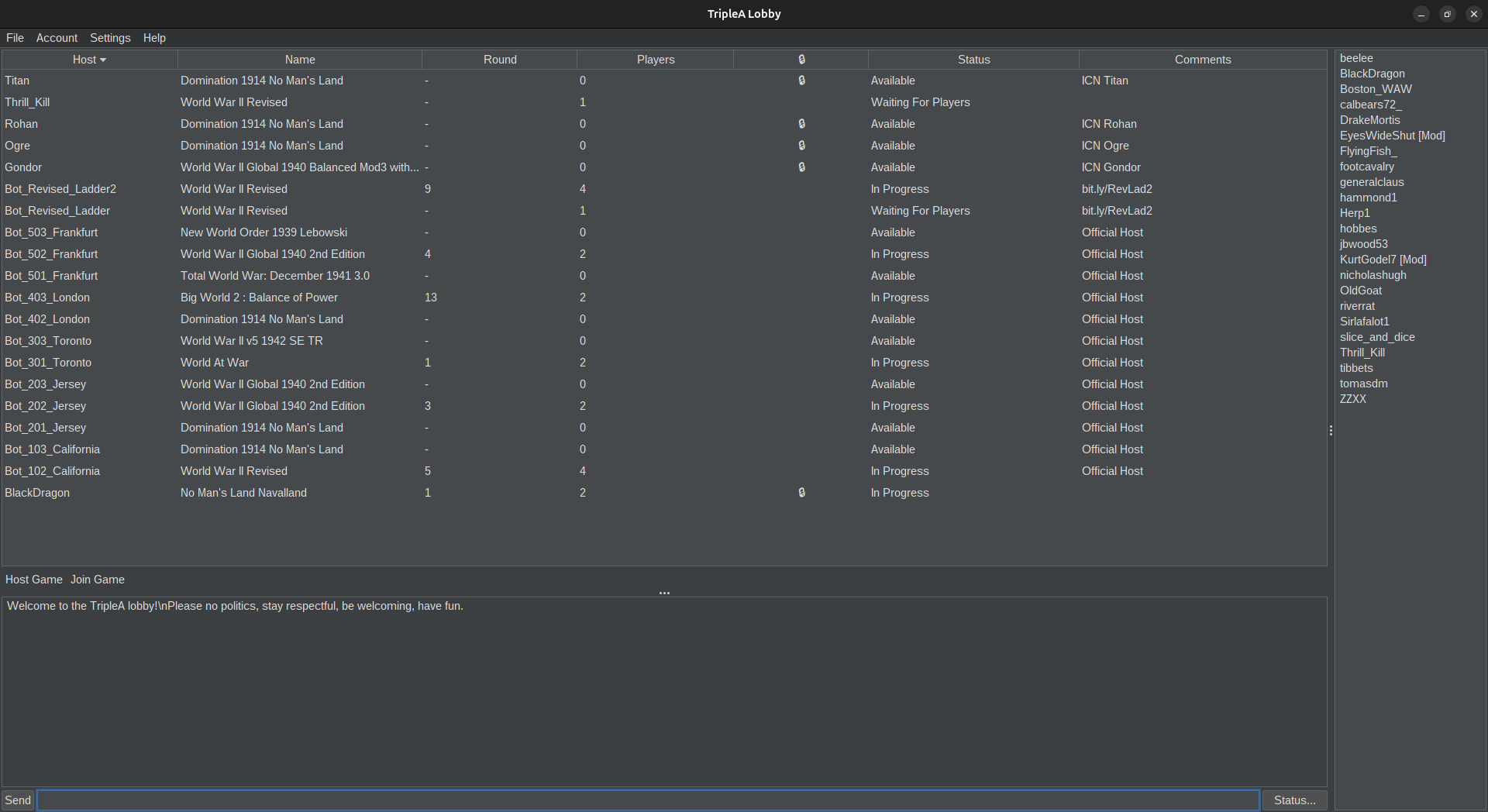
@Cernel When the Revised Ladder bots were crashing frequently, I moved them onto Amazon Web Services and reworked how they were launched and maintained.
AWS is a cloud hosted Linux server, so the bots run remotely rather than depending on my own computer, home internet connection, or an open SSH window. I connect to the server through SSH, but the bots themselves run inside persistent tmux sessions.
tmux is useful here because it separates the bot process from the temporary SSH connection. I can disconnect from the server, close my laptop, or lose my local connection without terminating the bot. Each bot has its own named session, which also makes it easier to inspect or restart one without affecting the other.
The main upkeep commands are:
tmux ls
This shows whether the bot sessions are still present.
tmux attach -t revised_ladder
tmux attach -t revised_ladder2These reconnect me to the live console output for either bot so I can inspect errors, freezes, or lobby disconnects.
To leave a session while keeping the bot running:
Ctrl+B, then D
If the bot is frozen rather than fully gone, I can attach to the session, stop the process with Ctrl+C, and relaunch it using the relevant startup script.
I also set up the launch process so that if a bot process actually disappears or exits, it is automatically started again. In other words, the server does not simply leave the bot offline after a crash. The surrounding startup or monitoring process detects that the bot is no longer running and relaunches it. That does not necessarily fix every possible freeze, since a frozen process may still technically exist, but it does handle ordinary crashes and unexpected exits without requiring me to log in immediately.
So the overall setup has three layers:
AWS provides the continuously available cloud server.
tmux keeps the bot sessions alive independently of SSH.
The restart logic relaunches a bot when its process exits or disappears.This is what I implemented when the bots were crashing a lot. Since then, the AWS and tmux setup has generally been stable, and the automatic restart behavior has reduced the amount of manual intervention needed.
-
@Cernel ah my bad. so I'm paying more. My Bots are cloud-based for better or for worse. They seem to be working fine but I haven't had crashes that I'm aware of.
-
I am paying about $10 a month for both headless servers which I understand is consistent with what triplea in general is paying for the bots.
I guess this means that you are paying $5 per bot? What I understand @lafayette said is that TripleA is paying $5 per server of 3 bots, which would be $1.66 per bot.
-
@Cernel Thanks for flagging this. For the Revised Ladder bots, I set them up to run inside persistent tmux sessions on the AWS server, so they remain active even after I disconnect from SSH or close my computer. I also created separate run scripts for the bots and a startup script that launches them together, which makes them easier to restart and keep online. So far, that setup seems to be working and the Revised Ladder bots are still running, although I’m continuing to monitor them in case one freezes or disconnects. I am paying about $10 a month for both headless servers which I understand is consistent with what triplea in general is paying for the bots.