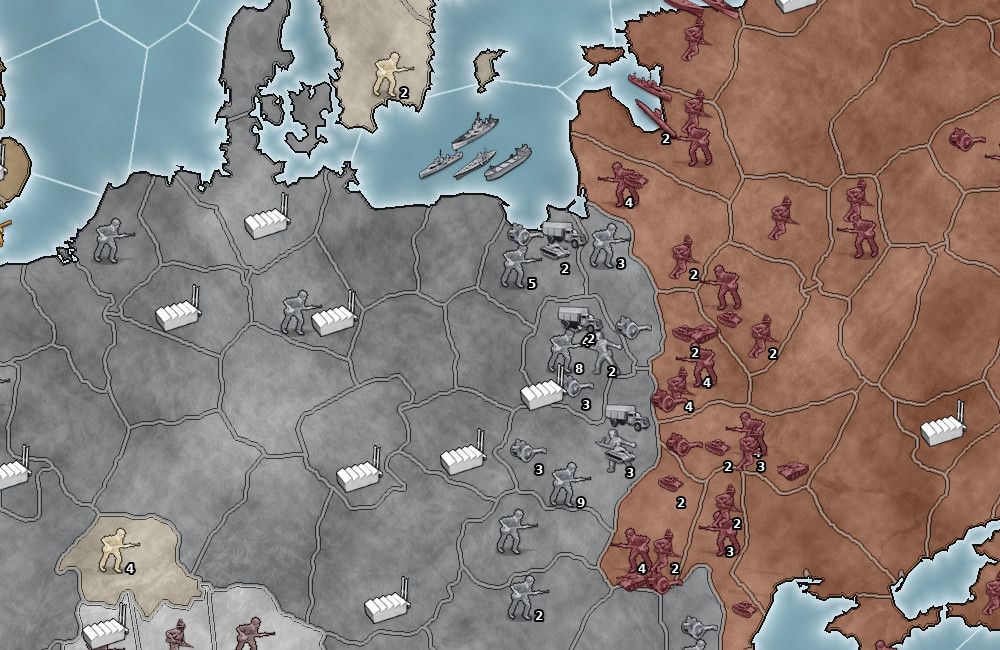
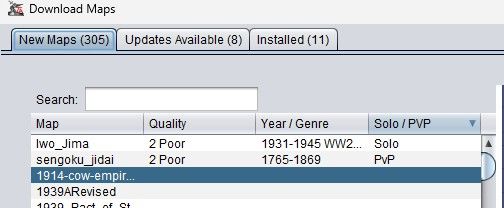
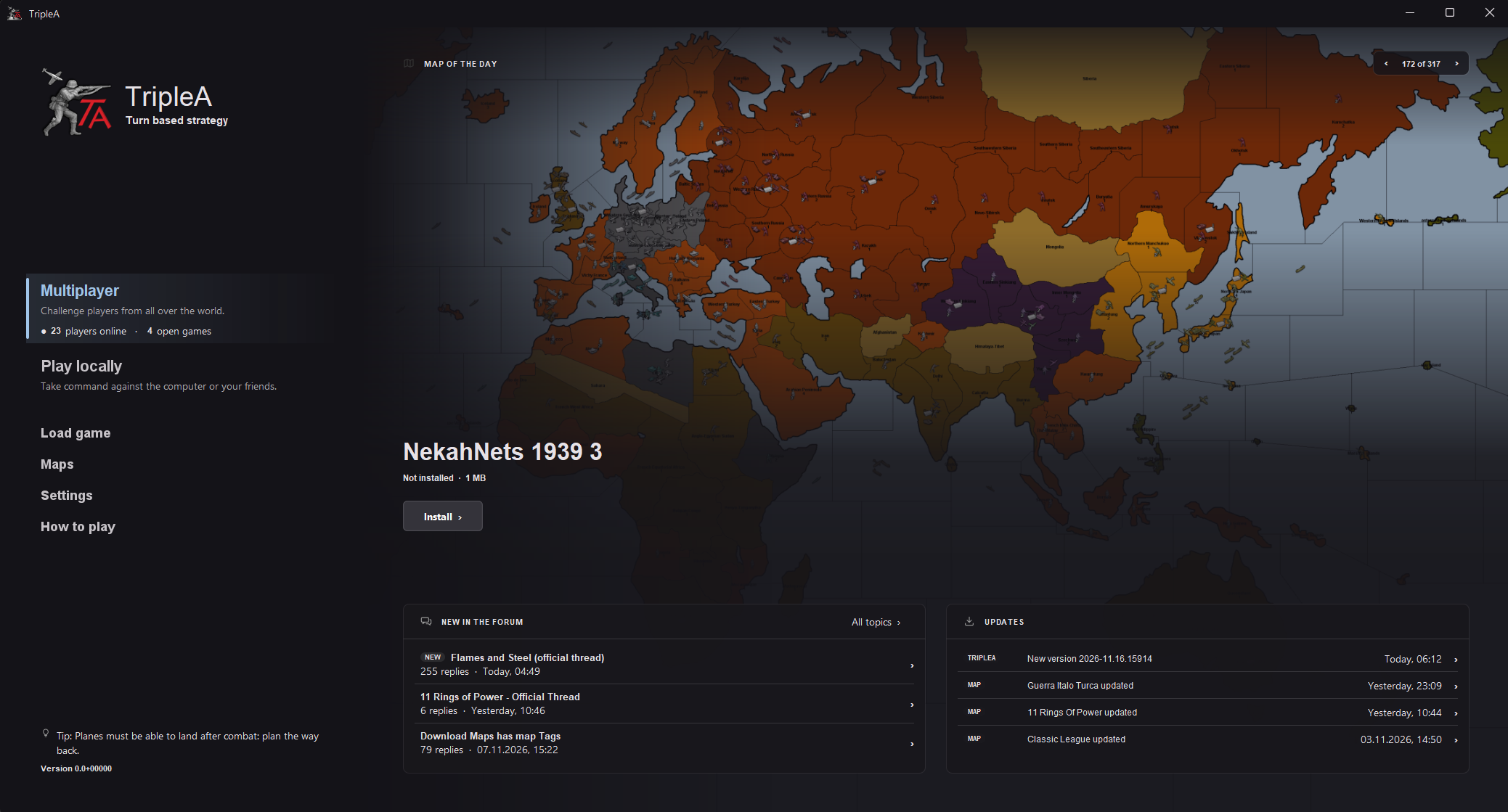
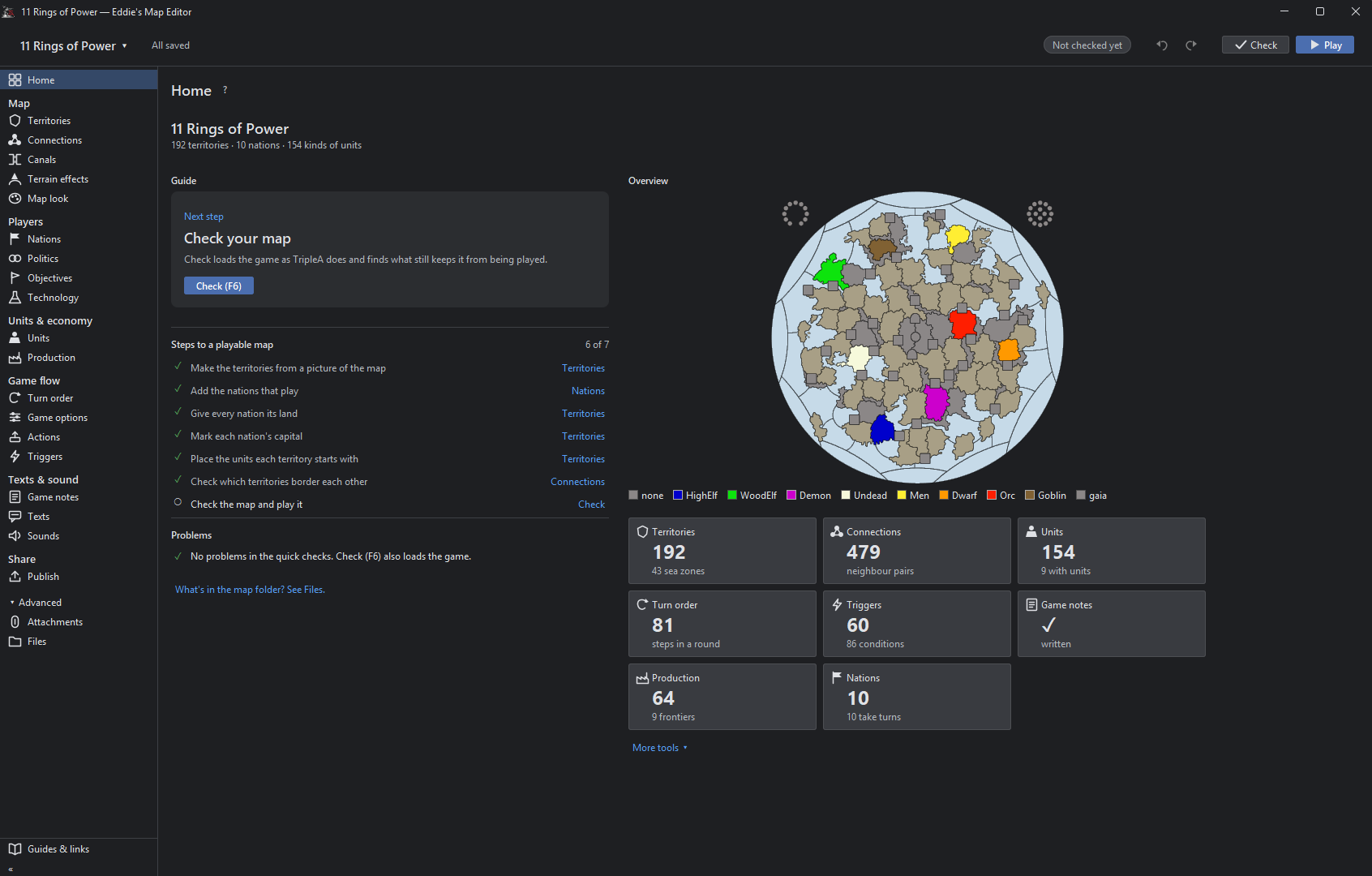
One issue I noticed when dropping edited map folders back into the downloadedMaps folder for test play is that sometimes it would not load all the changes, instead booting up the earlier version of the map.
I figured out this was caused by the .bak backup files being left in the folders. Once I deleted those the game would load properly. It seems TripleA can get confused and pull data from those instead of the ones it’s supposed to.
We definitely want it to keep backup files, but maybe they could be stored somewhere else. Perhaps the Eddie’s Map Editor folder could have a Backups folder within it where it saves those, creating a subfolder for each map that get uploaded into the editor.
Another minor annoyance is that the positions for things like territory names, PUs, capitols, and so on are a little misaligned between the map in the editor and the map that loads up in game. They tend to show up quite a bit off from where you thought you’d put them, and correcting generally means having to open the map in both the game and the editor and do trial and error to figure out how much you need to adjust them in order to compensate - and you don’t see the results until you’ve saved the file again, closed TripleA, replace the map in the downloaded folder, and loaded the latest version.
Ideally, you would be able to toggle a preview version from within the editor where it actually loads in the names, numbers, flags, etc. to see where those are really going to end up in the exported version.
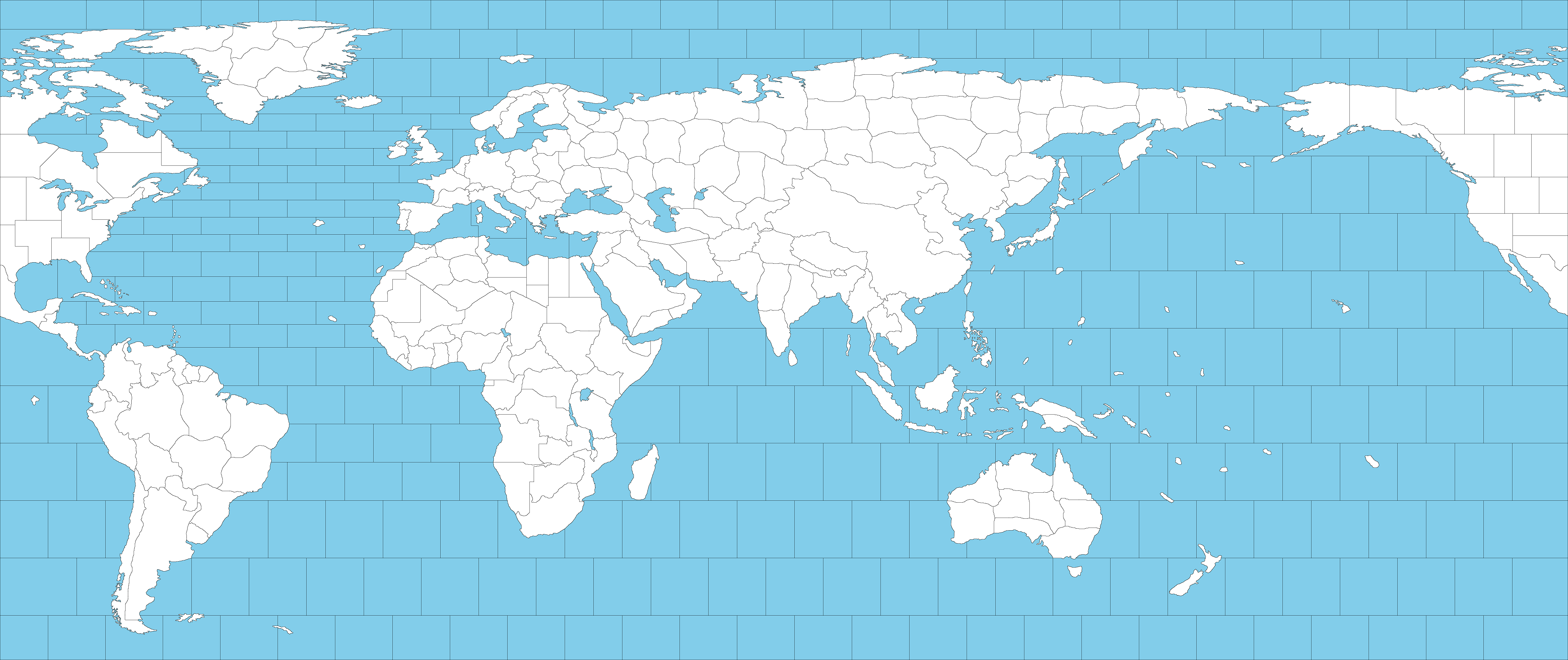
Finally, one more feature for the wishlist would be having a tab where you can build an overlay from within the editor, where it would generate a transparent background sized to match the map file. Have a toggle switch to show or hide the map layer underneath, and then you have buttons to upload image graphics and can drag them around to the desired positions. Even better if it can also create textboxes for you to drag around as well, and if those have Global 40 map styled fonts available as presets.
Potentially, you could even load in an overlay for another map like Global 1940, and then just use an eraser tool to selectively get rid of a few elements, allowing you to replace a few province names or values, if you wanted to make corrections or changes to an existing map.